

Installation guide
How to install eBay API MCP Server
In Claude, ChatGPT, Gemini, Microsoft Copilot, Perplexity, Cursor and Claude Code, with what to check before you start and the first prompts to run.
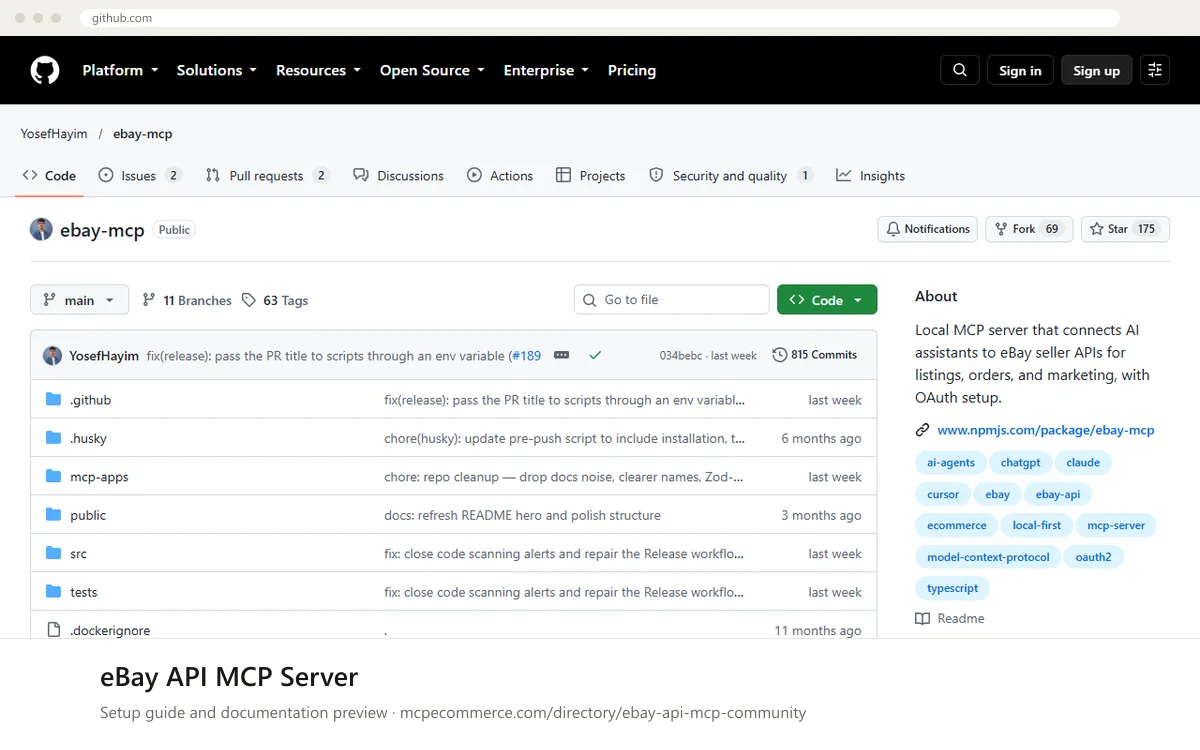
This is an unofficial, community-maintained, MIT-licensed server that you run yourself. It is not affiliated with eBay. You clone the project, run the setup wizard (`npm run setup`), sign in to eBay through a browser OAuth flow with your own developer API keys, and the wizard can write the config for your MCP client. It runs locally over STDIO or local HTTP, so there is no vendor-hosted URL to add.
Someone comfortable with Node.js and a terminal should do it, using the eBay developer account that owns the API keys and the seller account that will authorise access. Some tools spend money or change live data (postage purchase, refunds, listing changes), so start in the sandbox with read-only settings, and only enable write access for supervised tasks.
Before you start
- An eBay developer account with your own API keys (client ID and secret), plus a seller account to authorise via OAuth
- A computer that can run the server locally, with
Node.jsandnpm installed(theREADMEusesnpm run setup) - The project downloaded from the GitHub repository linked on this listing
- A decision on sandbox or production; the
READMEsays to test in sandbox first and that you switch with a single variable - An MCP client from the supported list, such as Claude Desktop, Claude Code or Cursor
- How it runs
- Local, runs on your machine
- Access
- Read and write
- Server address
- Copy it from the vendor documentation
 eBay API MCP Server in Claude
- Download the project from the GitHub repository linked on this listing and install its dependencies as the
READMEdescribes. - In the project folder, run
npm run setup. The wizard configures your credentials, opens a browser for the eBay OAuth flow, and can configure your MCP client. - When the wizard asks which client to configure, choose Claude Desktop. The
READMElists it as auto-configured. - Before first use, enable the read-only option and optionally limit tool families with
EBAY_MCP_TOOLS. Take the exact variable names and values from theREADMEand.env.example. - Restart Claude Desktop fully so it reloads its MCP config, then check the eBay tools appear in the tools list.
- Try a read-only request such as 'Show my eBay fulfillment policies.' in the sandbox before anything else.
npm run setup eBay API MCP Server in ChatGPT
- The documentation does not cover ChatGPT setup for this server. The server runs locally over
STDIOor localHTTP, and ChatGPT custom connectors in Developer mode expect a remote MCP URL. - The
READMEmentions aconnectortool family with ChatGPT connector search and fetch tools. Check theREADMEfor how, or whether, it is meant to be exposed to ChatGPT. - If you need ChatGPT, read the vendor documentation first for a supported URL and authentication method. Do not expose a local server publicly without access controls, as it holds your eBay credentials.
- If the
READMEgives no supported route, use one of the clients it lists, such as Claude Desktop, Claude Code or Cursor.
 eBay API MCP Server in Gemini
- The documentation does not list Gemini CLI or Gemini app extensions among the supported clients.
- The standard Gemini CLI route is to add a local server under
mcpServersin its settings file, with the command and arguments to start the server. - Take the exact start command and arguments from the vendor documentation. Do not guess them, and note that
npm run setuponly auto-configures the clients theREADMEnames. - Set the environment variables for read-only mode, sandbox and
EBAY_MCP_TOOLSas theREADMEdescribes, then restart Gemini CLI. - Test with a read-only request such as 'Check my eBay API rate limits.'
 eBay API MCP Server in Microsoft Copilot
- The documentation does not cover Microsoft Copilot Studio or GitHub Copilot in VS Code for this server.
- For GitHub Copilot in VS Code, the standard route is a local server entry in
.vscode/mcp.jsonunderservers, using the start command from the vendor documentation. - Copilot Studio generally expects a remote MCP endpoint, which this local server does not provide out of the box. Check the
READMEfor any localHTTPoption before attempting it. - Take the exact start command, arguments and environment variables from the vendor documentation, and keep read-only mode on and sandbox selected.
- Test with a read-only request such as 'Show my eBay fulfillment policies.'
 eBay API MCP Server in Perplexity
- The documentation does not cover Perplexity for this server, and it is not in the
README's list of supported clients. - Perplexity desktop connectors are added through the app's connector settings. Local servers generally need a start command, so check whether your Perplexity version supports local MCP servers.
- If it does, take the exact command, arguments and environment variables from the vendor documentation rather than guessing them.
- Keep read-only mode on and sandbox selected, then test with a read-only request such as 'Check my eBay API rate limits.'
- If local servers are not supported, use a client from the
README's list.
 eBay API MCP Server in Cursor
- Download the project from the GitHub repository linked on this listing and install its dependencies as the
READMEdescribes. - In the project folder, run
npm run setupand complete the browser OAuth flow for your eBay account. - When asked which client to configure, choose Cursor. The
READMElists it as auto-configured. - Open Cursor's MCP settings and confirm the eBay server is listed and enabled. Enable read-only mode and optionally set
EBAY_MCP_TOOLS, using the exact names from theREADME. - Ask a read-only question such as 'Show my seller standards profile.' while in the sandbox.
npm run setupeBay API MCP Server in Claude Code
- Download the project from the GitHub repository linked on this listing and install its dependencies as the
READMEdescribes. - In the project folder, run
npm run setupand complete the browser OAuth flow for your eBay account. - When asked which client to configure, choose Claude Code CLI. The
READMElists it as auto-configured. - If you prefer to register it manually with
claude mcp add <name> -- <command> <args>, take the exact command and arguments from the vendor documentation. - Set read-only mode and optionally
EBAY_MCP_TOOLS, startclaude, and check the eBay tools are available. - Run a read-only request such as 'Check my eBay API rate limits.' in the sandbox.
npm run setupCheck that it works
Start with questions that only read data. If these answer from your real account, the connection is good.
- Check my eBay API rate limits.
- Show my eBay fulfillment policies.
- Show my seller standards profile.
Troubleshooting
+The browser OAuth flow fails or the wizard cannot get a token. What should I check?
Confirm the client ID and secret belong to the environment you chose, since sandbox and production keys are separate. Check that your eBay developer app is set up for the OAuth flow the wizard uses. Re-run `npm run setup` and follow the prompts. The README says the server falls back to client credentials, which have lower rate limits.
+My client does not list the eBay server or shows no tools. What now?
Fully restart the client after setup so it reloads its MCP config. Check that the wizard configured the right client, and that the start command and project path in the config still exist. If you set `EBAY_MCP_TOOLS`, make sure the family names match the README, because a wrong value can hide tools.
+Photo or video uploads are refused. Why?
Local file access is off by default. The README says to set `EBAY_MCP_MEDIA_DIRS` (path-delimited directories) and/or `EBAY_MCP_MEDIA_ROOT`, and anything outside those folders is refused, with symlinks resolved first. Allow only the folders you need, and check the file type and size limits in the README.
Written Oct 13, 2026 from the vendor documentation. Exact menus, addresses and commands change; the official documentation is the source of truth.