
Store platform
StackOne BigCommerce MCP
StackOne's hosted MCP server exposes a large set of prebuilt BigCommerce actions (products, orders, customers and more) to AI agents through StackOne's integration platform.
What it is and why it matters
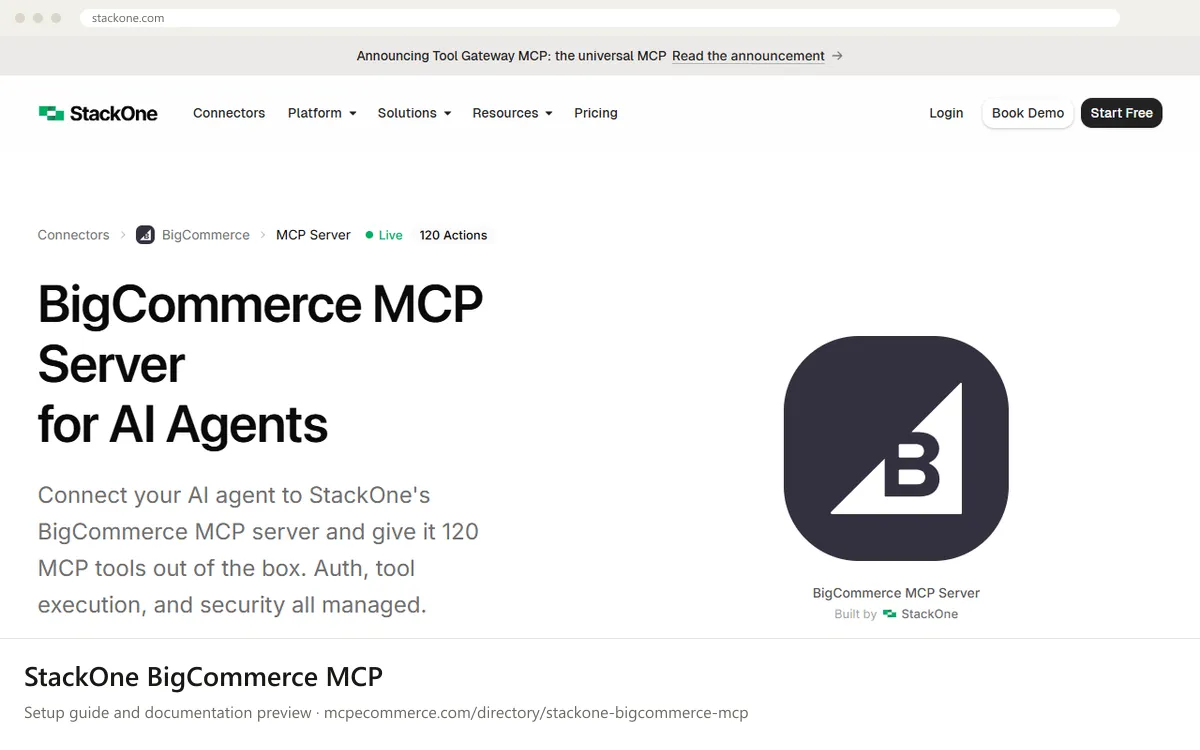
StackOne's BigCommerce MCP server is a hosted connector that gives an AI agent 120 prebuilt BigCommerce actions. According to the documentation, these cover products, variants, brands, customers, orders, carts, checkouts, categories, coupons, price lists, inventory, shipping zones, webhooks, pages, scripts and themes. The split is 24 create, 54 read, 18 update and 20 delete actions. StackOne runs the server, handles authentication and says it scans tool responses for prompt injection, so you do not host anything yourself. You can also combine BigCommerce with other StackOne connectors in one agent.
It suits agencies and teams that want BigCommerce admin tasks inside an agent without building an integration, and that already use StackOne or are willing to adopt it. The result depends on three things: which actions you enable, how the BigCommerce account is scoped, and whether you start with read-only work. The server can delete products, customers and coupons, and change orders, prices and inventory. It is also a commercial third-party service with its own pricing, so check where store data flows before connecting a live store.
What it does
- Read and write BigCommerce products, orders and customers through prebuilt actions
- Connect through StackOne's hosted platform rather than running a server yourself
- Combine BigCommerce with other StackOne connectors in one agent
- Manage credentials and permissions in the StackOne dashboard
Best for
Agencies and teams that want BigCommerce admin actions in an agent without building an integration, and already use or can adopt StackOne.
How to connect it
- Create a StackOne account and open the BigCommerce connector page, as described in the documentation. Check the vendor pricing page, because this is a commercial service.
- Link your BigCommerce store through the StackOne dashboard. StackOne handles authentication, and the documentation describes per-user OAuth. Use a test or staging store first if you have one.
- Limit the actions the agent can use. The documentation says you can scope access to exactly what you need. Start with read actions only, such as getting orders, products and customers, and leave out create, update and delete actions.
- Copy the account ID and the authorization token from your StackOne account. The documentation shows a Claude Desktop
JSONconfiguration. It uses a remote connector with a StackOne endpoint that includes your account ID, plus an Authorization header holding your token. Copy the exact block from the vendor page and do not rewrite it. - Other supported clients include Claude Code, Cursor, VS Code and Goose. Follow the vendor's setup guide for your client.
- Restart the client and run a harmless read prompt, such as asking for store information. Then check the StackOne logs to confirm which actions ran.
Exact commands and addresses change. Use the official documentation for the current steps.
Installation guide for StackOne BigCommerce MCP
Client-by-client steps, what to prepare, the first prompts to run and fixes for common errors.
 Claude
 ChatGPT
 Gemini
 Microsoft Copilot
 Perplexity
 CursorClaude Code
Questions you can ask it
- Get the last 20 orders with their status and list any that are still awaiting fulfillment.
- List all products in the catalog that have no brand assigned, with their IDs.
- Show inventory levels at each location for these 10 SKUs and flag anything below 5 units.
- List all coupons in the store and tell me how many there are. Do not change anything.
What it cannot do
- It does not run on your own infrastructure. The server is hosted by StackOne, and requests pass through its platform.
- It is limited to the 120 actions listed. Anything else needs a custom action built with StackOne's Connector Builder.
- It does not make write actions safe on its own. Deleting, repricing or adjusting inventory still needs your own review, and the documentation does not describe an undo.
Staying safe
- Start with read-only actions. The tool list includes permanent deletes for products, customers, brands, categories and coupons. It also includes inventory adjustments and order updates. Enable these only for supervised tasks, and ideally on a test store first.
- Treat the StackOne token as a secret. Anyone holding the account ID and token can reach the connected store. Keep the token out of shared files and rotate it if it leaks. Use the StackOne dashboard to manage permissions and credentials.
- Store data, including customer personal information, passes through a third-party platform. Review StackOne's security, privacy and data handling terms, and check whether PII redaction is available for your plan before connecting customer data. Prompt injection scanning is described, but customer-written content such as reviews or notes should still be treated as untrusted.
Watch out for: Third-party platform with write access: review exactly which actions are enabled and where store data flows. Commercial service with its own pricing.
Frequently asked questions
+Does StackOne have a BigCommerce MCP server?
Yes. StackOne lists a hosted BigCommerce MCP server marked as live, with 120 actions covering products, orders, customers, carts, checkouts, inventory and store settings. It is built by StackOne and runs on its platform. You connect to it from an MCP client or an agent framework rather than installing a server yourself.
Step-by-step: install StackOne BigCommerce MCP in Claude, ChatGPT, Gemini, Copilot and more →
+Can I limit which BigCommerce actions my agent can use?
The vendor documentation says actions can be scoped to exactly what you need, and it mentions permission policies and governance features. For a first setup, enable only read actions. Follow the StackOne documentation for how to configure this, since the exact steps are not on the listing page.
Step-by-step: install StackOne BigCommerce MCP in Claude, ChatGPT, Gemini, Copilot and more →
+Which AI clients work with the StackOne BigCommerce MCP server?
The documentation names Claude Desktop, Claude Code, Cursor, VS Code and Goose as MCP clients. It also lists agent frameworks including OpenAI Agents SDK, LangChain, LangGraph, Vercel AI SDK, CrewAI, Pydantic AI, Google ADK and Azure AI Foundry. Check the vendor's setup guide for your specific tool.
Step-by-step: install StackOne BigCommerce MCP in Claude, ChatGPT, Gemini, Copilot and more →
Other servers to compare
 Read-only
Shopify Dev MCP
Shopify · Store platform
Gives an AI coding assistant Shopify's developer documentation and API schemas while you build apps, themes and extensions.
View details →
Varies by toolShopify Storefront MCP
Shopify · Store platform
A per-store MCP endpoint that lets AI shopping assistants search a store's catalog, read policies and work with a cart.
View details →
 Varies by tool
WooCommerce MCP integration
WooCommerce · Store platform
WooCommerce has added an MCP integration built on the WordPress Abilities API, exposing store operations to AI clients.
View details →