
Installation guide
How to install Amplitude MCP Server
In Claude, ChatGPT, Gemini, Microsoft Copilot, Perplexity, Cursor and Claude Code, with what to check before you start and the first prompts to run.
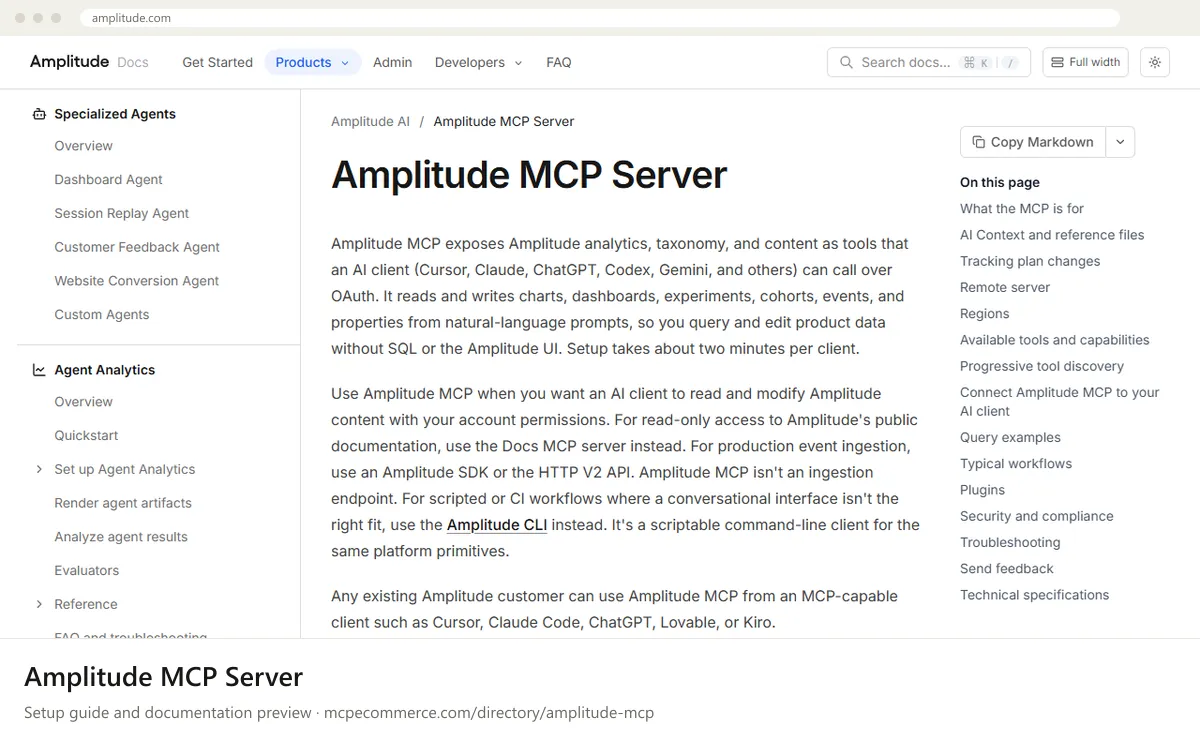
Amplitude MCP is a remote server hosted by Amplitude. You add a server URL to your AI client and sign in with OAuth, so there is no local install and no API key. The server acts with your existing Amplitude permissions. Pick the United States URL unless your Amplitude data is in the EU, in which case use the EU Residency URL.
An Amplitude user who already has access to the projects in question should do the setup, using their own Amplitude login. MCP is on by default for all users unless an admin restricts it. Ask an Amplitude admin to review who holds the Use MCP (write) permission before anyone uses write actions. Start with read-only questions.
Before you start
- An existing Amplitude account with access to the organization and project you want to query.
- Knowledge of your data region: United States (default) or EU Residency.
- An MCP-capable client that supports
HTTPand OAuth, such as Claude, Claude Code, ChatGPT (with developer mode), Cursor or Gemini CLI. - An Amplitude admin who can confirm the Use MCP (write) permission and tracking plan permissions (Update Tracking Plan, Manage Data Enrichments) before write use.
- MCP not restricted for your account by an Amplitude admin.
- How it runs
- Remote, added by URL
- Access
- Read and write
- Server address
https://mcp.amplitude.com/mcp
 Amplitude MCP Server in Claude
- Choose the URL for your region:
https://mcp.amplitude.com/mcp(United States) orhttps://mcp.eu.amplitude.com/mcp(EU Residency). - In Claude.ai (web) or the Claude Desktop app, open the connectors area (
Settings > Connectors) and add a custom connector. - Enter the server URL as the connector URL and give it a name such as
Amplitude. - Save, then click connect and sign in to Amplitude when the OAuth prompt appears.
- Start a new chat, enable the connector, and run
get_amplitude_contextto pick a project. The vendor page links a dedicated Claude setup guide for exact menu wording.
https://mcp.amplitude.com/mcp Amplitude MCP Server in ChatGPT
- Choose the URL for your region:
https://mcp.amplitude.com/mcp(United States) orhttps://mcp.eu.amplitude.com/mcp(EU Residency). - Enable developer mode in ChatGPT, which the vendor documentation says is required. Take the exact menu path from the vendor ChatGPT setup guide.
- Add a custom MCP connector and paste the server URL.
- Complete the Amplitude OAuth sign-in when prompted.
- Note that ChatGPT gets a curated subset of about 25 tools. It excludes session replay tools and progressive discovery tools, so do not add
?discovery=progressivehere. - Ask ChatGPT to run
get_amplitude_contextand choose your project.
https://mcp.amplitude.com/mcp Amplitude MCP Server in Gemini
- Choose the URL for your region:
https://mcp.amplitude.com/mcp(United States) orhttps://mcp.eu.amplitude.com/mcp(EU Residency). - Open your Gemini CLI settings file and add an entry under
mcpServers. The vendor lists a Gemini CLI setup guide; check it for the exact key names for remoteHTTPservers, as the docs page here does not show the config. - Use the server URL as the remote endpoint for that entry.
- Restart Gemini CLI and complete the Amplitude OAuth sign-in when prompted.
- Run
get_amplitude_contextand select your project. - The Gemini app extensions are not covered in the documentation provided.
 Amplitude MCP Server in Microsoft Copilot
- The vendor documentation does not cover Microsoft Copilot Studio or GitHub Copilot in VS Code. Use the client's standard way of adding a remote MCP server by URL.
- Choose the URL for your region:
https://mcp.amplitude.com/mcp(United States) orhttps://mcp.eu.amplitude.com/mcp(EU Residency). - In VS Code, add a remote
HTTPserver entry in.vscode/mcp.jsonwith the URL. In Copilot Studio, add an MCP tool or custom connector pointing at the URL. - Complete the Amplitude OAuth sign-in. The client must support
HTTPand OAuth, as the docs require for other clients. - Run
get_amplitude_contextand select your project.
 Amplitude MCP Server in Perplexity
- The vendor documentation does not mention Perplexity. Use the app's standard way of adding a remote MCP connector by URL, if your plan and version support it.
- Choose the URL for your region:
https://mcp.amplitude.com/mcp(United States) orhttps://mcp.eu.amplitude.com/mcp(EU Residency). - Add a custom connector in the Perplexity desktop app connectors settings and paste the URL.
- Sign in to Amplitude when the OAuth prompt appears.
- Run
get_amplitude_contextand select your project.
https://mcp.amplitude.com/mcp Amplitude MCP Server in Cursor
- Choose the URL for your region:
https://mcp.amplitude.com/mcp(United States) orhttps://mcp.eu.amplitude.com/mcp(EU Residency). - The vendor documentation mentions a one-click install for Cursor. Use it if you prefer, or add the server manually in the Cursor MCP settings.
- For a manual setup, add an entry under
mcpServerswith theurlvalue in your Cursor MCP config. - Complete the Amplitude OAuth sign-in when Cursor prompts you.
- Run
get_amplitude_contextand select your project. Cursor receives the full tool catalog, so?discovery=progressiveis optional here.
{
  "mcpServers": {
    "amplitude": {
      "url": "https://mcp.amplitude.com/mcp"
    }
  }
}
Amplitude MCP Server in Claude Code
- Choose the URL for your region:
https://mcp.amplitude.com/mcp(United States) orhttps://mcp.eu.amplitude.com/mcp(EU Residency). - Run
claude mcp add --transport http amplitude <URL>in your terminal with your regional URL. - Start
claudeand open the MCP server list (the/mcpcommand) to trigger the OAuth sign-in if needed. Check the vendor Claude Code guide for exact steps. - Sign in to Amplitude in the browser window that opens.
- Ask Claude Code to run
get_amplitude_contextand choose your project.
claude mcp add --transport http amplitude https://mcp.amplitude.com/mcpCheck that it works
Start with questions that only read data. If these answer from your real account, the connection is good.
- Run get_amplitude_context and help me choose the right project.
- What were the daily active users over the last 7 days?
- What branches exist in my project's tracking plan?
Troubleshooting
+The OAuth sign-in loops or fails. What should I check?
Confirm you are signing in to the right region. US data uses `https://mcp.amplitude.com/mcp` and EU data uses `https://mcp.eu.amplitude.com/mcp`. Also confirm your client supports HTTP and OAuth, and that an Amplitude admin has not restricted MCP for your account. Then remove and re-add the server.
+Why are some tools missing, such as session replay or progressive discovery tools?
ChatGPT connects through a curated subset of about 25 tools, without session replay or progressive discovery tools. Connect with Cursor, Claude or another client that receives the full catalog. The `?discovery=progressive` URL parameter also starts with a deliberately small tool list that expands on demand.
+Why does a write or delete request fail or ask me to confirm?
Create, update, delete and restore calls need the Use MCP (write) permission. Event and property changes also need Update Tracking Plan, and custom events need Manage Data Enrichments. Deletes are two-step: the client shows a summary and calls again with `confirmed` set to true after you approve. Ask an admin to check your roles.
Written Oct 13, 2026 from the vendor documentation. Exact menus, addresses and commands change; the official documentation is the source of truth.