

Shopify · 6 min read
Store platform
A self-hosted, open-source Magento 2 and Adobe Commerce module that exposes the store catalog to AI agents over MCP. Version 1 is read-only and shows what an anonymous shopper could see.
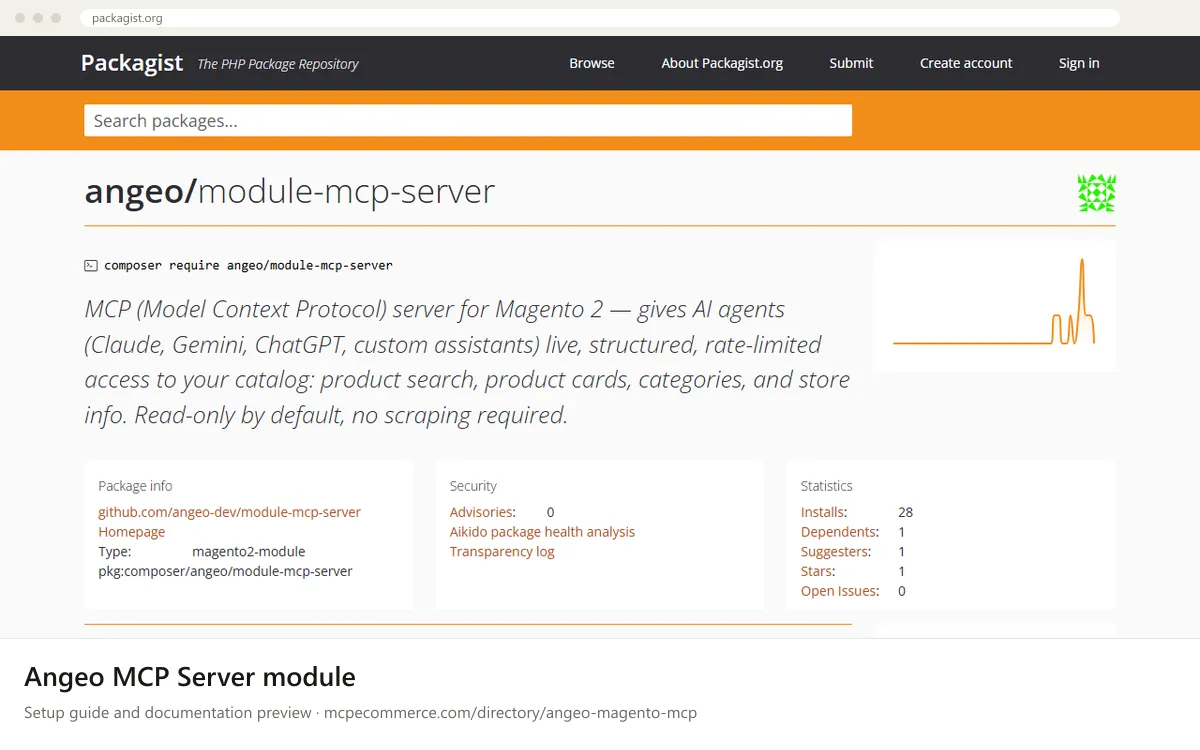
The Angeo MCP Server module is a community-built, open-source Magento 2 and Adobe Commerce module, installed with Composer on a self-hosted store. It adds an /mcp endpoint that lets MCP-compatible AI clients (the documentation mentions Claude, Gemini, ChatGPT-based agents and custom assistants) read your catalog directly instead of scraping pages. Four tools are listed in the documentation: search_products, get_product, list_categories and get_store_info. They return live prices, stock, URLs and category trees as an anonymous shopper would see them. Disabled, invisible and other-website products are treated as absent.
It suits Magento merchants and agencies with a developer on hand who want a read-only connection they host and control. There is no external service, Redis requirement or SaaS dependency. How well it works depends on three things: your Magento and PHP versions matching the package requirements, a full-page cache (Varnish or LiteSpeed) that does not cache the /mcp path, and a clear store label so AI models recognise your shop by name. This is not an official Adobe or Magento product, so check the repository's maintenance activity and the README before using it on a live store. The documentation also describes opt-in cart and checkout tools as roadmap items, so do not assume they are available.
Magento merchants and developers who want a safe, read-only catalog connection they control.
README and Packagist page for maintenance activity.JSON-RPC response is invalid.HTTP tools/list request shown in the documentation. Then add the /mcp URL of your store to an MCP client such as Claude Code, using the configuration format in the README.Exact commands and addresses change. Use the official documentation for the current steps.
Installation guide for Angeo MCP Server module
Client-by-client steps, what to prepare, the first prompts to run and fixes for common errors.
 Claude
 ChatGPT
 Gemini
 Microsoft Copilot
 Perplexity
 CursorClaude Code
Watch out for: Community module: check maintenance activity, Magento version support and the README before installing on a production store.
Not in the documented version. It is read-only by default and exposes catalog search, product details, categories and store info, limited to what an anonymous shopper can see. Cart and checkout tools are listed as an opt-in roadmap item. Check the README for your installed version before assuming any write features exist.
The Packagist page lists Magento Open Source or Adobe Commerce 2.4.6 or later, with PHP 8.1 to 8.5, plus required Magento catalog, inventory, customer, integration and store modules. It is for self-hosted Magento. Confirm compatibility with your exact version on staging and in the README before production use.
No, public read-only mode is the default and exposes only storefront-visible data. You can optionally require a bearer token by creating an integration in the Magento admin, granting it the MCP Server Agent Access resource, and enabling Require Bearer Token. Agents then send the token in an Authorization header.
 Read-only
Shopify · Store platform
Gives an AI coding assistant Shopify's developer documentation and API schemas while you build apps, themes and extensions.
View details →
Varies by toolShopify · Store platform
A per-store MCP endpoint that lets AI shopping assistants search a store's catalog, read policies and work with a cart.
View details →
 Varies by tool
WooCommerce · Store platform
WooCommerce has added an MCP integration built on the WordPress Abilities API, exposing store operations to AI clients.
View details →