

Installation guide
How to install Make MCP Server
In Claude, ChatGPT, Gemini, Microsoft Copilot, Perplexity, Cursor and Claude Code, with what to check before you start and the first prompts to run.
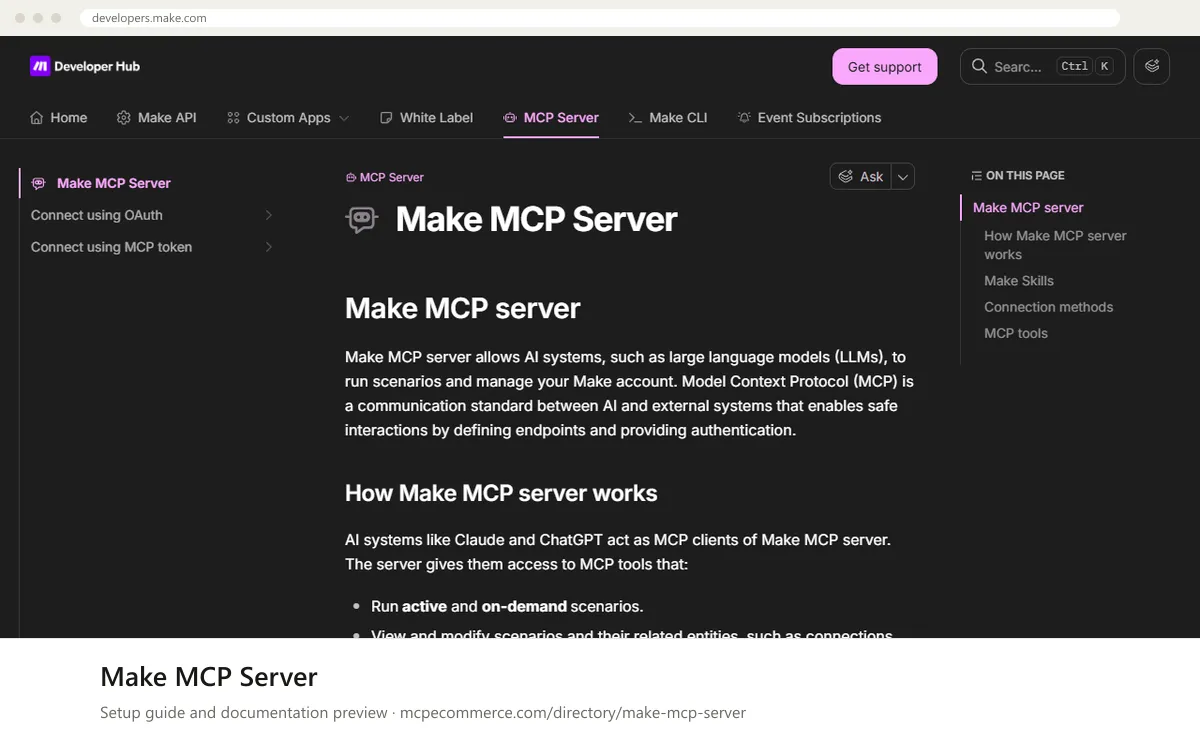
Make MCP server is hosted by Make and runs over stateless Streamable HTTP, so nothing is installed locally. You connect a client either with OAuth using `https://mcp.make.com`, or with an MCP token in a URL or an `Authorization` header. Alternatively, you can install Make Skills, which the documentation says include the connection details. You choose scopes during connection, and they decide which tools the client gets.
The person who does this should be someone with access to the Make organization the scenarios live in, ideally an admin or scenario owner, using their own Make account. Scenario run tools are available on all plans. Management tools (scenarios, connections, webhooks, data stores, teams, organizations) need a paid plan. Start with run scopes only and keep management scopes off until you have tested supervised use.
Before you start
- A Make account with access to the organization and the scenarios you want to expose. A paid plan is needed only for management tools.
- On-demand scenarios with detailed descriptions and clear inputs and outputs, as the documentation advises.
- For the token method: your Make zone (for example
eu2.make.com) and an MCP token, obtained as described in the vendor page Connect using an MCP token. - An MCP client that supports remote Streamable
HTTPservers. Check whether it accepts anAuthorizationheader, which decides the token URL format. - A safe place to store the token URL, since it contains the secret.
- How it runs
- Remote, added by URL
- Access
- Varies by tool
- Server address
https://mcp.make.com
 Make MCP Server in Claude
- Open Claude.ai or the Claude Desktop app and go to
Settings > Connectors. - Choose the option to add a custom connector by URL.
- Enter
https://mcp.make.comand complete the Make OAuth sign-in. The documentation does not give client-specific screens, so take exact OAuth details from the vendor page Connect using OAuth. - Select scopes when prompted. Choose scenario run scopes only. Add
scenarios:readif you want the client to fetch results after a timeout. - Leave management scopes off for now, then confirm the Make tools appear in the connector settings.
https://mcp.make.com Make MCP Server in ChatGPT
- In ChatGPT, enable Developer mode as required for custom MCP connectors. The Make documentation excerpt does not cover ChatGPT, so follow OpenAI's current steps.
- Add a new custom connector or MCP server by URL.
- Enter
https://mcp.make.comand choose OAuth as the authentication method. - Complete the Make sign-in and select scenario run scopes only. Add
scenarios:readonly if you need results after a timeout. - Enable the connector in a chat and ask which tools it has from Make MCP server.
https://mcp.make.com Make MCP Server in Gemini
- The Make documentation excerpt does not cover Gemini. For Gemini CLI, add a remote server under
mcpServersin the settings file, using the client's standard format. - For a token with header support, use the URL
https://<MAKE_ZONE>/mcpand sendAuthorization: Bearer <MCP_TOKEN>. Check the Gemini CLI documentation for the exact key names for URL and headers. - If you cannot send headers, use
https://<MAKE_ZONE>/mcp/u/<MCP_TOKEN>and treat it as a secret. - Replace
<MAKE_ZONE>and<MCP_TOKEN>with your real values, then restart the CLI. - Ask Gemini which tools it has from Make MCP server.
 Make MCP Server in Microsoft Copilot
- The Make documentation excerpt does not cover Copilot. For GitHub Copilot in VS Code, add a remote
HTTPserver to.vscode/mcp.jsonunderservers. - Use
https://<MAKE_ZONE>/mcpwith anAuthorization: Bearer <MCP_TOKEN>header if your VS Code version supports headers. Check the VS Code documentation for the exact key names. - Otherwise use the token-in-URL form
https://<MAKE_ZONE>/mcp/u/<MCP_TOKEN>and keep the file out of version control. - For Copilot Studio, add an MCP tool or custom connector pointing at the same URL, following Microsoft's steps.
- Start the server from the editor and confirm the Make tools are listed.
 Make MCP Server in Perplexity
- Open the Perplexity desktop app and find the connectors settings. The Make documentation excerpt does not cover Perplexity.
- Add a custom remote connector by URL.
- Enter
https://mcp.make.comfor OAuth. If the app only accepts a URL with no sign-in flow, usehttps://<MAKE_ZONE>/mcp/u/<MCP_TOKEN>and treat it as a secret. - Select scenario run scopes only if you are prompted for scopes.
- Ask which tools it has from Make MCP server to confirm.
https://mcp.make.com Make MCP Server in Cursor
- Open the Cursor MCP settings, or edit the
mcp.jsonfile Cursor uses for MCP servers. The Make documentation excerpt does not cover Cursor. - Add an entry under
mcpServerswith aurlfield. - For OAuth, use
https://mcp.make.com. For a token, usehttps://<MAKE_ZONE>/mcpwith anAuthorization: Bearer <MCP_TOKEN>header if Cursor supports it, or the token-in-URL form. - Save the file and complete the sign-in if Cursor prompts for it.
- Check that the Make tools appear in the MCP settings list.
{
  "mcpServers": {
    "make": {
      "url": "https://mcp.make.com"
    }
  }
}
Make MCP Server in Claude Code
- Run
claude mcp addwith theHTTPtransport and the OAuth URL, as shown in the snippet. - Start Claude Code and run
/mcp, then select the Make server to complete the OAuth sign-in. - Select scenario run scopes only. Add
scenarios:readif you want results after a timeout. - For a token instead, use the header URL
https://<MAKE_ZONE>/mcpwithAuthorization: Bearer <MCP_TOKEN>. Take the exact header flag from the Claude Code documentation. - Run
/mcpagain and select the Make server to view tool names, descriptions and schemas.
claude mcp add --transport http make https://mcp.make.comCheck that it works
Start with questions that only read data. If these answer from your real account, the connection is good.
- What tools do you have from Make MCP server?
- List the on-demand scenarios available to you as tools, with a short description of each one's inputs and outputs.
- Run my harmless test scenario with sample input and show me the output.
Troubleshooting
+Why did my scenario run time out in the client?
Scenario run calls time out at 25 seconds over OAuth and 40 seconds with an MCP token URL. The scenario keeps running in Make for up to 40 minutes. The timeout response includes an `executionId`. Grant the `scenarios:read` scope so the client can retrieve the output afterward.
+Why do I only see scenario run tools and no management tools?
Scopes determine which tools are available, and you choose them when connecting. Management tools for scenarios, connections, webhooks, data stores, teams and organizations need a paid plan. Reconnect and select the scopes you need, and check your plan. Add write scopes only for supervised tasks.
+My token connection fails. What should I check?
Confirm `<MAKE_ZONE>` matches your organization's zone, for example `eu2.make.com`, and that the token is valid. If your client cannot send an `Authorization` header, use `https://<MAKE_ZONE>/mcp/u/<MCP_TOKEN>`. Otherwise use `https://<MAKE_ZONE>/mcp` with `Authorization: Bearer <MCP_TOKEN>`. You can test with MCP Inspector.
Written Oct 13, 2026 from the vendor documentation. Exact menus, addresses and commands change; the official documentation is the source of truth.