

Security and governance · 7 min read

Automation
Make's cloud MCP server lets AI clients run on-demand scenarios as tools and, on paid plans, view and modify scenarios, connections, webhooks, data stores, teams and organizations.
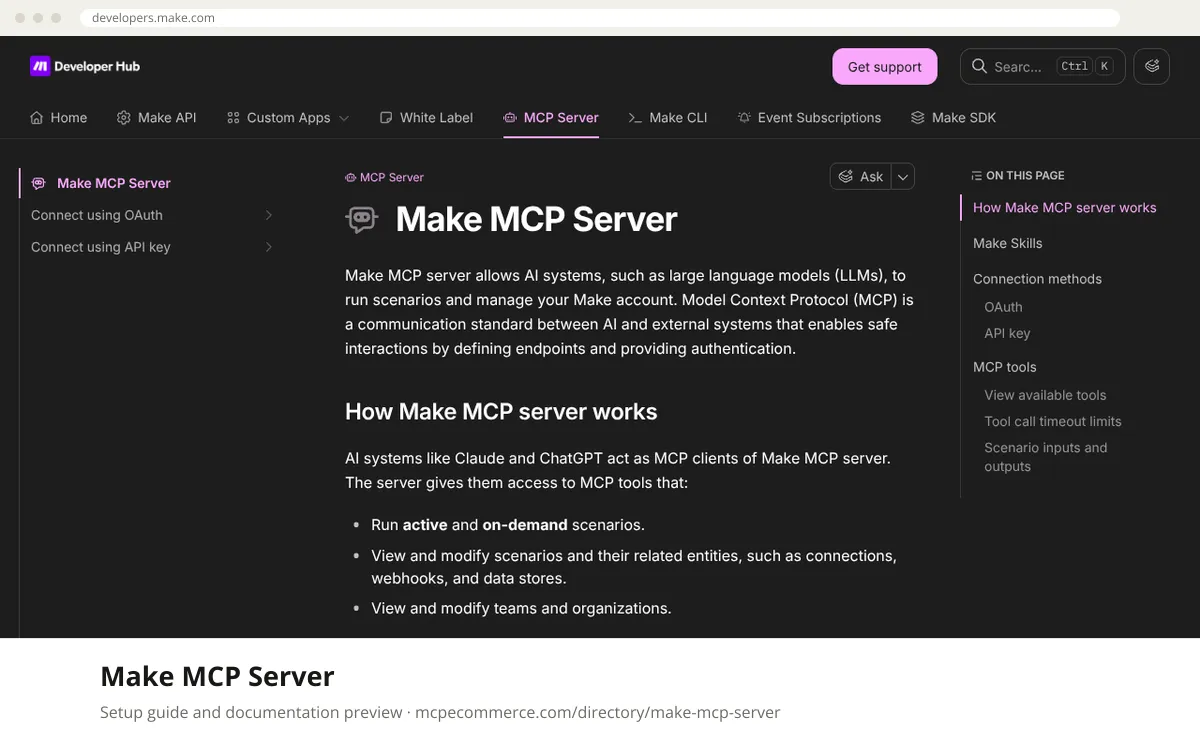
Make MCP Server is the cloud MCP server run by Make, the automation platform. It lets AI clients such as Claude and ChatGPT run your existing Make scenarios as tools, passing in structured inputs and reading back the outputs. On paid plans it also lets the client view and modify scenarios, connections, webhooks, data stores, teams and organizations. For a store, this means an assistant can trigger an order sync, pull a report or send a notification through automations you have already built and tested.
It suits merchants and agencies that already have working Make scenarios and want to call them in plain language. Two things decide how well it works. The first is scopes: you pick them when you connect, and they control which tools the client sees, so a narrow selection is safer and easier for the AI to use. The second is scenario design: clear scenario descriptions and well-defined inputs and outputs help the client choose the right scenario and send the right data. Scenario run tools are on all plans, while management tools need a paid plan.
Merchants and agencies with existing Make scenarios for order sync, reporting or notifications.
https://mcp.make.com/v2 and follow the steps on the vendor's Connect using OAuth page.https://<MAKE_ZONE>/mcp/v2 with Authorization: Bearer <API_KEY>. Otherwise use https://<MAKE_ZONE>/mcp/u/<API_KEY>/v2. Replace <MAKE_ZONE> with the zone your organization is hosted in, for example eu2.make.com.scenarios:read if you want the client to retrieve outputs after a timeout. Add management scopes only if you are on a paid plan and need them.Exact commands and addresses change. Use the official documentation for the current steps.
Installation guide for Make MCP Server
Client-by-client steps, what to prepare, the first prompts to run and fixes for common errors.
 Claude
 ChatGPT
 Gemini
 Microsoft Copilot
 Perplexity
 CursorClaude Code
Watch out for: Scenario runs time out at 25 to 40 seconds for the client even though the scenario keeps running, and management scopes require a paid plan.
Partly. According to the documentation, scenario run tools are available on all plans, so a client can run your active and on-demand scenarios. Management tools, which view and modify scenarios, connections, webhooks, data stores, teams and organizations, are available only on paid plans. Check your plan before selecting management scopes.
The client call has a time limit: 25 seconds with OAuth and 40 seconds with an API key for scenario run tools. The scenario keeps running in Make for up to 40 minutes. The timeout response includes an executionId, and with the scenarios:read scope the client can fetch the output once the run finishes.
Both are supported. OAuth uses https://mcp.make.com/v2 and has the shorter timeouts. An API key needs your Make zone and offers longer timeouts, plus the option to limit exposed scenarios through MCP toolboxes. Because a key grants account access, store it carefully. Follow the vendor's connection pages for exact steps.
Step-by-step: install Make MCP Server in Claude, ChatGPT, Gemini, Copilot and more →
Questions readers and searchers ask about Make MCP Server, answered by the site editor from the vendor documentation, plus reader experience. Every comment is reviewed before it appears.
People search for: “does make have an mcp server”
Yes. Make runs its own hosted MCP server, so you don't have to build or host anything. It's a Make-hosted, cloud-based server using stateless Streamable HTTP. AI clients like Claude and ChatGPT connect to it as MCP clients. Through it they can run your active and on-demand scenarios as tools. They can also view and modify scenarios, connections, webhooks, data stores, teams and organizations.
To connect, use OAuth with https://mcp.make.com, or use an MCP token. The token URL depends on your zone and on whether your client accepts an Authorization header. Scopes decide which tools the client sees. Scenario run tools are on every plan, and management tools need a paid plan.
Two catches. Scenario run calls time out for the client at 25 seconds on OAuth and 40 seconds on token. The scenario keeps running, and the timeout response includes an executionId for fetching the output later. There is also an older community server (@makehq/mcp-server) that runs locally with an API key. The hosted server is the one in Make's current docs.
Security and governance · 7 min read

Advertising · 7 min read

Other platforms · 7 min read
 Read and write
Zapier · Automation
Exposes Zapier's catalog of app actions to an assistant, so it can trigger workflows across thousands of tools.
View details →
 Varies by tool
n8n · Automation
The MCP Server Trigger node turns an n8n workflow into an MCP server over SSE or Streamable HTTP, exposing attached tool nodes and sub-workflows to any MCP client with optional bearer or header auth.
View details →