

Shopify · 6 min read
Store platform
An Adobe Commerce Marketplace module from WebDevs that lets AI assistants explore, search and analyse a Magento 2 catalog through MCP, using an API key and without modifying store data.
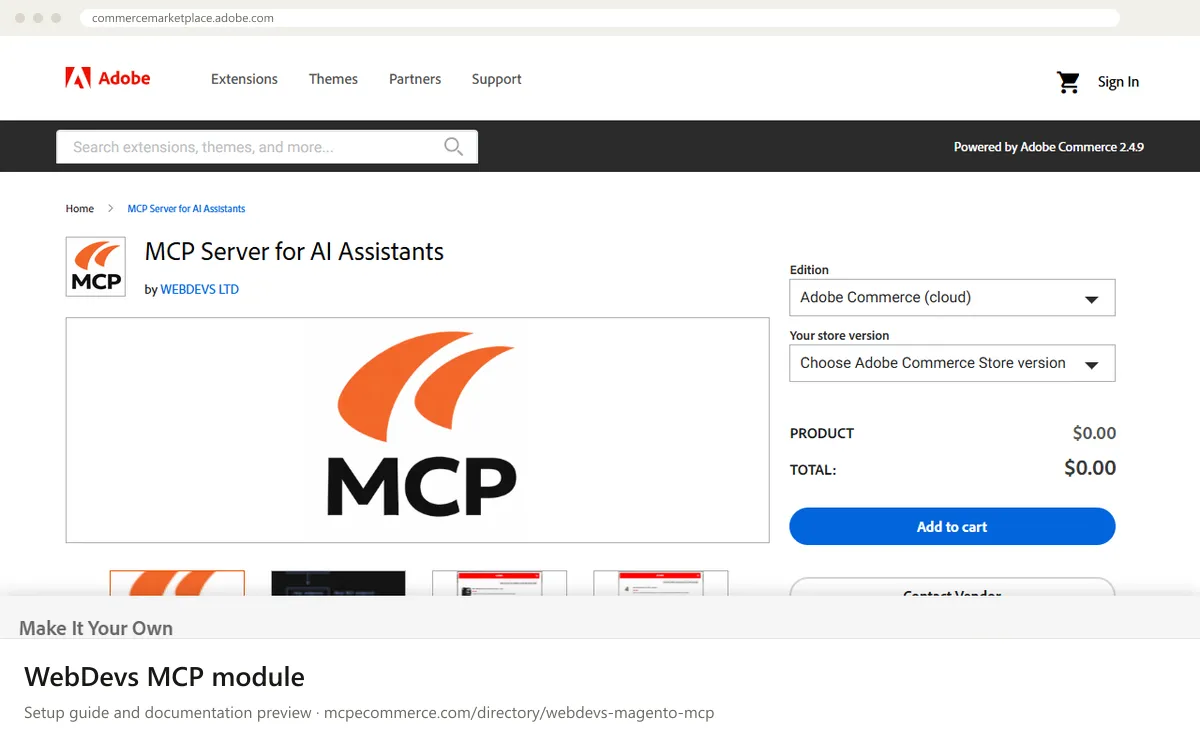
The WebDevs MCP module, listed on the Adobe Commerce Marketplace as MCP Server for AI Assistants, adds a Model Context Protocol server inside a Magento 2 or Adobe Commerce store. External AI assistants such as ChatGPT, Claude or custom automation agents can then explore the product catalog through a dedicated endpoint. Requests use JSON-RPC 2.0 over HTTP, with optional Server-Sent Events, and are authenticated with a generated API key. The documentation states that the module is read-only and does not modify store data.
It suits Magento 2 merchants and agencies who want catalog questions answered in plain language without giving an AI write access. Per the documentation, it can search categories (by parent, level and product counts), search products by name, category, price range and custom attributes, and list attributes with their options. How well it works depends mostly on the quality of your catalog data, such as attributes and category structure, and on how carefully you manage the API key. The documentation does not list orders, customers or content tools, so do not expect them.
Magento 2 merchants who prefer a Marketplace-vetted module for read-only catalog questions.
Exact commands and addresses change. Use the official documentation for the current steps.
Installation guide for WebDevs MCP module
Client-by-client steps, what to prepare, the first prompts to run and fixes for common errors.
 Claude
 ChatGPT
 Gemini
 Microsoft Copilot
 Perplexity
 CursorClaude Code
Watch out for: Marketplace extension from a third party: confirm the supported Magento versions, pricing and the exact tool list on the listing.
No. The vendor documentation describes the module as a read-only interface to catalog data and states that it does not modify store data. It lets AI assistants search and analyse categories, products and attributes only. Still, test on staging and ask the vendor if you need confirmation of the exact tool list.
The Marketplace listing shows compatibility with Adobe Commerce cloud, Adobe Commerce on-prem and Magento Open Source, all on the 2.4 line, with module version 1.0.1 updated in February 2026. It does not give finer detail, so confirm your exact patch level with the vendor or your developer before installing.
Per the documentation, every request is authenticated with a generated API key and handled through a dedicated endpoint. The key and a service name are managed in the Magento admin configuration, along with an enable or disable switch. Follow the vendor user guide for how to enter the key in your AI tool.
 Read-only
Shopify · Store platform
Gives an AI coding assistant Shopify's developer documentation and API schemas while you build apps, themes and extensions.
View details →
Varies by toolShopify · Store platform
A per-store MCP endpoint that lets AI shopping assistants search a store's catalog, read policies and work with a cart.
View details →
 Varies by tool
WooCommerce · Store platform
WooCommerce has added an MCP integration built on the WordPress Abilities API, exposing store operations to AI clients.
View details →