

Security and governance · 7 min read
Store platform
commercetools offers Commerce MCP in a managed variant created through the Managed MCP Servers API or Merchant Center and a self-hosted variant, exposing selectable tools for products, categories, carts, orders and other project resources with API client or identity auth.
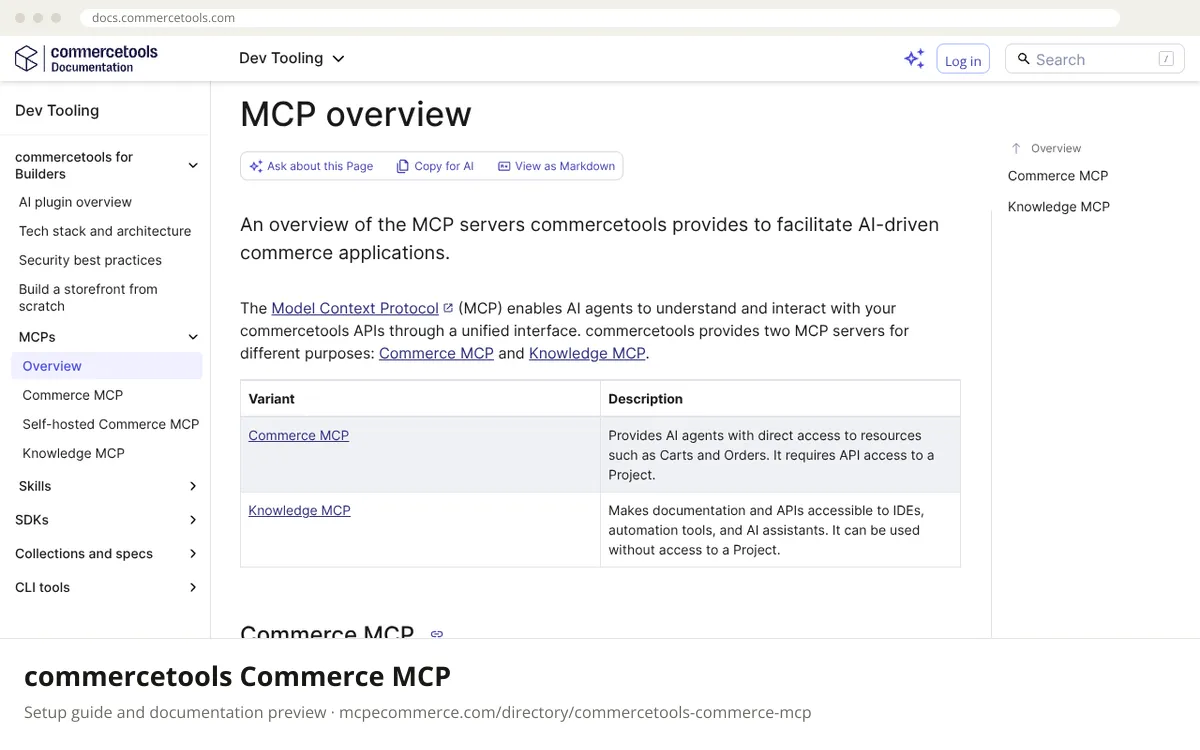
commercetools Commerce MCP lets an AI agent work with resources in a commercetools Project, such as products, categories, carts and orders, through the Model Context Protocol. It comes in two variants. The managed variant is hosted and operated by commercetools and is configured through the Managed MCP Servers documentation or directly in the Merchant Center. The self-hosted variant is an executable package you run yourself, extend with custom tools, or plug into agent frameworks. According to the documentation, both variants offer the same tools and field filtering, so you can move between them. A separate Knowledge MCP exposes documentation and API specifications and does not need Project access.
This is aimed at enterprise composable commerce teams already running on commercetools, and at agencies that support them. What decides whether it works well is tool selection and credentials. You choose which tools a server exposes, and that choice sets how much an agent can read or change. The open-source README describes Commerce MCP as a free early access service without an SLA, so treat it as something to trial on a non-production Project first.
Enterprise composable commerce teams on commercetools.
Exact commands and addresses change. Use the official documentation for the current steps.
Installation guide for commercetools Commerce MCP
Client-by-client steps, what to prepare, the first prompts to run and fixes for common errors.
 Claude
 ChatGPT
 Gemini
 Microsoft Copilot
 Perplexity
 CursorClaude Code
Watch out for: The open-source README calls Commerce MCP a free early access service without SLA, and tool selection determines how much write power an agent gets.
With the managed variant, commercetools hosts and operates the server, and you configure it through the Managed MCP Servers documentation or in the Merchant Center. With the self-hosted variant, you run the executable package yourself and can add custom tools or use it in agent frameworks. The documentation says both offer the same tools and field filtering.
Commerce MCP requires API access to a Project because it works with resources such as carts and orders. Knowledge MCP does not. It exposes documentation, GraphQL and OpenAPI specifications, and development prompts, and the documentation says it can be used without Project access and is free.
It can be, if you limit it. Choose only the tools you need, use an API client with narrow scopes, and start with read-only access. The README describes the service as early access without an SLA, so test on a non-production Project and supervise any write actions before using it on live data.
Questions readers and searchers ask about commercetools Commerce MCP, answered by the site editor from the vendor documentation, plus reader experience. Every comment is reviewed before it appears.
Security and governance · 7 min read

Other platforms · 7 min read

Agentic commerce · 6 min read
 Read-only
Shopify · Store platform
Gives an AI coding assistant Shopify's developer documentation and API schemas while you build apps, themes and extensions.
View details →
Varies by toolShopify · Store platform
A per-store MCP endpoint that lets AI shopping assistants search a store's catalog, read policies and work with a cart.
View details →
 Varies by tool
WooCommerce · Store platform
WooCommerce has added an MCP integration built on the WordPress Abilities API, exposing store operations to AI clients.
View details →