

Shopify · 7 min read

Store platform
A community-built Magento 2 MCP server for store administration: 30+ tools over the REST admin API, OAuth 1.0 integration authentication, two-phase commit for bulk changes and audit logging.
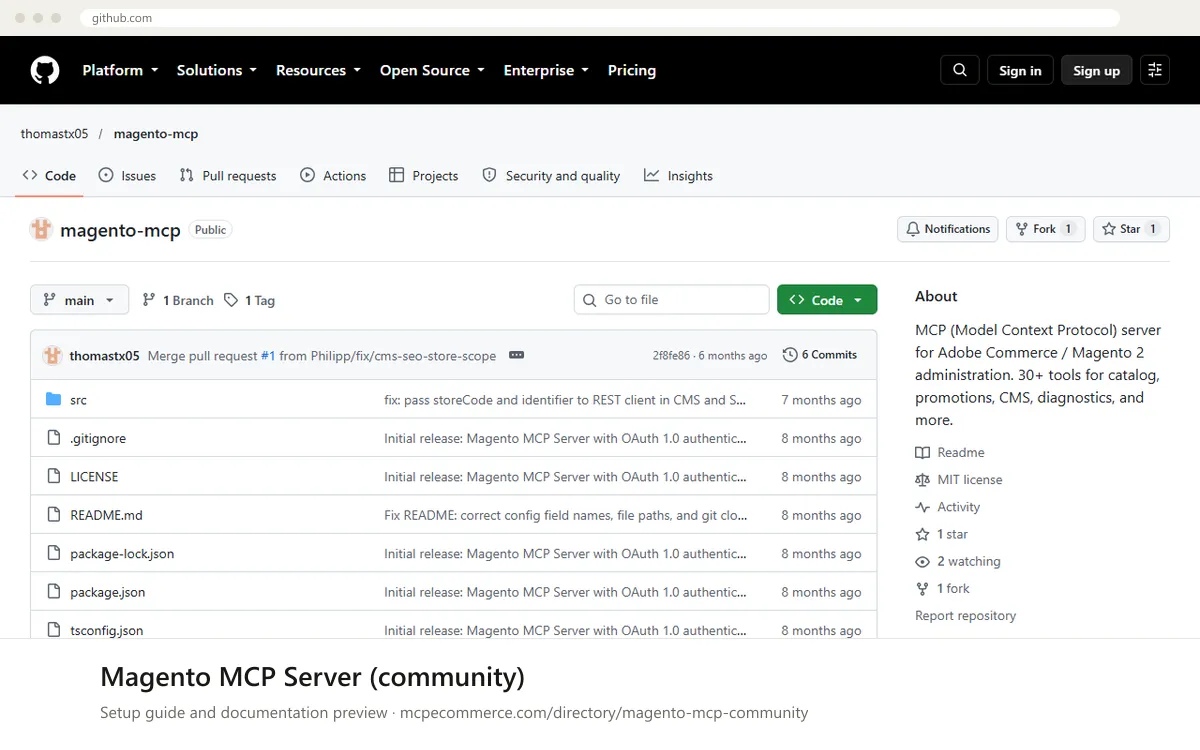
This is a community-built MCP server for Magento 2 and Adobe Commerce administration. It lets an AI assistant such as Claude, Windsurf or Cursor work with your store through the Magento REST admin API. According to the documentation it offers 30+ tools covering catalog search, bulk product and price updates, cart price rules and coupons, CMS pages and blocks, SEO URL keys and meta data, diagnostics, and cache purging. Bulk changes use a two-phase flow (prepare, review, commit), and every action is written to an audit log.
It is not made or supported by Adobe or any vendor, and it has a single maintainer and very little public usage, so it suits developers and agencies who can read the code they run. You run it yourself with Node.js 18+, and it connects with a Magento Integration using OAuth 1.0. What decides whether it works well is the set of API permissions you give that integration, because Magento's access rules limit what the server can do. Start with read-only permissions on a staging copy of the store, then add write access only for supervised tasks.
Developers and agencies that need admin-level automation on Magento 2 and can review the code they run.
Node.js 18 or later, a Magento 2 or Adobe Commerce instance, and an Integration with the API permissions you want. Use a staging copy of the store first.npm install, then npm run build). Review the source before running it, since it will hold admin-level credentials.claude_desktop_config.json for Claude Desktop), as described in the documentation. Set the command to node, point the arguments to the built dist/index.js file, and set MAGENTO_BASE_URL plus the four OAuth values as environment variables.Exact commands and addresses change. Use the official documentation for the current steps.
Installation guide for Magento MCP Server (community)
Client-by-client steps, what to prepare, the first prompts to run and fixes for common errors.
 Claude
 ChatGPT
 Gemini
 Microsoft Copilot
 Perplexity
 CursorClaude Code
Watch out for: Includes write operations and is not vendor-supported. Test on staging, use a limited integration, and review guardrails before any live use.
No. This is a community project by an individual developer, released under the MIT license. Adobe does not support it. The documentation shows one release, a single contributor and little public usage, so read the code and test it on staging before relying on it for anything important.
Yes, through permissions rather than a setting in the server. The documentation says Magento's access rules control what the server can do, so create an Integration with only read-type API resources selected. Write tools will still appear in the assistant, but Magento should reject calls the integration has no permission for. Test this on staging.
The preferred method is a Magento Integration using OAuth 1.0 with four values: Consumer Key, Consumer Secret, Access Token and Access Token Secret. The documentation says this avoids 2FA prompts. Admin username and password is offered as an alternative, but it requires handling 2FA if that is enabled on the account.
 Read-only
Shopify · Store platform
Gives an AI coding assistant Shopify's developer documentation and API schemas while you build apps, themes and extensions.
View details →
Varies by toolShopify · Store platform
A per-store MCP endpoint that lets AI shopping assistants search a store's catalog, read policies and work with a cart.
View details →
 Varies by tool
WooCommerce · Store platform
WooCommerce has added an MCP integration built on the WordPress Abilities API, exposing store operations to AI clients.
View details →