

Other platforms · 7 min read

Email and CRM
Mailchimp's only account-level MCP server covers Transactional Messaging (Mandrill) with an API key. It does not reach Mailchimp Marketing audiences or campaigns; the marketing docs site offers a documentation-search MCP only.
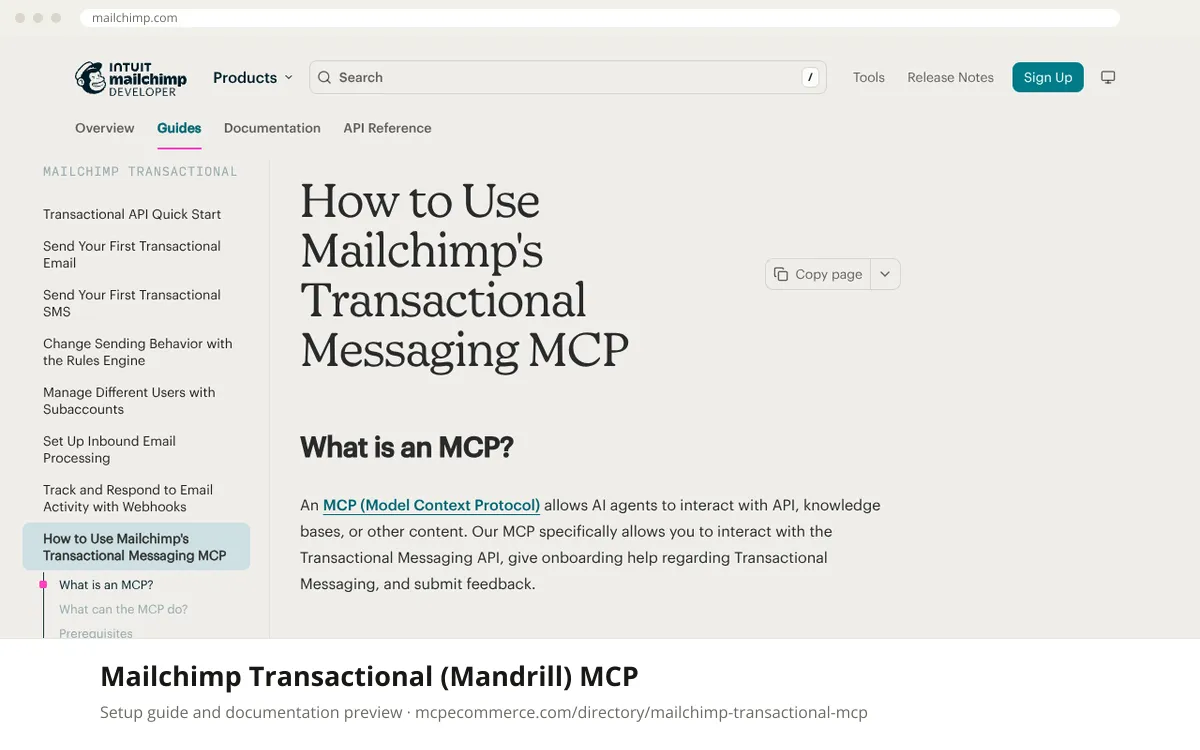
The Mailchimp Transactional (Mandrill) MCP is a server hosted by Mailchimp that lets an AI assistant work with the Transactional Messaging API. That API is the one used for order confirmations, shipping notices and similar one-to-one messages. According to the documentation, the MCP mirrors what the API can already do. Its tools cover checking account status, diagnosing a failed send, building templates, listing and describing API endpoints, and calling them. It also includes onboarding help, integration help and a feedback tool.
It is for developers and ops teams who already send order or shipping emails through Mandrill. It does not reach Mailchimp Marketing audiences or campaigns, so it is not a tool for newsletter analysis. Whether it works well depends on three things: a correctly permissioned API key, a sending domain that has been authenticated, and an SMS number if you use Transactional SMS. The key is a static bearer key with account-level power, so treat access as a security decision.
Developers and ops teams who send order or shipping emails through Mandrill.
https://mandrillapp.com/mcp, and pass your key in an Authorization header as Bearer YOUR_API_KEY.claude_desktop_config.json under mcpServers, then restart. For Claude Code, use the claude mcp add --transport http command from the docs. For Cursor, use ~/.cursor/mcp.json. For VS Code, use .vscode/mcp.json in your project.Exact commands and addresses change. Use the official documentation for the current steps.
Installation guide for Mailchimp Transactional (Mandrill) MCP
Client-by-client steps, what to prepare, the first prompts to run and fixes for common errors.
 Claude
 ChatGPT
 Gemini
 Microsoft Copilot
 Perplexity
 CursorClaude Code
Watch out for: Auth is a static bearer API key with account-level power and no per-user scopes, and marketing campaign data is out of scope.
No. The server covers the Transactional Messaging API only. It does not reach Mailchimp Marketing audiences or campaigns. The marketing developer docs site offers a documentation-search MCP, which is a different tool and does not work on your account data.
The key must be able to do the actions the MCP performs. An unrestricted key works by default. If you restrict the key to certain API calls, enable the "AI Agents" group in its permissions. If the connection fails, check the key exists, is enabled and has the right permissions.
The documentation gives setup steps for Claude Desktop, Claude Code, Cursor and VS Code. All use the server URL https://mandrillapp.com/mcp with an Authorization header carrying your API key as a bearer token. Other clients may work, but follow the vendor documentation for them.
Questions readers and searchers ask about Mailchimp Transactional (Mandrill) MCP, answered by the site editor from the vendor documentation, plus reader experience. Every comment is reviewed before it appears.
Other platforms · 7 min read

Analytics and tracking · 6 min read

Analytics and tracking · 7 min read
 Varies by tool
Klaviyo · Email and CRM
Klaviyo's MCP server connects an assistant to email and SMS marketing data: campaigns, flows, profiles and reporting.
View details →
 Varies by tool
HubSpot · Email and CRM
HubSpot's MCP server gives an assistant access to CRM records, useful for B2B e-commerce and agency pipelines.
View details →
Omnisend · Email and CRM
Omnisend's hosted MCP server exposes the whole Omnisend API through four meta tools (search, tool_schema, tool_documentation, execute) with OAuth and a selectable read-only or write access level.
View details →