

Getting started · 7 min read
Store platform
A commercial Adobe Commerce Marketplace extension from miniOrange that connects a Magento 2 or Adobe Commerce store to MCP-compatible AI assistants.
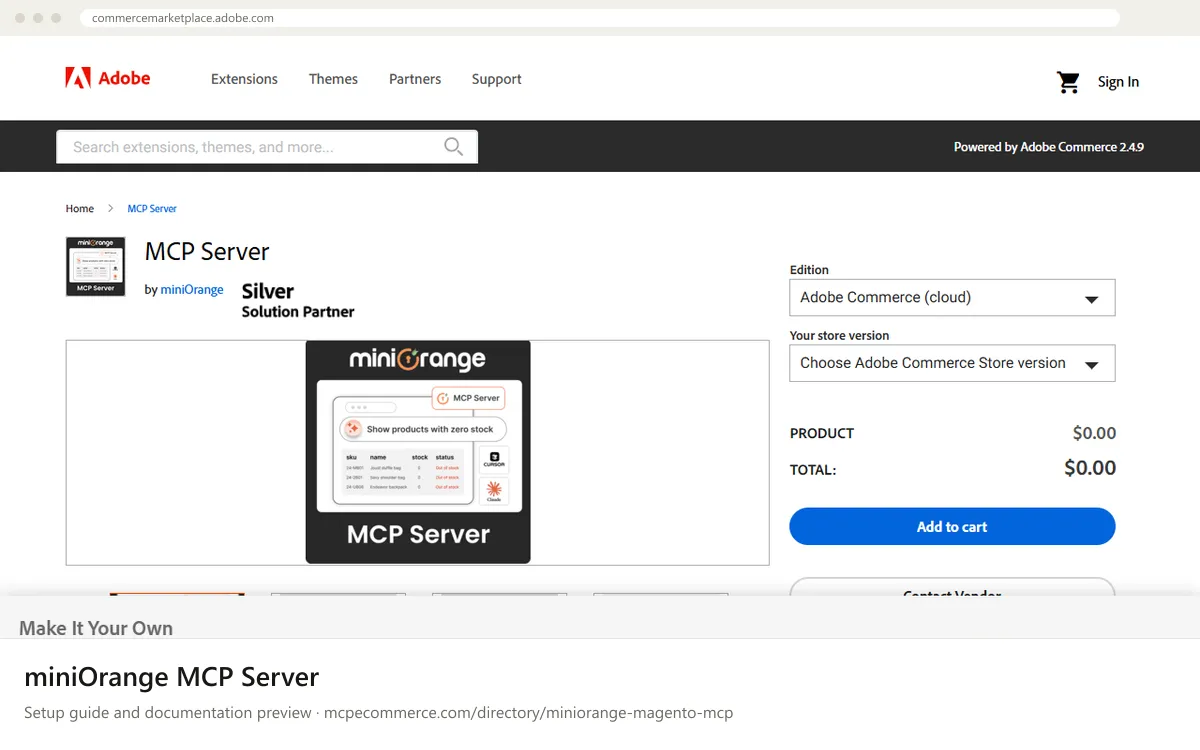
The miniOrange MCP Server is an extension listed on the Adobe Commerce Marketplace for Magento 2, Adobe Commerce and Magento Open Source 2.4. Once installed, it lets MCP-compatible AI assistants such as Claude Desktop, Claude Code, Cursor, ChatGPT, Gemini and GitHub Copilot work with live store data. The documentation describes 73 abilities covering orders, products, customers, inventory, invoices, shipments, CMS content, promotions and sales analytics. The assistant reaches them through three meta-tools: discover_abilities, get_ability_info and execute_ability.
It suits Magento merchants and agencies who want order lookups, stock audits, catalog checks and checkout QA in plain language, without admin grid navigation or developer tickets. How well it works depends mostly on the Magento token or admin user you connect. Admin abilities inherit that token's or user's Magento ACL, so a narrow role limits what the assistant can see and change. The documentation says some abilities can change data (for example hold, cancel and update inventory). Start with a read-only role, and check the licence terms and the vendor's description of the free version before connecting a live store.
Magento merchants who want a supported, commercial module and are willing to pay for it.
Exact commands and addresses change. Use the official documentation for the current steps.
Installation guide for miniOrange MCP Server
Client-by-client steps, what to prepare, the first prompts to run and fixes for common errors.
 Claude
 ChatGPT
 Gemini
 Microsoft Copilot
 Perplexity
 CursorClaude Code
Watch out for: Commercial product: check which actions it enables, its permission model and licence terms before connecting a live store.
The listing shows a product price of $0.00 and says you do not need to create an account or register with miniOrange to use the free version. The listing also describes it as commercial, so read the licence terms and ask the vendor what the free version includes and what costs extra.
The documentation lists Claude Desktop, Claude Code, Cursor, ChatGPT and other web-based MCP clients, Google Gemini, and GitHub Copilot. It also says any MCP-compatible tool or custom agent should work. ChatGPT connects through OAuth with a Magento admin consent screen. Follow the vendor guide for each client.
Step-by-step: install miniOrange MCP Server in Claude, ChatGPT, Gemini, Copilot and more →
Yes, depending on the permissions you grant. The documentation lists actions such as holding, unholding and cancelling orders, inventory updates and bulk catalog updates. Admin abilities follow the Magento ACL of the token or user, and write actions need confirm=true. Use a read-only role first.
Getting started · 7 min read
Analytics and tracking · 7 min read

Advertising · 6 min read
 Read-only
Shopify · Store platform
Gives an AI coding assistant Shopify's developer documentation and API schemas while you build apps, themes and extensions.
View details →
Varies by toolShopify · Store platform
A per-store MCP endpoint that lets AI shopping assistants search a store's catalog, read policies and work with a cart.
View details →
 Varies by tool
WooCommerce · Store platform
WooCommerce has added an MCP integration built on the WordPress Abilities API, exposing store operations to AI clients.
View details →