

Agentic commerce · 6 min read

Store platform
PrestaShop's official ps_mcp_server module exposes store functions to MCP clients and lets other modules declare their own tools, prompts and resources, for tasks such as product sheets, performance analysis and pricing support.
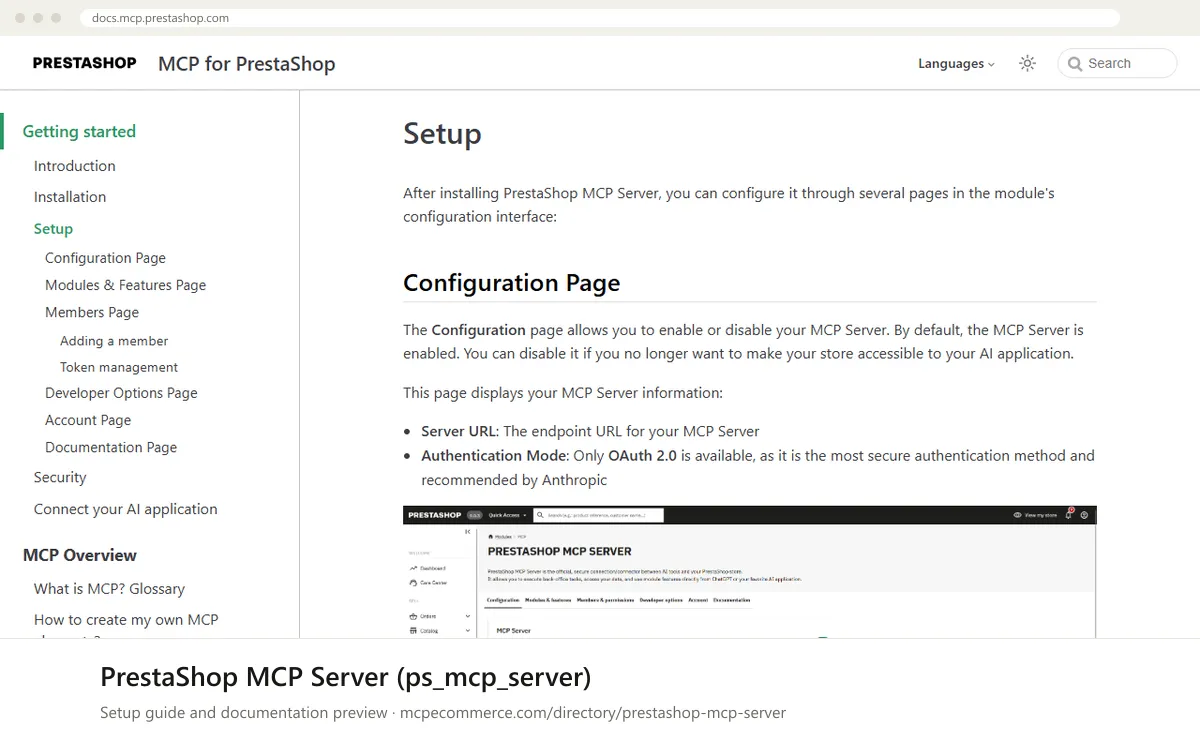
The PrestaShop MCP Server (ps_mcp_server) is PrestaShop's official module that lets AI applications talk to your store through the Model Context Protocol. It exposes store functions as tools, prompts and resources, and other modules can declare their own. The default features come from PrestaShop MCP Tools, which covers products, product images, orders and customers. For a merchant, this means an assistant can help with tasks such as product sheets, performance analysis and pricing support without anyone exporting data by hand.
It suits PrestaShop merchants and agencies who run their own store and want an official, extensible MCP layer. You run it yourself, so results depend on your setup. The main factors are the module settings you choose: which features are switched on, which members are authorised, and whether each member is a Viewer or an Editor. The listing reports support for PrestaShop 8 and later, and the public documentation is thin. Check compatibility and the built-in tool list inside the module before you use it on a live store.
PrestaShop 8+ merchants and agencies who want an official, extensible MCP layer on their own store.
Exact commands and addresses change. Use the official documentation for the current steps.
Installation guide for PrestaShop MCP Server (ps_mcp_server)
Client-by-client steps, what to prepare, the first prompts to run and fixes for common errors.
 Claude
 ChatGPT
 Gemini
 Microsoft Copilot
 Perplexity
 CursorClaude Code
Watch out for: Reported for PrestaShop 8 and later; authentication is OAuth 2.0 only. Confirm compatibility, the built-in tool list and permissions in the docs before use.
The listing reports support for PrestaShop 8 and later, but the official documentation is thin on this point. Before installing on a live store, check the compatibility information in the module itself and the vendor's Installation page. Testing on a staging copy first is a sensible way to confirm it works with your theme and other modules.
There are two layers. On the Members page, each person is a Viewer (read-only) or an Editor (read and write). On the Modules & Features page, you can switch whole modules or individual tools, prompts and resources on or off. Combining both lets you start read-only and open up write access gradually.
Yes. When you add a member, you can choose to generate an authentication token. As described in the documentation, the token can be sent as a Bearer or Basic value in the Authorization header. It is shown only once, so store it securely. If you regenerate it, the previous token stops working immediately.
Agentic commerce · 6 min read

Getting started · 7 min read

Advertising · 7 min read
 Read-only
Shopify · Store platform
Gives an AI coding assistant Shopify's developer documentation and API schemas while you build apps, themes and extensions.
View details →
Varies by toolShopify · Store platform
A per-store MCP endpoint that lets AI shopping assistants search a store's catalog, read policies and work with a cart.
View details →
 Varies by tool
WooCommerce · Store platform
WooCommerce has added an MCP integration built on the WordPress Abilities API, exposing store operations to AI clients.
View details →