

Security and governance · 7 min read
Store platform
Saleor's read-only MCP server (announced November 2025) gives LLMs access to channels, orders, products and inventory for Saleor Cloud stores, with an open-source version for self-hosters.
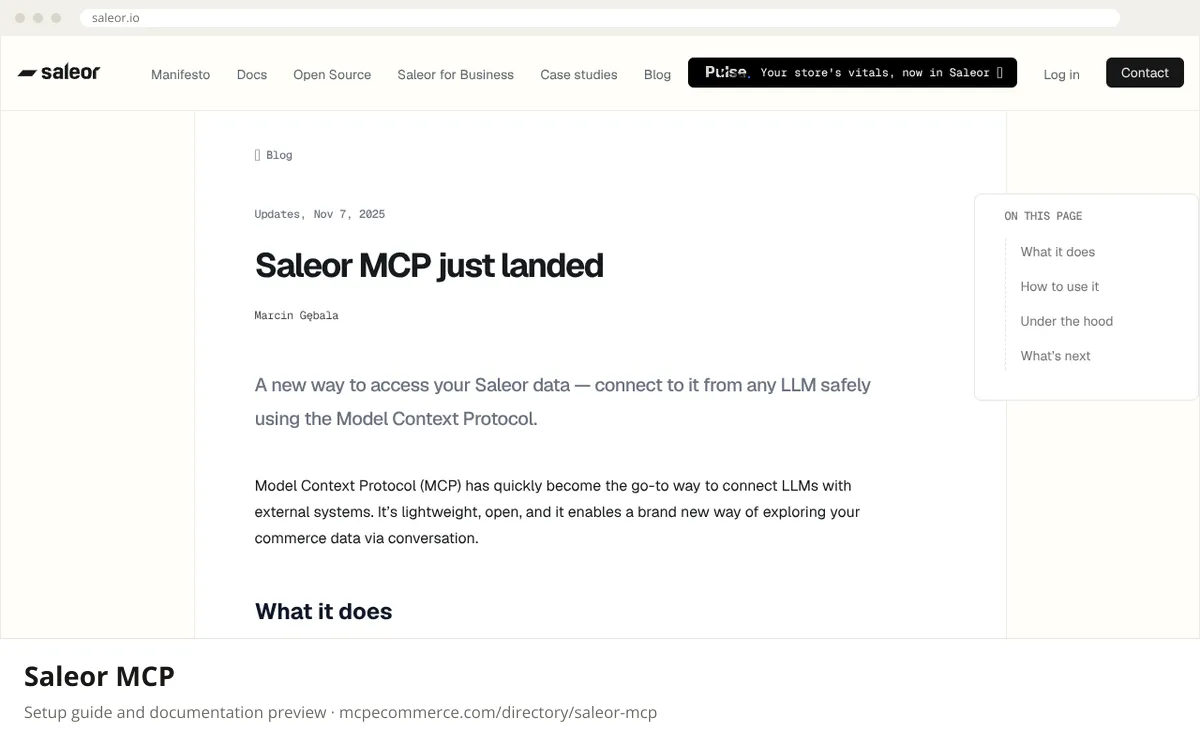
Saleor MCP is Saleor's official Model Context Protocol server. It lets an AI assistant that supports MCP read data from a Saleor store, including channels, orders, products and inventory. Saleor announced it on 7 November 2025 as a read-only first release. Saleor hosts a public version for Saleor Cloud stores, and the code is open source for people who self-host Saleor.
It suits merchants and agencies running headless stores on Saleor who want an assistant to answer reporting questions such as which orders need attention, which products are low on stock and how sales performed last month. How well it works depends on the app token you create. The server needs an app with the MANAGE_ORDERS and MANAGE_PRODUCTS permissions, which are broader than the word read-only suggests. This is an early build, so treat it as a preview and check answers against the Dashboard.
Headless merchants on Saleor who want safe reporting access for an AI assistant.
MANAGE_ORDERS and MANAGE_PRODUCTS to the app, then generate and copy its token. Store the token somewhere private.https://mcp.saleor.app/mcp over Streamable HTTP. It only accepts *.saleor.cloud domains. If you self-host Saleor, get the code from github.com/saleor/saleor-mcp and run it yourself, following the repository instructions.HTTP server with two headers: X-Saleor-API-URL set to your store's GraphQL API address (the documentation example looks like https://example.saleor.cloud/graphql/) and X-Saleor-Auth-Token set to the token from step 2. The documentation shows an mcp.json example for Copilot with a servers entry of type http.Exact commands and addresses change. Use the official documentation for the current steps.
Installation guide for Saleor MCP
Client-by-client steps, what to prepare, the first prompts to run and fixes for common errors.
 Claude
 ChatGPT
 Gemini
 Microsoft Copilot
 Perplexity
 CursorClaude Code
Watch out for: Early first iteration using header-based app tokens with order and product permissions; OAuth and analytics tools are still planned.
Yes, but not through the hosted endpoint. Saleor's public server at mcp.saleor.app only allows Saleor Cloud addresses ending in .saleor.cloud. If you self-host Saleor, the documentation points you to the open-source saleor-mcp repository on GitHub, which you run yourself.
No. The first release is read-only, so an assistant can look at channels, orders, products and inventory but cannot edit them. The app token still has MANAGE_ORDERS and MANAGE_PRODUCTS permissions, so guard it carefully and follow the vendor documentation for updates.
Create an app in the Saleor Dashboard under Extensions, give it MANAGE_ORDERS and MANAGE_PRODUCTS, and copy its token. Then send two headers from your MCP client: X-Saleor-API-URL with your GraphQL API address and X-Saleor-Auth-Token with the token. OAuth is on Saleor's roadmap but not available yet.
Questions readers and searchers ask about Saleor MCP, answered by the site editor from the vendor documentation, plus reader experience. Every comment is reviewed before it appears.
Security and governance · 7 min read

Security and governance · 7 min read

Advertising · 7 min read
 Read-only
Shopify · Store platform
Gives an AI coding assistant Shopify's developer documentation and API schemas while you build apps, themes and extensions.
View details →
Varies by toolShopify · Store platform
A per-store MCP endpoint that lets AI shopping assistants search a store's catalog, read policies and work with a cart.
View details →
 Varies by tool
WooCommerce · Store platform
WooCommerce has added an MCP integration built on the WordPress Abilities API, exposing store operations to AI clients.
View details →