
Agentic commerce · 6 min read

Store platform
Shopware's built-in MCP server (Shopware 6.7.14+) lets AI clients work with a store through the Admin API endpoint /api/_mcp and a store-facing /store-api/_mcp, with progressive tool discovery and extension via plugins and apps.
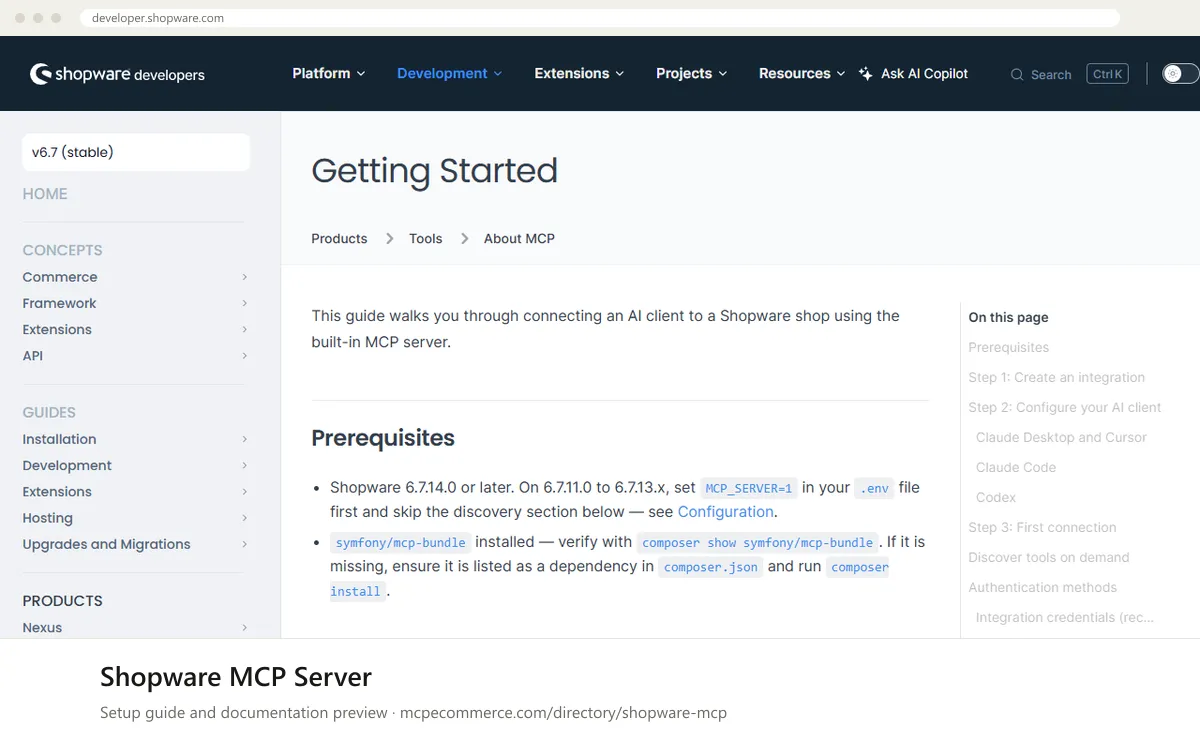
Shopware's built-in MCP server lets an AI client such as Claude Desktop, Cursor, Claude Code or Codex work with a Shopware 6.7 store. It runs inside your own Shopware installation and is reached through an Admin API endpoint at /api/_mcp, with a separate store-facing endpoint at /store-api/_mcp. A fresh session only sees three discovery tools (shopware-tool-search, shopware-toolsets-list and shopware-toolset-enable). The AI then finds and enables further tools as it needs them. Plugins, Symfony bundles and apps can add their own tools.
This is for Shopware 6.7 merchants and agencies who want a first-party connection on their own installation, and who have someone comfortable running console commands. The setup needs Shopware 6.7.14.0 or later, or 6.7.11.0 to 6.7.13.x with an extra setting. The feature is a preview and is described as experimental until Shopware 6.8, so tool names and APIs may change. How well it works depends mostly on the permissions you give the integration. The documented quick start uses a full admin integration, which is too broad for production. A dedicated role with only the needed permissions is the safer route.
Shopware 6.7 merchants and agencies who want a first-party MCP on their own installation.
MCP_SERVER=1 in your .env file first.--admin, which gives full Admin API access. For anything beyond testing, omit it, create an ACL role with only the permissions you need and assign it to the integration. The command prints an access key and a secret.JSON config with type streamable-http. Claude Code uses type http. Codex uses config.toml with environment variable names for the headers. In each case the URL is your shop address followed by /api/_mcp, and the credentials go in the sw-access-key and sw-secret-access-key headers..mcp.json, .cursor/mcp.json or similar files.Exact commands and addresses change. Use the official documentation for the current steps.
Installation guide for Shopware MCP Server
Client-by-client steps, what to prepare, the first prompts to run and fixes for common errors.
 Claude
 ChatGPT
 Gemini
 Microsoft Copilot
 Perplexity
 CursorClaude Code
Watch out for: Experimental until Shopware 6.8: APIs and tool names may change. An --admin integration grants full Admin API access, so restrict it.
The documentation says Shopware 6.7.14.0 or later, with symfony/mcp-bundle installed. On 6.7.11.0 to 6.7.13.x you can set MCP_SERVER=1 in your .env file first, but the tool discovery flow described in the getting started guide does not apply there. Follow the vendor Configuration page for details.
The --admin flag gives full Admin API access, so the vendor advises against it in production. Omit it, create a dedicated ACL role with only the permissions the AI needs, and assign that role to the integration. You can also narrow the tools with the MCP allowlist in Settings → Integrations.
Shopware keeps the starting tool list small. A new session only advertises shopware-tool-search, shopware-toolsets-list and shopware-toolset-enable. The AI searches for a tool, or enables a toolset, when a task needs one. Enabled toolsets last only for the current MCP session. Some clients need a manual tool list refresh.
Agentic commerce · 6 min read

Getting started · 7 min read

Advertising · 7 min read
 Read-only
Shopify · Store platform
Gives an AI coding assistant Shopify's developer documentation and API schemas while you build apps, themes and extensions.
View details →
Varies by toolShopify · Store platform
A per-store MCP endpoint that lets AI shopping assistants search a store's catalog, read policies and work with a cart.
View details →
 Varies by tool
WooCommerce · Store platform
WooCommerce has added an MCP integration built on the WordPress Abilities API, exposing store operations to AI clients.
View details →