

Security and governance · 7 min read

Payments
Adyen's alpha MCP server runs locally with an Adyen API key and exposes an initial set of tools for the Checkout API and Management API, with more APIs planned. Examples include creating payment links and refunding orders.
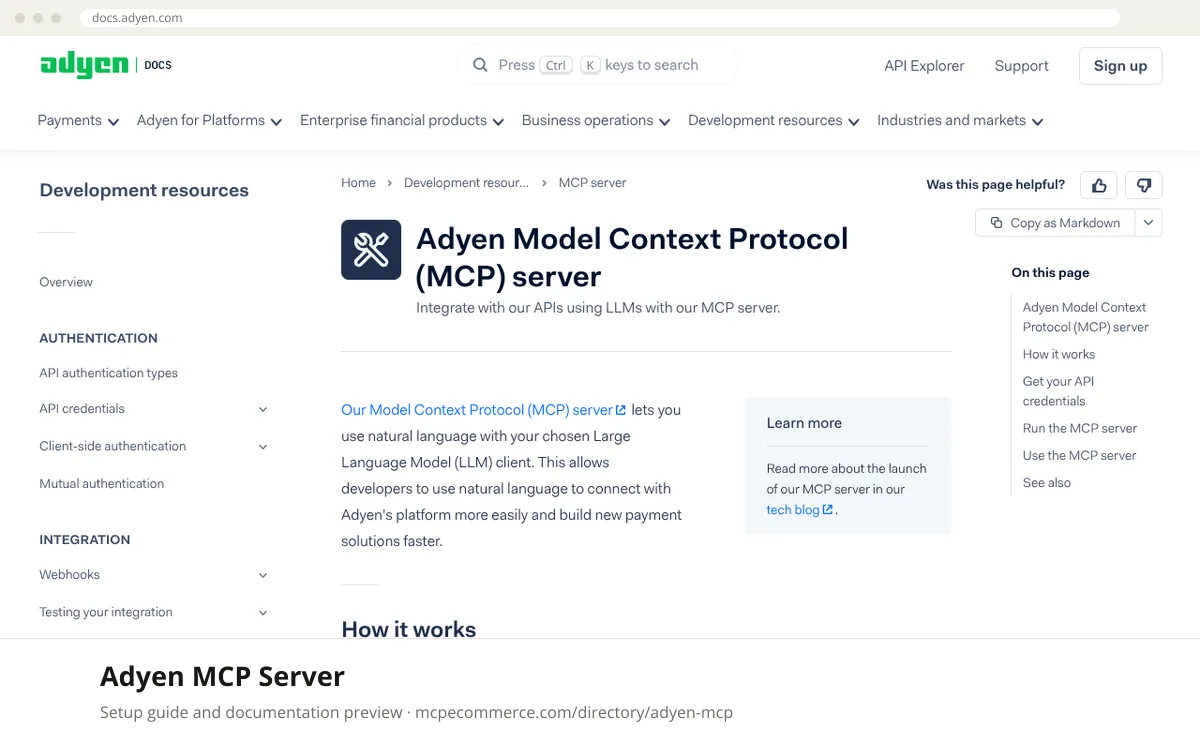
The Adyen MCP Server is an official, locally run connector that lets an AI assistant call Adyen's Checkout API and Management API using plain language. According to the documentation, it exposes a set of tools for common use cases, such as creating a payment link for a set amount or refunding an order, and Adyen says more APIs and endpoints are being added. It is listed as a preview (alpha) release, so tools and behavior may change. It matters because payment tasks like payment links, refunds and account lookups are routine but need care. It is best suited to enterprise merchants already on Adyen who have developer support and want to prototype agent workflows. Whether it works well depends on how the API credential is scoped, whether you start in the test environment, and whether a person reviews each action before it runs. The live environment moves real money.
Enterprise merchants on Adyen with developer support who want to prototype agent workflows.
npx -y @adyen/mcp --adyenApiKey=ADYEN_API_KEY --env=TEST, replacing ADYEN_API_KEY with your test key. This needs Node.js, since it uses npx.npx -y @adyen/mcp --adyenApiKey=ADYEN_API_KEY --env=LIVE --livePrefix=YOUR_PREFIX_URL.Exact commands and addresses change. Use the official documentation for the current steps.
Installation guide for Adyen MCP Server
Client-by-client steps, what to prepare, the first prompts to run and fixes for common errors.
 Claude
 ChatGPT
 Gemini
 Microsoft Copilot
 Perplexity
 CursorClaude Code
Watch out for: Alpha release aimed at developers, needs an API key with several roles, and live mode moves real money.
Use it with caution. The documentation supports a live environment, but the server is an alpha release and can issue refunds and create payment links that affect real money. Test thoroughly first, scope the API credential, and have a person approve each live action before it runs.
You need an Adyen API key from an API credential with the listed roles, and an LLM client that supports MCP. The documentation runs the server with `npx`, so Node.js is needed. For live use you also need your live URL prefix from the Customer Area. A developer should help with setup.
Step-by-step: install Adyen MCP Server in Claude, ChatGPT, Gemini, Copilot and more →
Currently the Checkout API and the Management API. Examples in the documentation include creating payment links and refunding orders. Adyen says it is adding more APIs and endpoints, and points to a list of supported endpoints on GitHub. Check that list before planning a workflow.
Questions readers and searchers ask about Adyen MCP Server, answered by the site editor from the vendor documentation, plus reader experience. Every comment is reviewed before it appears.
People search for: “adyen api”
If you mean how the Adyen MCP server talks to Adyen's API, it authenticates with an API key you generate from your API credentials, and it only covers the Checkout API and the Management API for now. Adyen says more APIs and endpoints are coming, and the full endpoint list is on GitHub. I couldn't confirm that list from the material I have.
The key needs specific roles. Adyen's docs list Merchant PAL webservice, Checkout webservice, and several Management API roles (payment methods read, account read, and various terminal, terminal action, Android files and terminal settings roles). Adyen says web service users get these by default.
For live mode you also need your live URL prefix. Find it in your live Customer Area under Developers > API URLs > Prefix. Test mode only needs the key.
Details are in Adyen's Development resources, "MCP server" page. Live mode moves real money, so start with test.
Security and governance · 7 min read

Advertising · 7 min read

Other platforms · 7 min read
 Varies by tool
Stripe · Payments
Stripe's remote MCP server lets an assistant work with Stripe objects such as customers, products, invoices and payment links.
View details →
 Read and write
PayPal · Payments
PayPal offers both a local npm package and hosted remote servers (production and sandbox) that let merchants run invoicing, payments and other PayPal tasks from an AI client using natural language.
View details →
 betaRead and write
Square · Payments
Square's beta MCP server bridges AI assistants to the full Square API (customers, orders, catalog items, payments). Square recommends the hosted server with OAuth; a local server can target Sandbox.
View details →