

Other platforms · 7 min read

Payments
PayPal offers both a local npm package and hosted remote servers (production and sandbox) that let merchants run invoicing, payments and other PayPal tasks from an AI client using natural language.
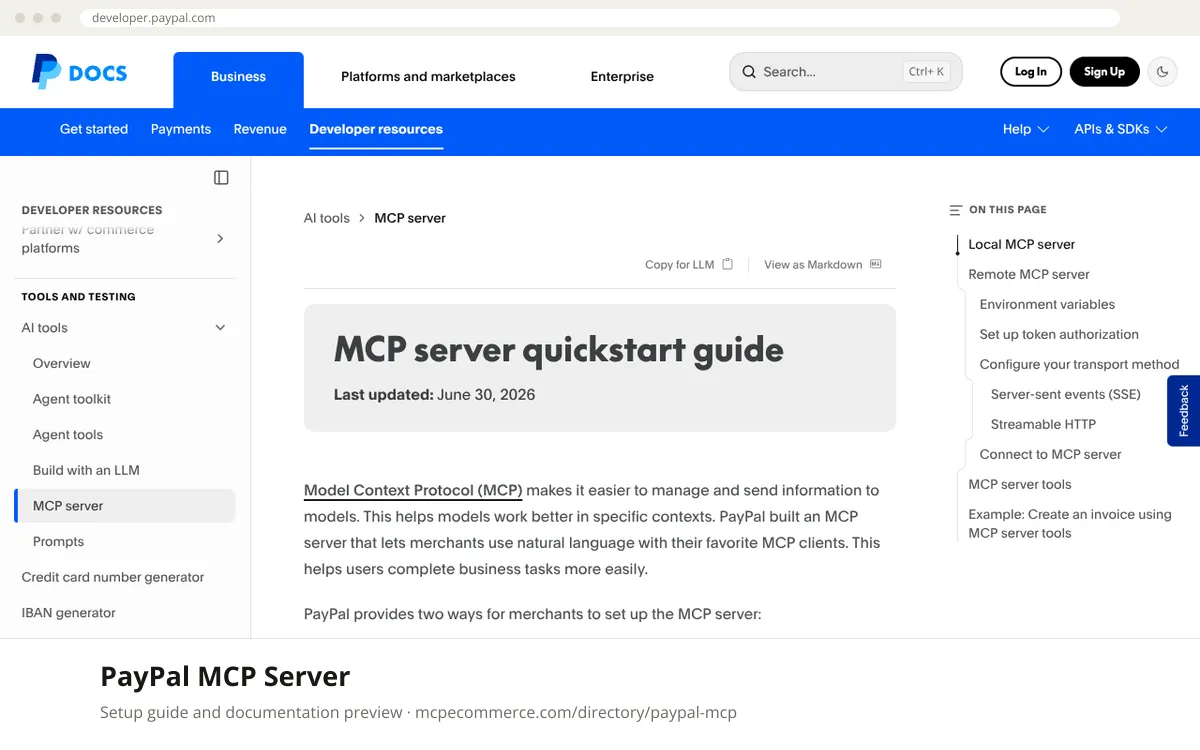
The PayPal MCP Server is PayPal's official connector that lets an AI client such as Claude, Cursor or Cline work with a PayPal account in plain language. It comes in two forms: a local npm package that runs on your computer, and hosted remote servers, one for Sandbox and one for Production. Documented tasks include listing and creating invoices, and the documentation says the full tool catalog is the same in the local and remote versions. It matters to merchants and agencies because invoicing and payment follow-up are repetitive. The documentation describes asking the client to read customer records from a file or drive connector and then create PayPal invoices in bulk. The same access that saves time can also create real invoices and payments, so the practical question is control. The best results come from starting in Sandbox, checking what the client proposes, and only moving to Production for supervised tasks.
This guide suits merchants and finance teams who invoice or reconcile through PayPal, and agencies that support them. Setup involves editing a client configuration file, so someone comfortable with that, or a developer helper, should do it once. The local option needs Node.js v18 or later and a PayPal access token. The remote option needs a PayPal login and consent. What decides success is the environment you point at, the credentials you use, and how clearly you word each request.
Merchants and finance teams who invoice or reconcile through PayPal.
Node.js v18 or later and a PayPal access token. Remote needs no install and uses a PayPal login and consent.~/Claude/claude_desktop_config.json) and add a paypal entry under mcpServers. It runs npx with the -y, @paypal/mcp and --tools=all arguments. Set PAYPAL_ACCESS_TOKEN to your token and PAYPAL_ENVIRONMENT to SANDBOX. Use PRODUCTION only once testing is done. Consider replacing --tools=all with a narrower selection as described in the vendor documentation.paypal-mcp-server entry that runs npx with mcp-remote and the Sandbox address from the documentation, using the /sse path for server-sent events or the /http path for streamable HTTP. The documentation also shows a variant that passes client credentials from the PayPal Developer Dashboard as an Authorization: Bearer header.~/.mcp-auth and trying again.PAYPAL_ENVIRONMENT to PRODUCTION for local, or replace the Sandbox address with the Production address from the documentation for remote.Exact commands and addresses change. Use the official documentation for the current steps.
Installation guide for PayPal MCP Server
Client-by-client steps, what to prepare, the first prompts to run and fixes for common errors.
 Claude
 ChatGPT
 Gemini
 Microsoft Copilot
 Perplexity
 CursorClaude Code
Watch out for: Production credentials let the agent create real invoices and payments, so test in Sandbox first.
Use local if you are comfortable with Node.js v18 or later and want to supply an access token yourself. Use remote if you would rather not install anything, since you sign in to PayPal and authorize the client, and can continue across devices with one login. Both offer the same tool catalog, according to the documentation.
Step-by-step: install PayPal MCP Server in Claude, ChatGPT, Gemini, Copilot and more →
Use the Sandbox environment. For local, set `PAYPAL_ENVIRONMENT` to `SANDBOX`. For remote, point the client at the Sandbox address given in the documentation. Start with read requests such as listing invoices, then try creating a test invoice, and only then consider Production.
Restart your MCP client and repeat the login and authorization steps. If that does not help, the documentation suggests removing the files the integration stored in `~/.mcp-auth` by running `rm -rf ~/.mcp-auth`, then connecting again. Windows users with Cursor may hit a known remote connection issue.
Step-by-step: install PayPal MCP Server in Claude, ChatGPT, Gemini, Copilot and more →
Questions readers and searchers ask about PayPal MCP Server, answered by the site editor from the vendor documentation, plus reader experience. Every comment is reviewed before it appears.
Other platforms · 7 min read

Advertising · 7 min read

Advertising · 7 min read
 Varies by tool
Stripe · Payments
Stripe's remote MCP server lets an assistant work with Stripe objects such as customers, products, invoices and payment links.
View details →
 betaRead and write
Square · Payments
Square's beta MCP server bridges AI assistants to the full Square API (customers, orders, catalog items, payments). Square recommends the hosted server with OAuth; a local server can target Sandbox.
View details →
Mollie · Payments
Mollie's hosted MCP server proxies its public API so AI tools can list and manage payments, payment links, customers, subscriptions, settlements, invoices, terminals and webhooks after an OAuth sign-in.
View details →