

Other platforms · 7 min read

Payments
Square's beta MCP server bridges AI assistants to the full Square API (customers, orders, catalog items, payments). Square recommends the hosted server with OAuth; a local server can target Sandbox.
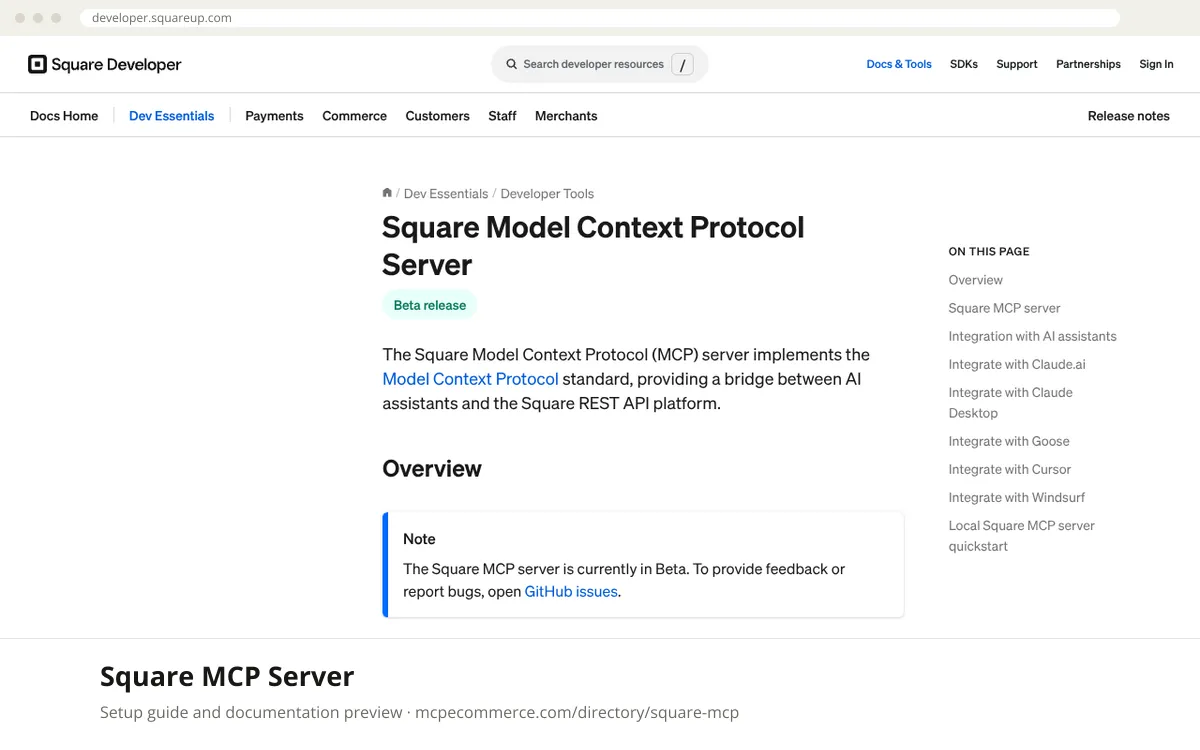
Square's MCP server is an official, beta connector between AI assistants and the Square API platform. Once connected, an assistant can look up customers, orders and catalog items, and it can create or update Square records. Square hosts a remote server, and you can also run a local copy on your own computer. For a retailer that sells through Square POS and online checkout, this means questions like "which items sold most this week" can be asked in plain language instead of through reports or developer tools. It suits merchants and agencies who are comfortable testing before they go live. Three things decide whether it works well. The first is the version you choose. The remote server only touches production data, so real records are at stake from the first prompt. The local server can target Sandbox, but writes are on by default there. The second is whether your AI client is on Square's allowlist of MCP clients. The third is how carefully you scope the permissions you approve at sign-in.
Square recommends the remote server because it uses OAuth sign-in with granular permissions and no manual token handling. The local server needs a Square access token and Node.js. It is the better place to rehearse prompts, because it can use the Sandbox and can be set to read-only. The server is in beta, so behaviour may change. Square asks for feedback and bug reports through GitHub issues.
Omnichannel retailers using Square POS plus online checkout.
Node.js installed on your computer.npx square-mcp-server start. Set ACCESS_TOKEN to your Square access token, SANDBOX to true, and DISALLOW_WRITES to true so it is read-only. Follow Square's documentation on access tokens to get the token.mcpServers in claude_desktop_config.json that runs npx with the arguments square-mcp-server and start, and put the same variables in its env block. Cursor and Windsurf use similar settings, as described in the documentation.https://mcp.squareup.com/mcp. In Claude.ai, an owner adds that URL under Integrations (the menu location differs for Teams, Enterprise and Max plans). Then open a chat, use the Search and tools menu, choose Connect and sign in with your Square account.npx mcp-remote https://mcp.squareup.com/mcp. This starts the OAuth sign-in. When Square asks which permissions to grant, approve only what the task needs.Exact commands and addresses change. Use the official documentation for the current steps.
Installation guide for Square MCP Server
Client-by-client steps, what to prepare, the first prompts to run and fixes for common errors.
 Claude
 ChatGPT
 Gemini
 Microsoft Copilot
 Perplexity
 CursorClaude Code
Watch out for: The remote server only touches production data, writes are on by default locally and Square keeps an allowlist of MCP clients.
Square recommends the remote server. It uses OAuth sign-in with granular permissions, so you do not manage tokens. It only accesses production data, though. The local server needs Node.js and an access token, but it can target Sandbox and can be set to read-only. Many teams rehearse locally first, then move to remote.
On the local server, set the `DISALLOW_WRITES` environment variable to `true`, as described in the documentation. Writes are on by default locally. The documentation does not describe an equivalent switch for the remote server, so limit the scopes you approve at sign-in and review every action it proposes.
Yes, with the local server. Install Node.js, get a Square access token for your Sandbox, and set `SANDBOX=true` when you run `npx square-mcp-server start`. Square advises testing prompts in Sandbox before production. The remote server cannot do this, because it only accesses production resources.
Step-by-step: install Square MCP Server in Claude, ChatGPT, Gemini, Copilot and more →
Questions readers and searchers ask about Square MCP Server, answered by the site editor from the vendor documentation, plus reader experience. Every comment is reviewed before it appears.
People search for: “square mcp claude”
Yes, Square's MCP server (beta) works with Claude.ai and Claude Desktop. The remote server address is https://mcp.squareup.com/mcp, and Square recommends it because it uses OAuth sign-in with granular permissions.
In Claude.ai, Teams and Enterprise owners add the URL under Settings > Integrations (Teams) or Settings > Data management (Enterprise). Claude Max users use Settings > Profile. Then open a chat, use the Search and tools menu, choose Connect to sign in to Square, and enable the Square tools you want.
In Claude Desktop, add an entry to claude_desktop_config.json that runs npx with mcp-remote and the URL. A local option uses npx square-mcp-server start with your access token and SANDBOX set to true.
Two cautions: the remote server only touches production data, and Square keeps an allowlist of MCP clients. Our install guide covers Claude step by step: https://mcpecommerce.com/directory/square-mcp/install
Other platforms · 7 min read

Advertising · 7 min read

Other platforms · 7 min read
 Varies by tool
Stripe · Payments
Stripe's remote MCP server lets an assistant work with Stripe objects such as customers, products, invoices and payment links.
View details →
 Read and write
PayPal · Payments
PayPal offers both a local npm package and hosted remote servers (production and sandbox) that let merchants run invoicing, payments and other PayPal tasks from an AI client using natural language.
View details →
Mollie · Payments
Mollie's hosted MCP server proxies its public API so AI tools can list and manage payments, payment links, customers, subscriptions, settlements, invoices, terminals and webhooks after an OAuth sign-in.
View details →