

Advertising · 7 min read

Advertising
Amazon's MCP server, in open beta since February 2026, lets AI agents call Amazon Ads API functions for campaign management, reporting, account settings and billing, plus prebuilt multi-step workflow tools. Access requires active Amazon Ads API credentials.
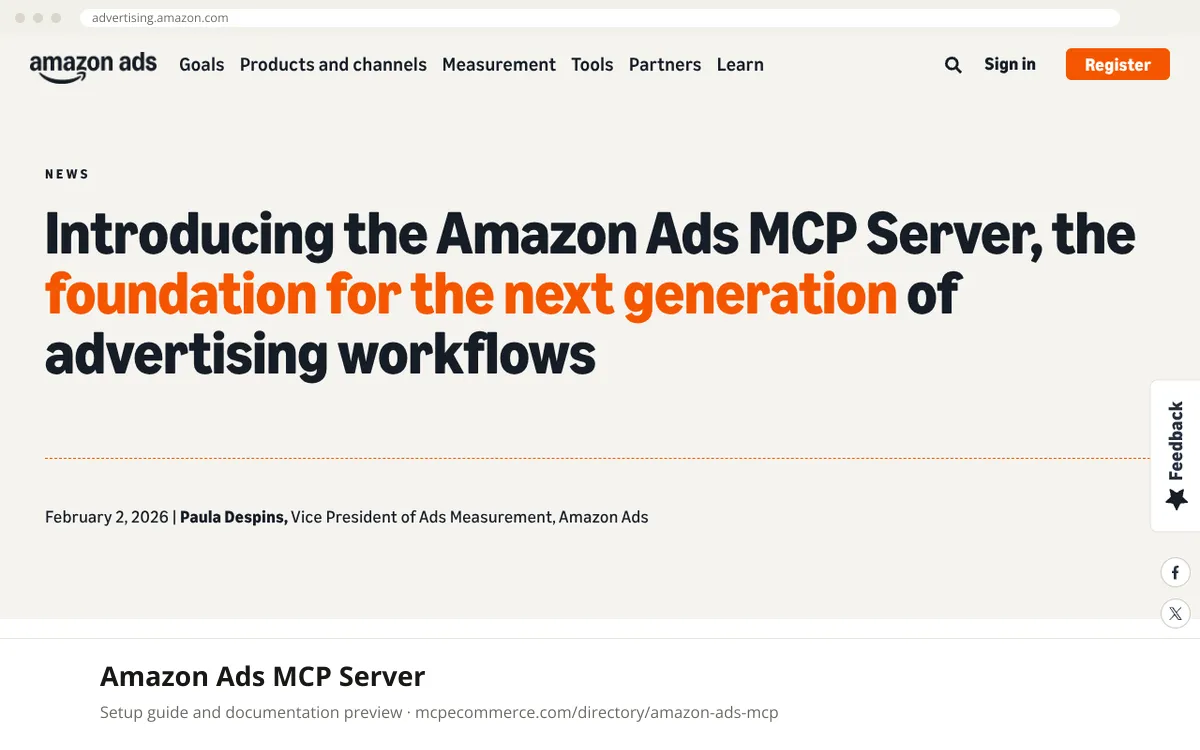
The Amazon Ads MCP Server is Amazon's own remote server for the Model Context Protocol. It connects AI agents to Amazon Ads API functions and turns plain-language prompts into structured API calls. According to the February 2, 2026 announcement, it is in open beta and can be used with custom-built agents or AI platforms such as Claude, ChatGPT or Gemini. Agents can create, update or delete campaigns, run performance and reporting queries, manage account-level settings and access billing and financial data.
It also includes prebuilt tools that bundle several steps into one workflow. Examples from the announcement are expanding existing campaigns to another country and building an end-to-end Sponsored Products campaign (campaign, ad groups and ads) from a single prompt. The result is described as ready to launch and needing only review and approval. This is for Amazon sellers and agencies that run Sponsored Ads at scale. Access is currently limited to Amazon Ads partners with active API credentials. How well it works depends on having those credentials, on the account permissions you grant, and on a human checking anything that changes live spend.
Amazon sellers and agencies managing Sponsored Ads at scale.
Exact commands and addresses change. Use the official documentation for the current steps.
Installation guide for Amazon Ads MCP Server
Client-by-client steps, what to prepare, the first prompts to run and fixes for common errors.
 Claude
 ChatGPT
 Gemini
 Microsoft Copilot
 Perplexity
 CursorClaude Code
Watch out for: Open beta aimed at partners with API credentials, and write tools can change live spend.
Per the February 2026 announcement, the server and its tools are available globally in open beta to Amazon Ads partners with active API credentials. If you do not have API credentials, check the vendor documentation or contact Amazon Ads about getting access before planning to use it.
Yes. It has a tool that builds an end-to-end Sponsored Products campaign from one prompt, covering the campaign, ad groups and ads. Amazon says the result is ready to launch and only needs review and approval. Treat that review step as required, because launching affects live spend.
The announcement says one integration can connect custom-built agents or AI platforms such as Claude, ChatGPT or Gemini. It is built on the open Model Context Protocol standard. Follow the vendor documentation for the exact connection steps for your platform.
Step-by-step: install Amazon Ads MCP Server in Claude, ChatGPT, Gemini, Copilot and more →
Questions readers and searchers ask about Amazon Ads MCP Server, answered by the site editor from the vendor documentation, plus reader experience. Every comment is reviewed before it appears.
Advertising · 7 min read

Advertising · 7 min read
Advertising · 7 min read
 Read-only
Google · Advertising
An open-source server from Google that lets an assistant query Google Ads accounts for reporting and analysis.
View details →
 Read and write
Meta · Advertising
Meta's official connectors let an AI assistant such as Claude or ChatGPT query and manage a Meta ad account through a hosted MCP server, with a CLI alongside it. Announced in April 2026 and in open beta.
View details →
 unverifiedRead and write
TikTok for Business · Advertising
TikTok publishes an MCP server page on its Business API portal. Third-party directories describe hosted endpoints with browser OAuth and a large tool set covering campaigns, Smart+ ads, reporting, audiences and catalogs; we could not read the vendor page itself.
View details →