

Other platforms · 7 min read
Email and CRM
Attentive's MCP server exposes 74 tools (34 read-only, 40 write-enabled) for SMS and email campaigns, journeys, segments, templates and reporting, scoped to what the user can already do in the Attentive UI. The docs describe it as a beta whose tool names may change.
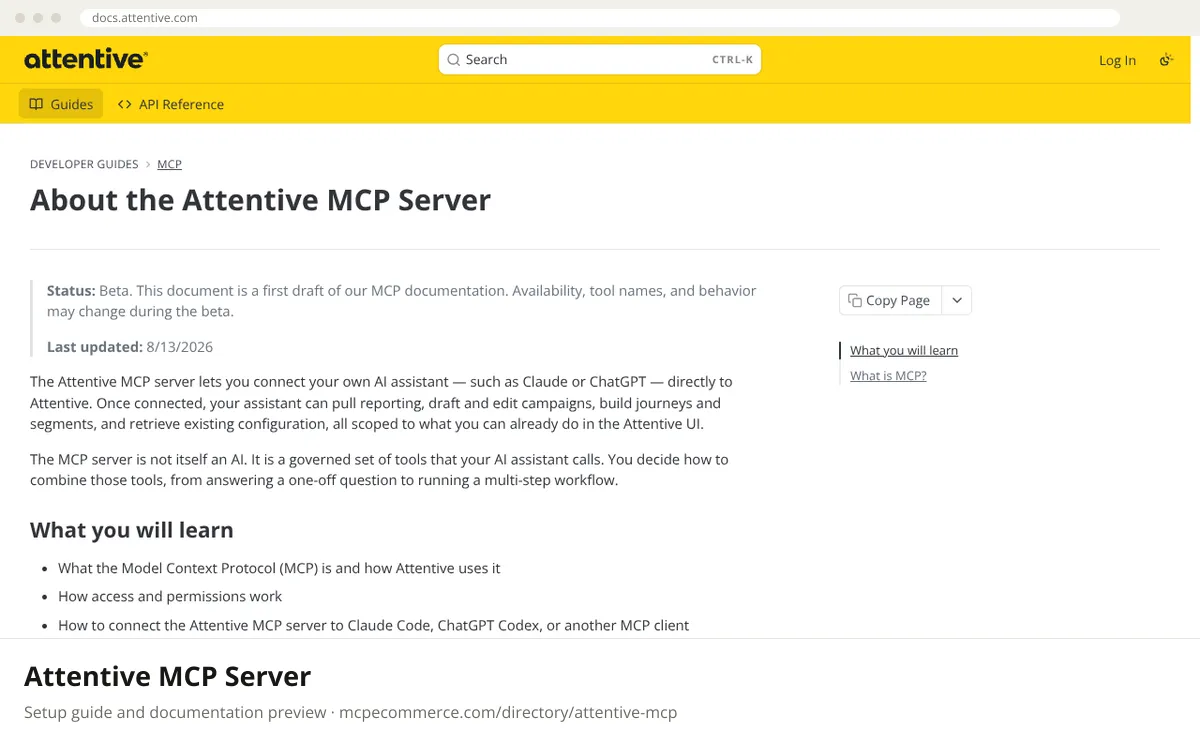
The Attentive MCP server is the vendor's official, hosted connection between an AI assistant such as Claude or ChatGPT and an Attentive account. The listing describes 74 tools, 34 read-only and 40 write-enabled, covering SMS and email campaigns, journeys, segments, email templates, branding styles and reporting. The documentation says the server is not an AI itself. It is a governed set of tools that your own assistant calls, and what the assistant can see and do is scoped to what you can already do in the Attentive UI.
It suits DTC brands and agencies that already run SMS programs on Attentive and want help with reporting questions, campaign drafts and journey or segment builds. Two things decide how well it works. The first is the permission level of the Attentive user who connects, because the assistant inherits it. The second is how carefully you separate read-only work from write work. The documentation marks this as a beta, with availability, tool names and behavior that may change, so check any saved workflow again after updates.
DTC brands and agencies running SMS programs on Attentive who want AI-assisted campaign and journey work.
https://docs.attentive.com/docs/mcp-about. Confirm which Attentive user will connect and what that user can do in the Attentive UI.Exact commands and addresses change. Use the official documentation for the current steps.
Installation guide for Attentive MCP Server
Client-by-client steps, what to prepare, the first prompts to run and fixes for common errors.
 Claude
 ChatGPT
 Gemini
 Microsoft Copilot
 Perplexity
 CursorClaude Code
Watch out for: A write-enabled connection can delete campaigns and journeys and expose segment subscribers, and the vendor says behavior may change during beta.
The listing and documentation text provided here do not state any pricing for the MCP server. Access is listed as varying by tool, and it follows the permissions of the Attentive user who connects. Check with Attentive or your account representative about any cost or plan requirements before you plan a rollout.
The documentation names Claude Code and ChatGPT Codex, and says you can use another MCP client. It also mentions assistants such as Claude or ChatGPT in general. Follow the vendor's connection instructions for your specific client, since the steps and supported options may change during the beta.
Step-by-step: install Attentive MCP Server in Claude, ChatGPT, Gemini, Copilot and more →
The listing says write-enabled tools can create, edit, schedule, pause and resume campaigns, and can also delete campaigns and journeys. What is possible depends on your Attentive permissions and on which tools you enable. Use read-only access by default and review every write action yourself.
Questions readers and searchers ask about Attentive MCP Server, answered by the site editor from the vendor documentation, plus reader experience. Every comment is reviewed before it appears.
Other platforms · 7 min read

Advertising · 7 min read

Analytics and tracking · 6 min read
 Varies by tool
Klaviyo · Email and CRM
Klaviyo's MCP server connects an assistant to email and SMS marketing data: campaigns, flows, profiles and reporting.
View details →
 Varies by tool
HubSpot · Email and CRM
HubSpot's MCP server gives an assistant access to CRM records, useful for B2B e-commerce and agency pipelines.
View details →
Omnisend · Email and CRM
Omnisend's hosted MCP server exposes the whole Omnisend API through four meta tools (search, tool_schema, tool_documentation, execute) with OAuth and a selectable read-only or write access level.
View details →