
MCP Ecommerce
Canva logo

Creative and content

Canva MCP Server

Canva's remote MCP server exposes design generation, targeted editing, search, export, resize, asset upload, folders, brand kits and comments as tools, with per-user OAuth and rate limits per tool category.
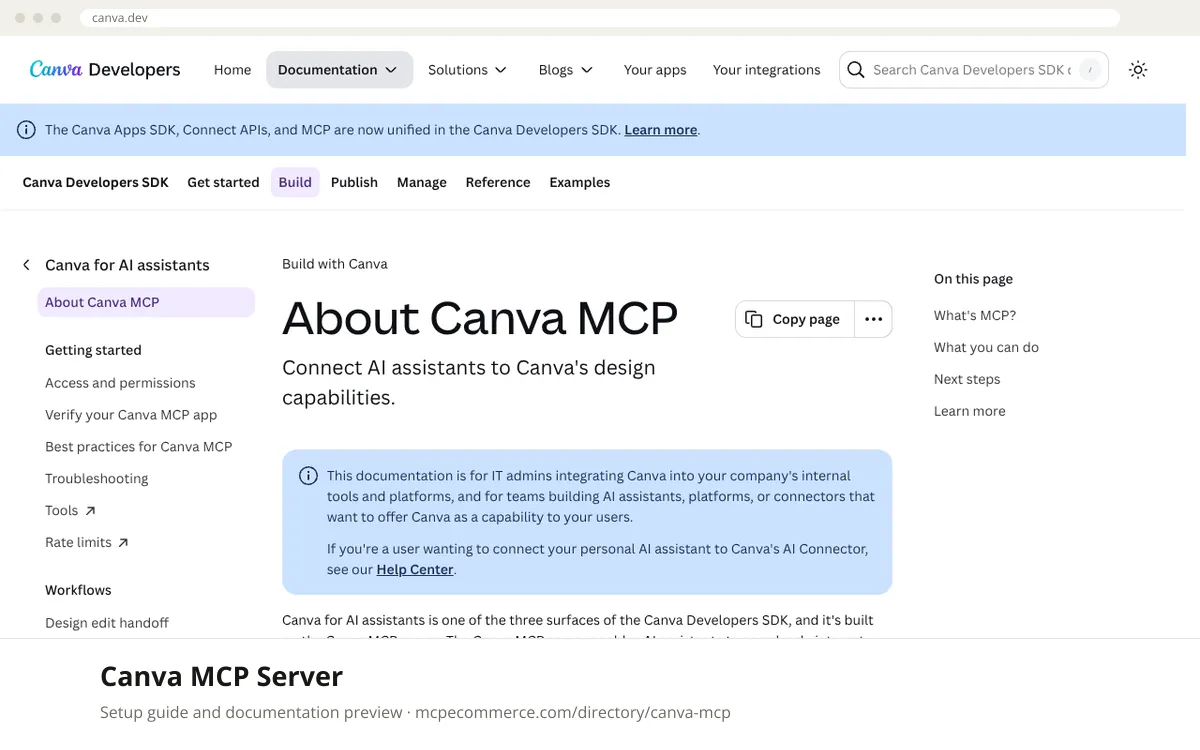
Canva MCP Server setup guide: Canva's MCP documentation page on canva.dev, shown in a browser frame (creative and content MCP server for e-commerce)
Canva MCP Server setup guide preview: Canva’s documentation on canva.dev, captured Nov 12, 2026. The page may have changed since; the link opens the live version.

What it is and why it matters

Canva's MCP server is a remote server hosted by Canva that lets an AI assistant work with Canva through plain language. According to the documentation, it exposes design creation and editing, asset and brand management, library search, export and commenting as tools. For a merchant or agency, that means an assistant can draft ad and social designs, find existing designs, resize a design for another channel, export files and leave comments, without someone clicking through Canva for each step.

It suits marketing teams that already produce creative in Canva and want to speed up repetitive work. The documentation is aimed at IT admins and teams building AI assistants or connectors, so a merchant should expect to involve whoever manages AI tools in the business. Individual users connecting a personal assistant are pointed to Canva's Help Center instead. How well it works depends on three things: your Canva plan (resizing, autofill, brand kits and brand templates need Canva Pro or above), the rate limit on each tool category, and how clear your prompts and brand assets are.

What it does

  • Generate designs from text descriptions
  • Edit existing designs and resize for channels
  • Search designs, pages and folders, upload assets
  • Export in multiple formats and add comments

Best for

Marketing teams producing ad and social creative in Canva.

How to connect it

  1. Check your Canva plan and who will use the connection. Resizing, autofill, brand kits and brand templates need Canva Pro or above. Decide whether an IT admin or the individual user will set it up.
  2. Read the Access and permissions and Getting started pages of the Canva MCP documentation, as described in the documentation. Individual users should follow the Canva Help Center guide for setting up the Canva AI Connector with their assistant.
  3. In your AI assistant, add Canva as a connector or MCP server using the remote server details given in the vendor documentation. Do not copy server addresses from third-party sources.
  4. Sign in with your own Canva account when prompted. Access uses per-user OAuth, so the assistant acts with that person's Canva permissions.
  5. Start with read-style tasks such as searching designs and folders. Then try one supervised creation task, such as generating a single draft design, and review it in Canva.
  6. If something fails, use the Troubleshooting and Rate limits pages in the documentation to separate timeouts, authentication problems and rate limit errors.

Exact commands and addresses change. Use the official documentation for the current steps.

Installation guide for Canva MCP Server

Client-by-client steps, what to prepare, the first prompts to run and fixes for common errors.

ClaudeChatGPTGeminiMicrosoft CopilotPerplexityCursorClaude Code
→

Questions you can ask it

  • Search my Canva designs for last quarter's spring sale Instagram posts and list them with their folders.
  • Generate a draft square social post announcing our new product line, using the text I provide, and give me the link to review.
  • Resize our approved Black Friday banner for Instagram Story and Facebook feed formats.
  • Export the selected design as a PDF and a PNG, then add a comment asking the design lead to check the logo placement.

What it cannot do

  • It cannot bypass plan limits: resizing, autofill, brand kits and brand templates need Canva Pro or above.
  • It cannot run unlimited requests. Each tool category has its own rate limit, so large batch jobs may be slowed or refused.
  • It does not replace design review. Generated or edited designs can need manual checks for brand fit, wording and layout before publishing.

Staying safe

  • Access is per user through OAuth, so the assistant can reach whatever that person can reach in Canva. Connect with an account that has only the folders and brand assets the task needs.
  • The server allows read and write actions, including editing designs, uploading assets and adding comments. Begin with search and review tasks, and supervise any edit, upload or comment until you trust the results.
  • Keep original designs safe: ask for edits on copies where possible, and check Canva's usage policy and prohibited use pages before connecting assistants to company-wide workflows.

Watch out for: Resizing, autofill, brand kits and brand templates need Canva Pro or above, and each tool category has its own rate limit.

Frequently asked questions

+

Do I need a paid Canva plan to use the Canva MCP server?

The documentation summary for this listing says resizing, autofill, brand kits and brand templates need Canva Pro or above. Other features may work on other plans, but check Canva's Help Center and the Access and permissions page for what your plan includes before rolling it out to a team.

+

Is the Canva MCP server hosted by Canva or do I run it myself?

It is a remote server hosted by Canva, so you do not install or run server software. You connect your AI assistant to it and sign in with Canva using per-user OAuth. Follow the vendor documentation or the Help Center guide for your specific assistant.

Step-by-step: install Canva MCP Server in Claude, ChatGPT, Gemini, Copilot and more →

+

Can the assistant edit and export my existing designs?

Yes. The server provides tools to apply targeted edits to existing designs, export in formats such as PDF, PNG, JPG, PPTX and MP4, and resize for different channels. Because these actions can change files, start with copies or supervised tasks and review the results in Canva.

Questions and answers

Questions readers and searchers ask about Canva MCP Server, answered by the site editor from the vendor documentation, plus reader experience. Every comment is reviewed before it appears.

Ask a question or share what worked

Reviewed before publishing. One link max, no HTML.

Related guides

Other servers to compare