

Analytics and tracking · 7 min read

Creative and content
Webflow's official MCP server lets AI clients create pages, manage CMS collections and items, edit styles, components, custom code, SEO and forms within the user's existing Webflow permissions, one workspace per authorization.
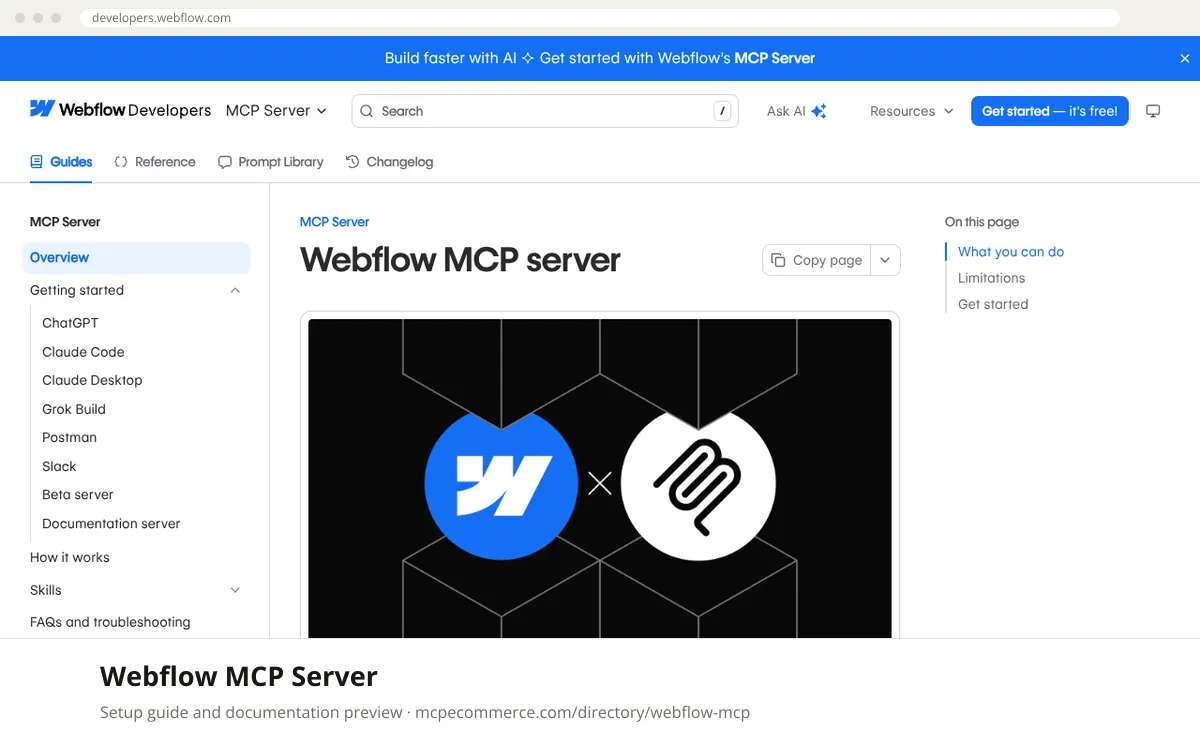
The Webflow MCP Server is Webflow's official, vendor-hosted connection between AI clients and your Webflow sites. Once connected, an AI assistant can create pages, work with CMS collections and items, edit styles, components and custom code, update SEO settings, and read forms and comments. With the Analyze add-on it can also read analytics. It works inside your existing Webflow permissions and roles, and each site can carry its own Agent Instructions to guide how an agent behaves on it.
It suits agencies and in-house teams who build landing pages and content sites on Webflow and want to speed up repetitive work such as bulk page settings, schema markup and CMS updates. Results depend on three things: the Webflow role of the person who authorizes it, how clear your Agent Instructions and prompts are, and whether the task needs the Designer. A few features, such as visual snapshots, image uploads and reading the current selection, need the Designer open with the Bridge App connected. Because the server has write access, agents can change live content, so supervision matters.
Agencies building landing pages and content sites on Webflow.
Exact commands and addresses change. Use the official documentation for the current steps.
Installation guide for Webflow MCP Server
Client-by-client steps, what to prepare, the first prompts to run and fixes for common errors.
 Claude
 ChatGPT
 Gemini
 Microsoft Copilot
 Perplexity
 CursorClaude Code
Watch out for: Agents can publish live changes, and some features need the Designer open with the Bridge App.
Yes. It is Webflow's own MCP server and runs as a remote service hosted by the vendor, so you do not install server software yourself. You connect it from a supported AI client, such as ChatGPT, Claude Code or Claude Desktop, and sign in with your Webflow account.
Step-by-step: install Webflow MCP Server in Claude, ChatGPT, Gemini, Copilot and more →
Yes. It has write access and can publish CMS items and make other changes that go live. Every action stays within the permissions of the person who authorized it. Review proposed changes before approving them, and test on a non-production site first.
Not for most tasks. According to the documentation, only a few capabilities need the Designer open with the Bridge App connected: visual snapshots of elements, image uploads, and reading or changing the current selection, page, mode, branch, canvas and breakpoints. Everything else works without the Designer open.
Questions readers and searchers ask about Webflow MCP Server, answered by the site editor from the vendor documentation, plus reader experience. Every comment is reviewed before it appears.
Analytics and tracking · 7 min read

Agentic commerce · 7 min read
