

Getting started · 7 min read

Support and reviews
Hosted MCP server that gives AI clients access to Intercom conversations, contacts, companies and Help Center articles. US and EU endpoints are available; AU workspaces are not yet supported.
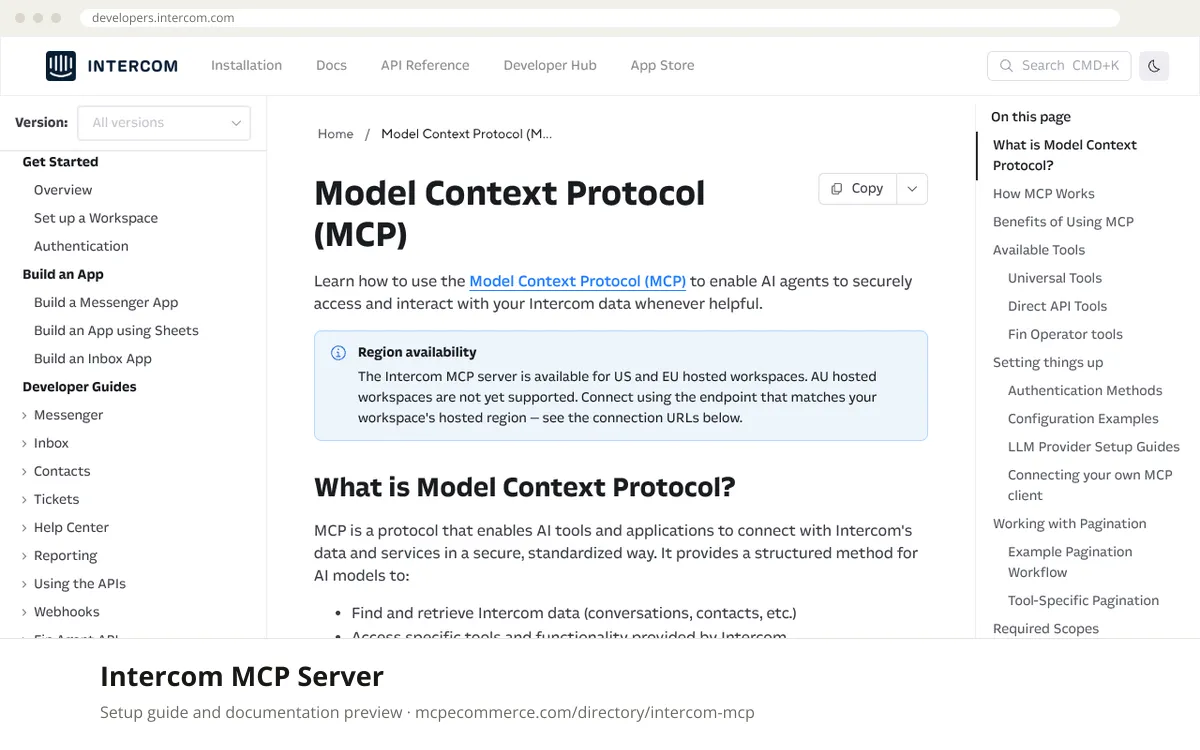
The Intercom MCP Server is a hosted connector run by Intercom. It lets an AI client such as Claude or a similar assistant read your Intercom conversations, contacts, companies and Help Center articles. It can also create and update Help Center articles and add internal notes to conversations. It cannot send customer-visible replies. US and EU workspaces each have their own endpoint. AU hosted workspaces are not yet supported.
It suits support teams and agencies that want to look for trends in conversations, check customer or company details, or draft help content without exporting data by hand. Results depend on the permissions of the person who connects, because access is scoped to that user. Start with read-only work such as searching and summarizing. Add write permission only when someone is supervising the task, because notes and article changes affect the live workspace.
Support teams and agencies that want to mine conversations for trends or draft help content from an AI client.
https://mcp.intercom.com/mcp for US and https://mcp.eu.intercom.com/mcp for EU. Use the Streamable HTTP address. The SSE addresses are marked legacy and deprecated.intercom using that URL. Follow your client's own documentation for the exact configuration format, since the vendor gives only generic templates.Exact commands and addresses change. Use the official documentation for the current steps.
Installation guide for Intercom MCP Server
Client-by-client steps, what to prepare, the first prompts to run and fixes for common errors.
 Claude
 ChatGPT
 Gemini
 Microsoft Copilot
 Perplexity
 CursorClaude Code
Watch out for: Write tools need the Write conversations permission and adding a note can unsnooze a conversation assigned to someone else.
Yes. US and EU hosted workspaces are supported, each with its own endpoint. The documentation gives a separate EU address, and EU requests are processed within the EU. AU hosted workspaces are not yet supported. Check your workspace URL to confirm your region before connecting.
No. The add_internal_note tool adds notes visible to teammates only, and the documentation states it cannot send customer-visible replies. Notes need the Write conversations permission. A note on a snoozed conversation assigned to another admin will reopen it.
The documentation recommends OAuth, which uses a browser consent step. OAuth is also required for the Fin Operator tools, which bearer token connections do not receive. Both methods are scoped to the connected user's permissions. Follow your AI client's documentation for its configuration format.
Questions readers and searchers ask about Intercom MCP Server, answered by the site editor from the vendor documentation, plus reader experience. Every comment is reviewed before it appears.
Gorgias · Support and reviews
Gorgias hosts an MCP app that lets an external AI assistant read helpdesk tickets, query analytics and audit or change helpdesk and AI Agent settings. It is available on all Helpdesk plans and is in beta.
View details →
Yotpo · Support and reviews
Yotpo's first official MCP server exposes its Discover product for content opportunities, content generation and visibility analytics over Streamable HTTP with OAuth 2.0. Reviews and loyalty data are not yet covered; Yotpo says more servers will be added.
View details →