

Getting started · 7 min read
Support and reviews
Gorgias hosts an MCP app that lets an external AI assistant read helpdesk tickets, query analytics and audit or change helpdesk and AI Agent settings. It is available on all Helpdesk plans and is in beta.
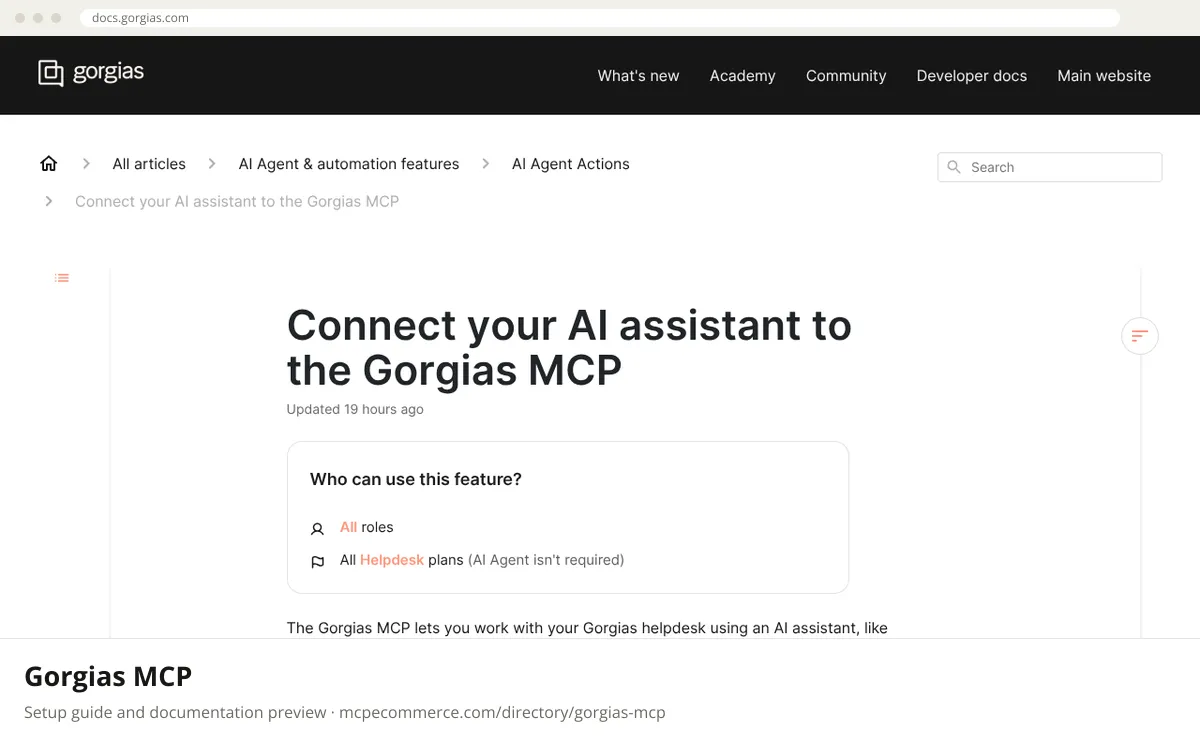
Gorgias MCP is a remote server hosted by Gorgias that lets an AI assistant such as Claude or ChatGPT work with your Gorgias helpdesk through conversation. It can read and search tickets, pull analytics like response times, ticket volume and CSAT, surface voice-of-customer themes, and audit settings such as tags, macros, rules and AI Agent configuration. It can also take actions: reply to customers, add internal notes, change status, priority or assignee, and edit macros, rules and AI Agent guidance. It is official, available on all Helpdesk plans (AI Agent is not required), and currently in beta.
It suits Shopify merchants and support teams who want ticket analysis and setup audits without exporting data into spreadsheets. What decides whether it works well is the Gorgias role of the person who connects it, because the assistant can only do what that role allows. The vendor warns some features may not work as expected during beta, so start with read-only questions and review any action that could reach a customer or change how AI Agent responds.
Shopify merchants on Gorgias who want AI-assisted ticket analysis and setup audits without exporting data.
HTTP MCP server using the connection URL https://mcp.gorgias.com/mcp, following your client's documentation, and complete the Gorgias authentication when prompted.Exact commands and addresses change. Use the official documentation for the current steps.
Installation guide for Gorgias MCP
Client-by-client steps, what to prepare, the first prompts to run and fixes for common errors.
 Claude
 ChatGPT
 Gemini
 Microsoft Copilot
 Perplexity
 CursorClaude Code
Watch out for: Actions follow the connecting user's Gorgias role and the vendor warns some features may not work as expected during beta.
No. According to the documentation, the Gorgias MCP is available on all Helpdesk plans and AI Agent is not required. Everyone can connect it, but what your assistant can do depends on the role assigned to your user in Gorgias.
Step-by-step: install Gorgias MCP in Claude, ChatGPT, Gemini, Copilot and more →
Claude and ChatGPT list it in their connector or plugin directories, so no manual configuration is needed. Any MCP-compatible client, including Claude Code, Codex, Cursor and VS Code Copilot, can use the connection URL https://mcp.gorgias.com/mcp. Follow your client's documentation for adding an HTTP MCP server.
Step-by-step: install Gorgias MCP in Claude, ChatGPT, Gemini, Copilot and more →
On Claude Team or Enterprise, an Owner or Primary Owner must enable the Gorgias MCP for the organization before members can connect it. On a managed ChatGPT workspace (Business, Enterprise or Edu), an admin may need to make it available. Ask the relevant owner or admin, as described in the documentation.
Step-by-step: install Gorgias MCP in Claude, ChatGPT, Gemini, Copilot and more →
Questions readers and searchers ask about Gorgias MCP, answered by the site editor from the vendor documentation, plus reader experience. Every comment is reviewed before it appears.
Getting started · 7 min read

Security and governance · 8 min read

Getting started · 7 min read
 Varies by tool
Intercom · Support and reviews
Hosted MCP server that gives AI clients access to Intercom conversations, contacts, companies and Help Center articles. US and EU endpoints are available; AU workspaces are not yet supported.
View details →
Yotpo · Support and reviews
Yotpo's first official MCP server exposes its Discover product for content opportunities, content generation and visibility analytics over Streamable HTTP with OAuth 2.0. Reviews and loyalty data are not yet covered; Yotpo says more servers will be added.
View details →