

Analytics and tracking · 7 min read
Shipping and inventory
Shippo's hosted MCP server lets AI assistants compare carrier rates, buy labels, track packages, validate addresses and handle customs, batches, pickups and manifests, with per-user OAuth and a local bridge for stdio-only clients.
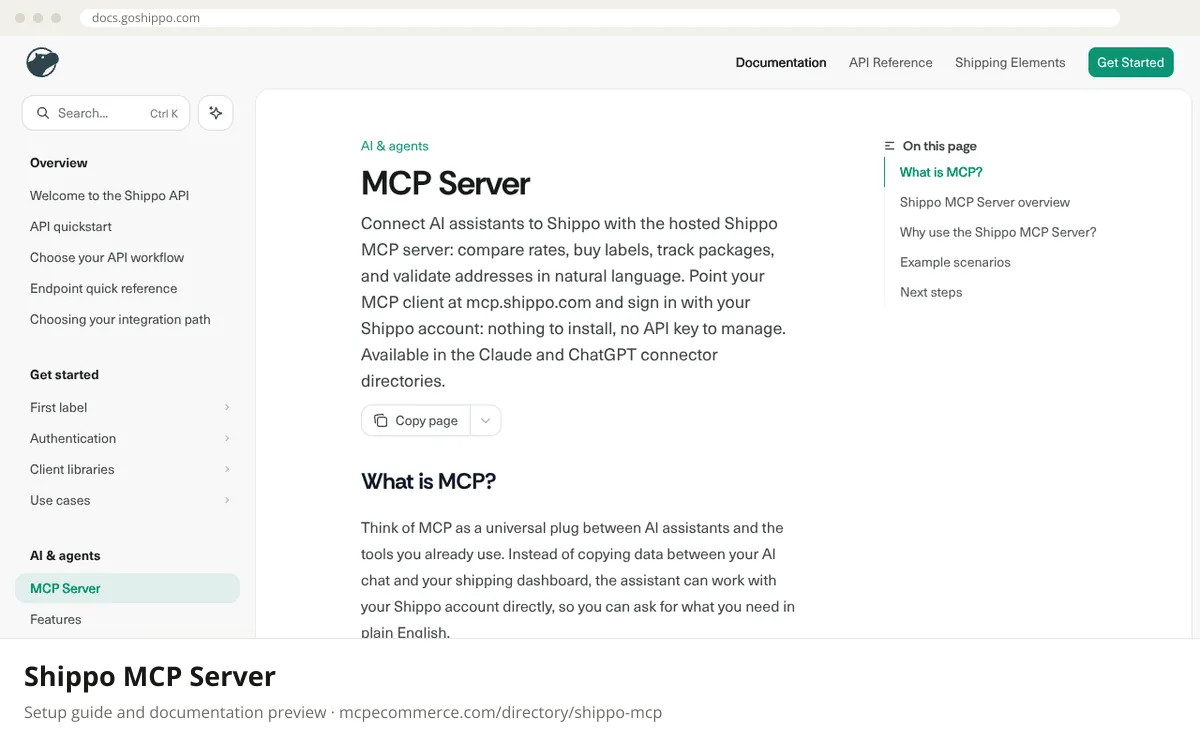
The Shippo MCP Server is Shippo's official hosted connector for AI assistants. Once connected, an assistant such as Claude, ChatGPT or Cursor can work with your Shippo account in plain English. It can compare carrier rates, validate addresses, buy labels, track packages, and help with customs declarations, batches, pickups, manifests and webhooks. You sign in with your Shippo account, so there is no API key to manage and nothing to install for most clients. The listing also mentions a local bridge for clients that only support stdio.
It suits small and mid-size merchants who already ship through Shippo and want to quote and buy labels from the chat they already use. It also suits agencies that want to try rates, address validation or customs payloads before writing integration code. The main thing that decides how well it works is how carefully you use the write actions. Buying a label charges your Shippo account, and the hosted server has no test mode. Start with read-only tasks such as rate comparison, tracking and address checks.
Small and mid-size merchants shipping through Shippo who want to quote and buy labels from chat.
https://mcp.shippo.com.Exact commands and addresses change. Use the official documentation for the current steps.
Installation guide for Shippo MCP Server
Client-by-client steps, what to prepare, the first prompts to run and fixes for common errors.
 Claude
 ChatGPT
 Gemini
 Microsoft Copilot
 Perplexity
 CursorClaude Code
Watch out for: Buying a label charges your account and the hosted server has no test mode; write actions ask for confirmation.
No. According to the documentation, you point your MCP client at the hosted server and sign in with your Shippo account. There is nothing to install and no API key to manage. Clients that only support stdio can use a local bridge, which the vendor documentation describes.
Step-by-step: install Shippo MCP Server in Claude, ChatGPT, Gemini, Copilot and more →
Not on the hosted server. The listing notes it has no test mode, so buying a label charges your account. Write actions ask for confirmation, but you should still check each request. Use read-only tasks like rate comparison and tracking while you learn how it behaves.
The documentation names Claude (claude.ai and Claude Desktop), ChatGPT and Cursor, and also mentions Claude Code and any MCP-compatible client. Claude and ChatGPT offer Shippo in their connector directories for one-click setup. Follow the Get connected page for the other clients.
Step-by-step: install Shippo MCP Server in Claude, ChatGPT, Gemini, Copilot and more →
Questions readers and searchers ask about Shippo MCP Server, answered by the site editor from the vendor documentation, plus reader experience. Every comment is reviewed before it appears.
 Read-only
Shopify · Store platform
Gives an AI coding assistant Shopify's developer documentation and API schemas while you build apps, themes and extensions.
View details →
Varies by toolShopify · Store platform
A per-store MCP endpoint that lets AI shopping assistants search a store's catalog, read policies and work with a cart.
View details →
 Read-only
Google · Advertising
An open-source server from Google that lets an assistant query Google Ads accounts for reporting and analysis.
View details →