

Analytics and tracking · 7 min read
SEO
DataForSEO's official MCP server runs locally or as a hosted endpoint, authenticating with API login and password to reach SERP, keywords, backlinks, on-page and other DataForSEO APIs.
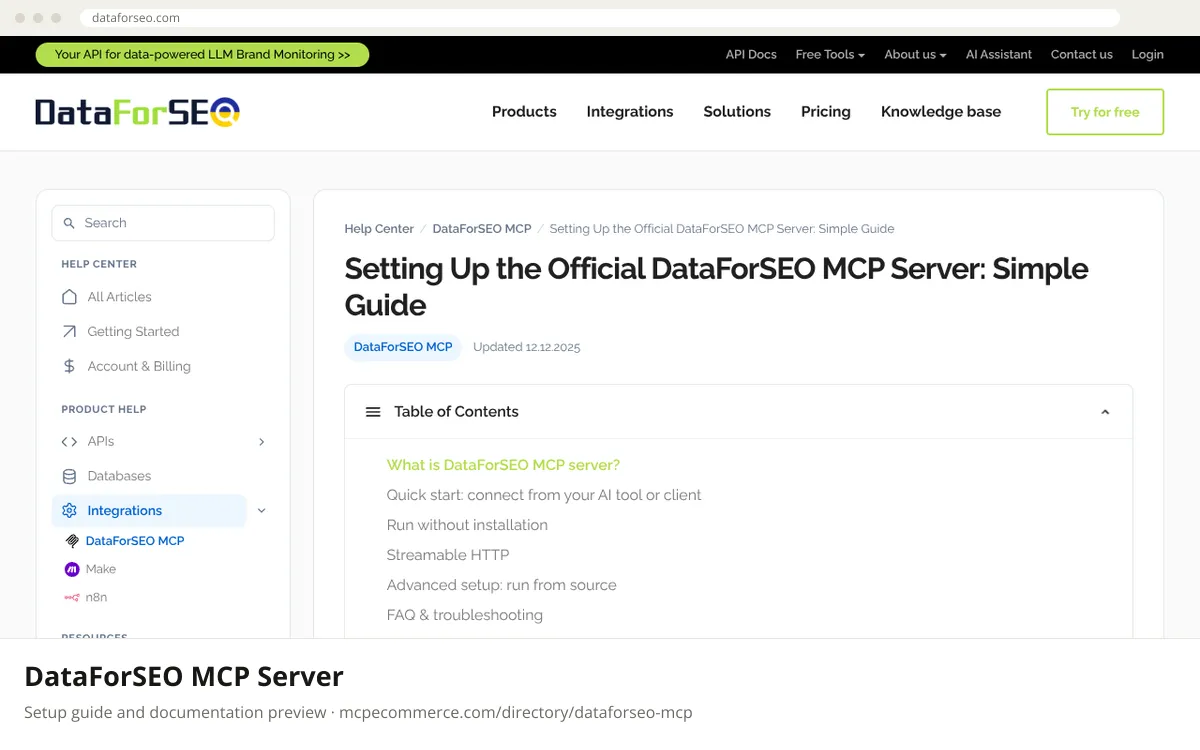
The DataForSEO MCP Server is the official bridge between an AI client and DataForSEO's APIs. Once connected, you can ask an assistant for search result data, keyword data, backlink and domain analytics, on-page and content analysis, and Google Shopping or Amazon data, without writing code. For an agency or an ecommerce team, this puts raw SEO and marketplace data into a chat, so research that normally means exporting reports can be done by asking questions.
It suits agencies and tool builders who are comfortable with pay-as-you-go data. Two things decide whether it works well. The first is credentials: the server needs your DataForSEO API login and password, which are not the same as your dashboard login. The second is client compatibility: the documentation says most clients that use the HTTP protocol work, but Claude Desktop is the exception for the remote endpoint. Every request spends DataForSEO balance, so clear, narrow questions keep costs predictable.
Agencies and tool builders who want raw pay-as-you-go SEO data under an AI client.
Node.js if you plan to run the server locally. The documentation says old versions can cause a 'Fetch not defined' error.DATAFORSEO_USERNAME and DATAFORSEO_PASSWORD to your API login and password, using the macOS/Linux, PowerShell or Command Prompt syntax shown in the documentation.npx dataforseo-mcp-server for the stdio protocol. For clients that expect HTTP, use npx dataforseo-mcp-server http and point the client at the local URL. The documentation says the server is ready when it shows 'DataForSEO MCP Server running on stdio'.HTTP to the hosted endpoint https://mcp.dataforseo.com/mcp, with no local setup. Per the documentation, this is not for Claude. ChatGPT with the remote server needs an authorization header with your API login and password in Base64 format.Exact commands and addresses change. Use the official documentation for the current steps.
Installation guide for DataForSEO MCP Server
Client-by-client steps, what to prepare, the first prompts to run and fixes for common errors.
 Claude
 ChatGPT
 Gemini
 Microsoft Copilot
 Perplexity
 CursorClaude Code
Watch out for: Every call spends DataForSEO balance and the help page notes the remote endpoint is not for Claude Desktop.
The documentation calls this the most common issue. Check that you are using your API login and API password, not the email and password for the DataForSEO dashboard. Also check the format your client needs. ChatGPT with the remote server needs a Base64-encoded authorization header. Follow the vendor guide for your specific client.
Step-by-step: install DataForSEO MCP Server in Claude, ChatGPT, Gemini, Copilot and more →
Claude Desktop is the exception to the HTTP protocol. The documentation says most modern clients, except Claude Desktop, expect HTTP, and the hosted endpoint is not for Claude. The vendor lists a separate quick setup guide for Claude Desktop, so follow that one. It describes the supported route, which is the stdio mode through npx.
Step-by-step: install DataForSEO MCP Server in Claude, ChatGPT, Gemini, Copilot and more →
The server is a connector to DataForSEO APIs, and each call spends your DataForSEO account balance. The documentation does not give prices, so check the vendor's pricing page and your account dashboard. Test with small requests first and monitor your balance to see what typical questions cost.
Questions readers and searchers ask about DataForSEO MCP Server, answered by the site editor from the vendor documentation, plus reader experience. Every comment is reviewed before it appears.
Analytics and tracking · 7 min read

Agentic commerce · 7 min read
 communityRead-only
Community · SEO
Community MIT-licensed MCP server that exposes Google Search Console search analytics (up to 25,000 rows) with filters, dimensions and quick-win detection, authenticated via a Google service account. Google has no official Search Console MCP server.
View details →
Ahrefs · SEO
Ahrefs' hosted MCP server gives AI assistants access to Ahrefs API data such as organic traffic, keyword gaps, backlinks and Site Audit issues. It is available on Lite, Standard, Advanced and Enterprise plans and draws API units.
View details →
 Read-only
Semrush · SEO
Semrush's hosted MCP server exposes all SEO API and Trends API endpoints plus read-only Projects API methods over Streamable HTTP, with OAuth 2.1 or an API key, billed in the same API units as the Semrush API.
View details →