

Analytics and tracking · 7 min read

SEO
Semrush's hosted MCP server exposes all SEO API and Trends API endpoints plus read-only Projects API methods over Streamable HTTP, with OAuth 2.1 or an API key, billed in the same API units as the Semrush API.
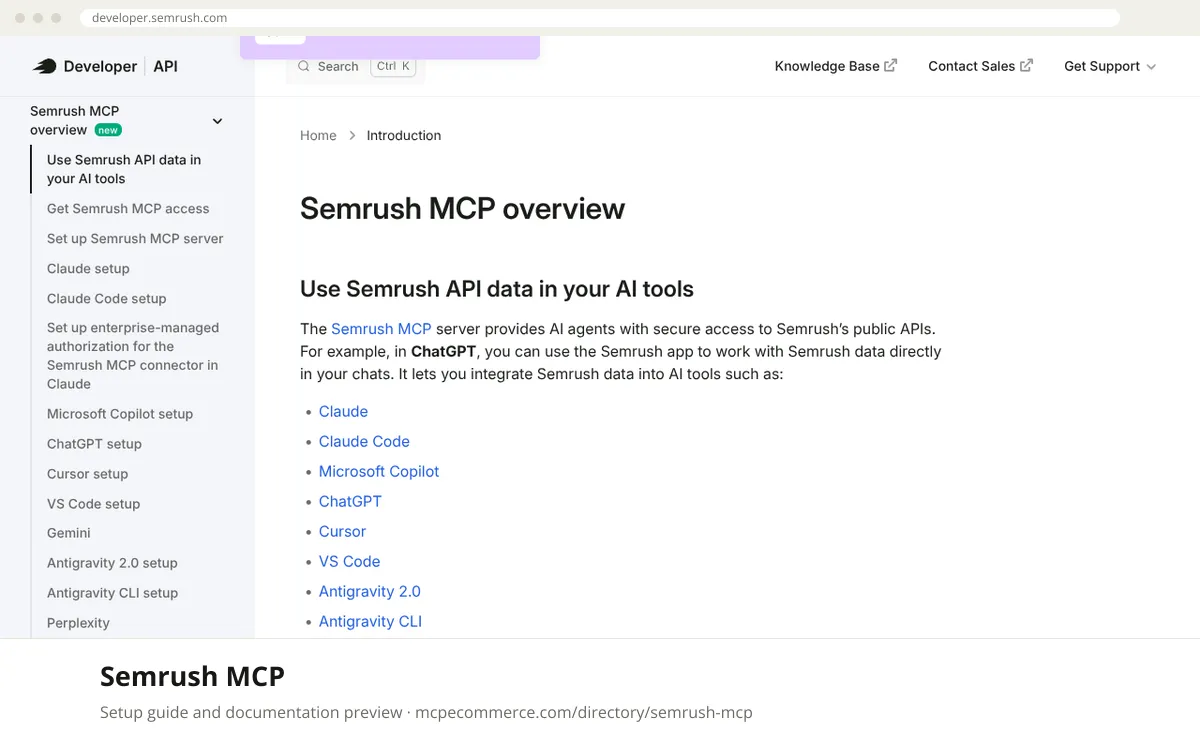
Semrush MCP is the vendor-hosted MCP server from Semrush. It lets an AI tool such as Claude, ChatGPT, Microsoft Copilot, Cursor or Perplexity pull data from Semrush's public APIs while you chat. It covers all SEO API endpoints, all Trends API endpoints (depending on your Trends API subscription level) and the read-only methods of the Projects API v3, such as project data. You can ask for competitor domains, keyword and backlink data, or traffic and market figures without exporting reports by hand. Usage is billed in the same API units as the Semrush API, with no extra fee from Claude or ChatGPT.
It suits agencies and in-house SEO teams that already hold a Semrush plan with API units and want faster competitor and keyword research. Whether it works well depends on your unit balance and on how specific your prompts are. Broad requests for large amounts of data use more units. Access is read-only, so it can't create projects or change settings. The documentation also says AI answers can be incomplete or inaccurate, so check figures before you use them in client work.
Agencies with Semrush API units who want competitor and keyword research in chat.
Customize, then Connect your apps, search for Semrush, click Connect, review the permission screen and click Approve. Tag the app as @Semrush in chats. In ChatGPT, go to Account, then Settings, then Apps, select Semrush, click Connect, then Continue and Approve, and tag it as @Semrush.claude mcp add semrush https://mcp.semrush.com/v2/mcp -t http in a terminal. Then open Claude Code, run /mcp, select Semrush MCP and choose Authenticate. OAuth 2.1 redirects you to the Semrush login page.https://mcp.semrush.com/v2/mcp, which supports streamable HTTP only. OAuth is the default and needs no extra headers. If your tool doesn't support OAuth, send your API key in the Authorization header as Authorization: Apikey YOUR_API_KEY. For Cursor, VS Code, Copilot and the others, follow the vendor documentation for each tool.Exact commands and addresses change. Use the official documentation for the current steps.
Installation guide for Semrush MCP
Client-by-client steps, what to prepare, the first prompts to run and fixes for common errors.
 Claude
 ChatGPT
 Gemini
 Microsoft Copilot
 Perplexity
 CursorClaude Code
Watch out for: Needs a plan with API units and connecting unlisted AI tools requires Semrush Support approval.
Access is included in eligible Semrush subscriptions, and it uses API units from your plan. The documentation says Claude and ChatGPT add no fees for the Semrush app. Plans such as Semrush One Starter include 50,000 units, and larger unit packages are sold separately. Check the vendor pages for current pricing.
Step-by-step: install Semrush MCP in Claude, ChatGPT, Gemini, Copilot and more →
No. The Projects API methods it exposes are read-only. You can read data from your projects, such as position tracking, but you can't create projects, modify settings or perform other actions. This makes it a reasonable starting point for supervised research and reporting work.
OAuth is the default and needs no extra configuration. Your AI tool registers itself and sends you to the Semrush login page. Use an API key only if your tool doesn't support OAuth, and pass it in the Authorization header in the format shown in the documentation.
Questions readers and searchers ask about Semrush MCP, answered by the site editor from the vendor documentation, plus reader experience. Every comment is reviewed before it appears.
Analytics and tracking · 7 min read

Agentic commerce · 7 min read
 communityRead-only
Community · SEO
Community MIT-licensed MCP server that exposes Google Search Console search analytics (up to 25,000 rows) with filters, dimensions and quick-win detection, authenticated via a Google service account. Google has no official Search Console MCP server.
View details →
Ahrefs · SEO
Ahrefs' hosted MCP server gives AI assistants access to Ahrefs API data such as organic traffic, keyword gaps, backlinks and Site Audit issues. It is available on Lite, Standard, Advanced and Enterprise plans and draws API units.
View details →
DataForSEO · SEO
DataForSEO's official MCP server runs locally or as a hosted endpoint, authenticating with API login and password to reach SERP, keywords, backlinks, on-page and other DataForSEO APIs.
View details →