

Security and governance · 7 min read

SEO
Community MIT-licensed MCP server that exposes Google Search Console search analytics (up to 25,000 rows) with filters, dimensions and quick-win detection, authenticated via a Google service account. Google has no official Search Console MCP server.
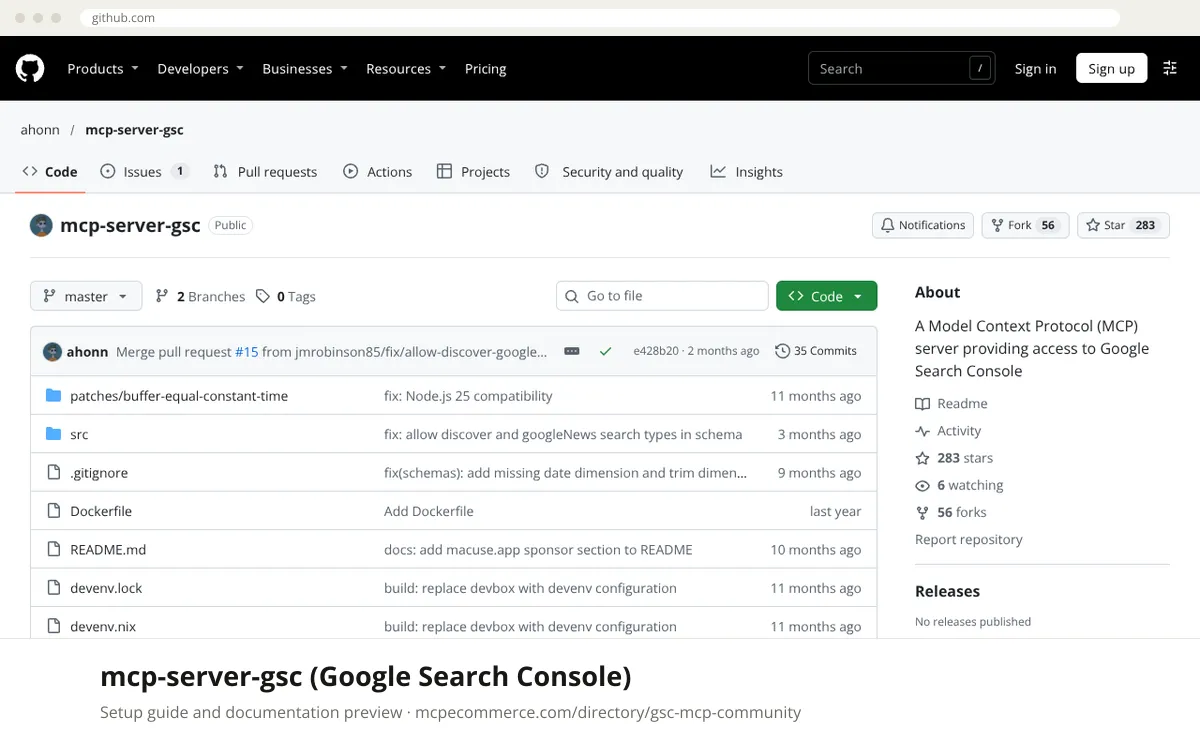
mcp-server-gsc is a community-built, MIT-licensed MCP server that lets an AI assistant such as Claude read Google Search Console search performance data. It can break results down by query, page, country, device, search appearance and date, return up to 25,000 rows per request, and apply filters including regex patterns. It also has a quick-wins option that flags queries and pages sitting just below the top results with enough impressions to be worth improving. Google does not publish an official Search Console MCP server, so this project fills that gap without a paid wrapper.
It suits SEO teams, in-house marketers and agencies who are comfortable with a one-time technical setup. You run it on your own computer, so there is no hosted service to pay for. Whether it works well depends on two things: creating a Google Cloud service account and adding it to each Search Console property as an administrator, and accepting that the project is maintained by one individual with no tagged releases. Check the repository activity before building a reporting routine around it.
SEO teams who want Search Console data inside Claude without a paid wrapper.
Node.js 18 or later, a Google Cloud project with the Search Console API enabled, and service account credentials.JSON format. The credentials file downloads automatically. Store it somewhere private.name@project.iam.gserviceaccount.com) to the property as described in the documentation, which says to add it as a property administrator. Repeat for each property you want to query.gsc with command set to npx, args set to -y and mcp-server-gsc, and an env entry GOOGLE_APPLICATION_CREDENTIALS pointing to the path of your JSON credentials file.https://example.com/ or sc-domain:example.com to match how the property is set up in Search Console.Exact commands and addresses change. Use the official documentation for the current steps.
Installation guide for mcp-server-gsc (Google Search Console)
Client-by-client steps, what to prepare, the first prompts to run and fixes for common errors.
 Claude
 ChatGPT
 Gemini
 Microsoft Copilot
 Perplexity
 CursorClaude Code
Watch out for: Requires a Google Cloud service account added as a Search Console property admin, and the project is maintained by one individual.
No. Google has not released an official one. This listing is a community project by an individual developer, released under the MIT license. It uses the Search Console API through a service account you create. Treat it as unsupported software and check how recently the repository has been updated before relying on it.
The server signs in as a Google Cloud service account rather than as you. Search Console only returns data for properties that account can access, so the documentation says to add its email address as a property administrator. Without this step, requests fail with permission errors. Add it only to the properties you need.
The documentation says the default row limit is 1,000 and the maximum is 25,000 per request. Quick-wins detection is an option that flags opportunities. By default it looks at positions 4 to 20, at least 100 impressions and a minimum CTR of 1 percent. You can change all three settings.
Questions readers and searchers ask about mcp-server-gsc (Google Search Console), answered by the site editor from the vendor documentation, plus reader experience. Every comment is reviewed before it appears.
Security and governance · 7 min read

Advertising · 7 min read

Other platforms · 7 min read
Ahrefs · SEO
Ahrefs' hosted MCP server gives AI assistants access to Ahrefs API data such as organic traffic, keyword gaps, backlinks and Site Audit issues. It is available on Lite, Standard, Advanced and Enterprise plans and draws API units.
View details →
 Read-only
Semrush · SEO
Semrush's hosted MCP server exposes all SEO API and Trends API endpoints plus read-only Projects API methods over Streamable HTTP, with OAuth 2.1 or an API key, billed in the same API units as the Semrush API.
View details →
DataForSEO · SEO
DataForSEO's official MCP server runs locally or as a hosted endpoint, authenticating with API login and password to reach SERP, keywords, backlinks, on-page and other DataForSEO APIs.
View details →