

Other platforms · 7 min read
Payments
Mollie's hosted MCP server proxies its public API so AI tools can list and manage payments, payment links, customers, subscriptions, settlements, invoices, terminals and webhooks after an OAuth sign-in.
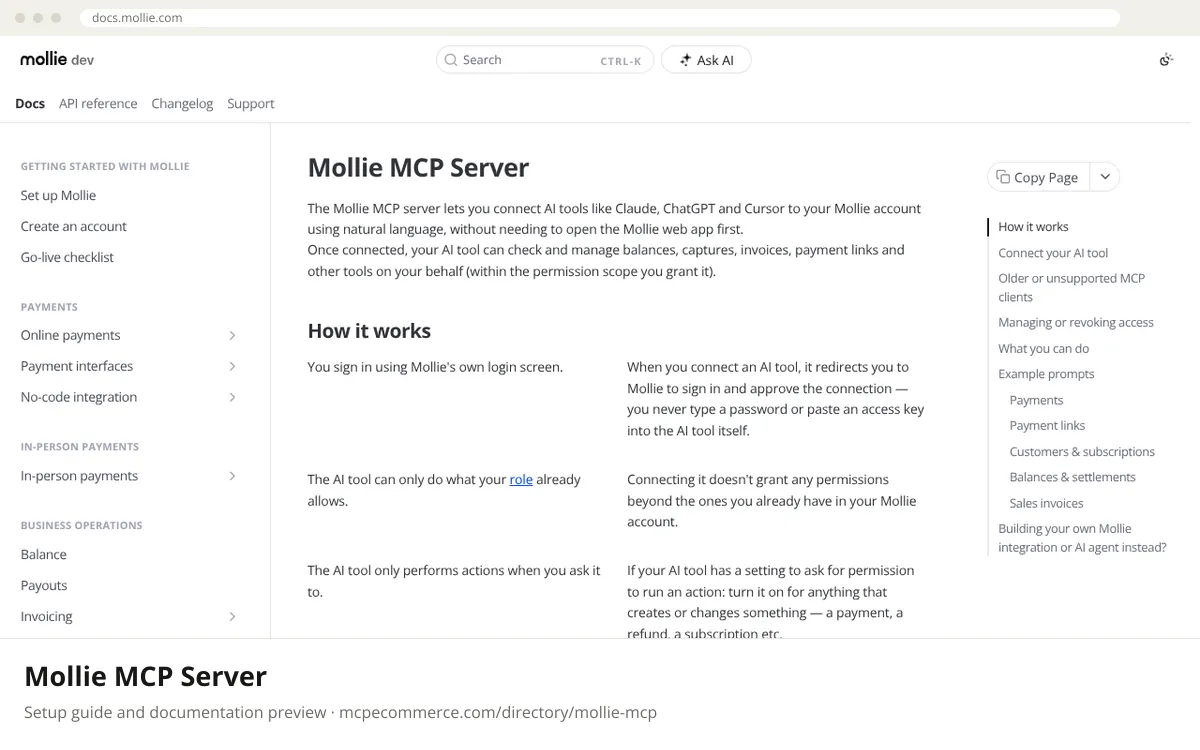
The Mollie MCP Server is a hosted connection run by Mollie that lets AI tools such as Claude, ChatGPT and Cursor work with your Mollie account in plain language. It covers payments, payment links, customers, subscriptions, mandates, captures, balances, settlements, sales invoices, the invoices Mollie bills you, payment methods, terminals, webhooks and profiles. You sign in on Mollie's own login screen, so you never paste a password or access key into the AI tool.
It suits European merchants and agencies who want to check payments, reconcile settlements or create payment links from a chat. What decides whether it works well is your Mollie role. The AI tool can do only what your role allows, and its actions appear in your account as if you had done them yourself. Refunds are not supported yet. Mollie also has no page for managing connected AI tools, so you revoke access from the AI tool's own settings.
European merchants reconciling Mollie payouts or creating payment links from chat.
https://mcp.mollie.com/mcp to your MCP client. The client detects that sign-in is required and handles the rest.mcp-remote proxy with npx, as described in the documentation. The first connection opens a browser window to the same Mollie screen and stores tokens on your machine.Exact commands and addresses change. Use the official documentation for the current steps.
Installation guide for Mollie MCP Server
Client-by-client steps, what to prepare, the first prompts to run and fixes for common errors.
 Claude
 ChatGPT
 Gemini
 Microsoft Copilot
 Perplexity
 CursorClaude Code
Watch out for: Refunds are not supported yet, and write tools act with the user's full account role; revoke access from the AI tool since Mollie has no dedicated revoke page.
Search for Mollie in the assistant's plugin directory and add it, or add the server URL from the documentation to your MCP client. You are redirected to Mollie's login screen, where you approve the permissions. No password or API key is pasted into the AI tool.
Step-by-step: install Mollie MCP Server in Claude, ChatGPT, Gemini, Copilot and more →
Not currently. The documentation says refunds are not supported. You can still view refunds included in a settlement. To refund a payment, use the Mollie Dashboard or your own integration, and check the vendor documentation for updates to the supported actions.
Mollie has no page in its web app for managing AI tool access. Open the connected apps or integrations settings in the AI tool or code agent and remove Mollie there. That revokes the connection. Check the vendor documentation if this process changes.
Questions readers and searchers ask about Mollie MCP Server, answered by the site editor from the vendor documentation, plus reader experience. Every comment is reviewed before it appears.
Other platforms · 7 min read

Other platforms · 7 min read

Other platforms · 8 min read
 Varies by tool
Stripe · Payments
Stripe's remote MCP server lets an assistant work with Stripe objects such as customers, products, invoices and payment links.
View details →
 Read and write
PayPal · Payments
PayPal offers both a local npm package and hosted remote servers (production and sandbox) that let merchants run invoicing, payments and other PayPal tasks from an AI client using natural language.
View details →
 betaRead and write
Square · Payments
Square's beta MCP server bridges AI assistants to the full Square API (customers, orders, catalog items, payments). Square recommends the hosted server with OAuth; a local server can target Sandbox.
View details →