

Analytics and tracking · 7 min read
SEO
OpenSEO is an open-source SEO suite whose hosted MCP endpoint offers keyword research, SERP data, rank tracking, backlink overviews, Google Search Console reads and AI visibility tracking via OAuth or an API key; self-hosting with your own DataForSEO key is documented.
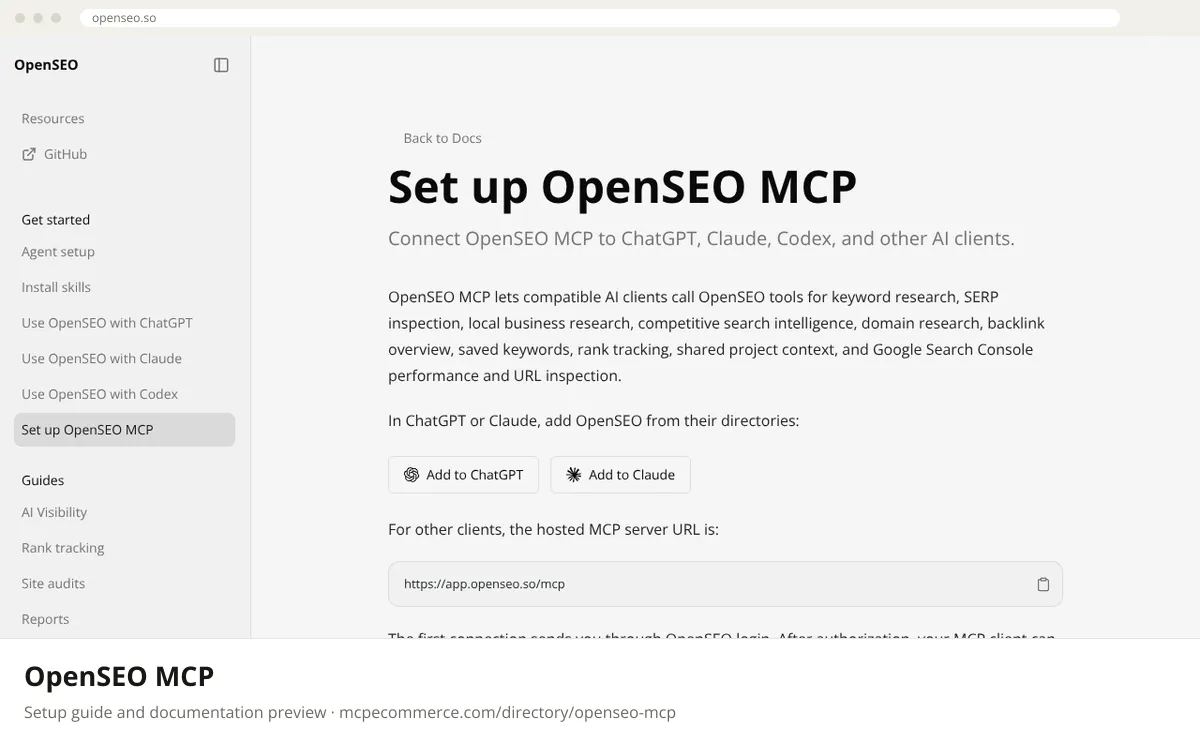
OpenSEO MCP is the hosted MCP endpoint of OpenSEO, an open-source SEO suite. Once connected, an AI client such as ChatGPT, Claude, Codex or Cursor can call OpenSEO tools for keyword research, SERP inspection, local business research, domain research, backlink overviews, saved keywords, rank tracking, shared project context, and Google Search Console performance and URL inspection. The listing also mentions AI visibility tracking and saved reports with shareable links. Search Console access works without you setting up a Google Cloud project.
It is aimed at smaller agencies and in-house marketers who want a Semrush-style data connection at lower cost, or who prefer to self-host. The documentation covers self-hosting with Docker or Cloudflare, and the listing notes this uses your own DataForSEO key. Results depend on which tools you use, since the documentation says some tools consume credits, and on which workspace your connection is tied to. It is a young project, so check the current tool list and credit rules in the vendor documentation before relying on it for client work.
Smaller agencies wanting a Semrush-style MCP at lower cost or self-hosted.
https://app.openseo.so/mcp.openseo entry under mcpServers with the url set to https://app.openseo.so/mcp.Authorization header or x-api-key, using the client-specific commands in the documentation.Exact commands and addresses change. Use the official documentation for the current steps.
Installation guide for OpenSEO MCP
Client-by-client steps, what to prepare, the first prompts to run and fixes for common errors.
 Claude
 ChatGPT
 Gemini
 Microsoft Copilot
 Perplexity
 CursorClaude Code
Watch out for: Some AI research tools consume credits and it is a young project.
The documentation points to free SEO tools and a separate page on plans, credits and billing. It also says some tools use credits. Check the OpenSEO MCP tools page and your plan to see which calls cost credits. Self-hosting is documented as an option and uses your own DataForSEO key.
According to the listing, no. Google Search Console performance and URL inspection are available through OpenSEO without your own Google Cloud project. You still need to connect the relevant Search Console access inside OpenSEO, following the vendor's Search Console and Analytics guide.
Step-by-step: install OpenSEO MCP in Claude, ChatGPT, Gemini, Copilot and more →
Open Settings in OpenSEO and choose Disconnect under Connected agents. For API keys, choose Revoke key under API keys. A disconnected agent has to sign in again before it can call OpenSEO. If authorization fails, remove the server in your client, add it again and repeat the login.
Step-by-step: install OpenSEO MCP in Claude, ChatGPT, Gemini, Copilot and more →
Questions readers and searchers ask about OpenSEO MCP, answered by the site editor from the vendor documentation, plus reader experience. Every comment is reviewed before it appears.
Analytics and tracking · 7 min read

Agentic commerce · 7 min read
 communityRead-only
Community · SEO
Community MIT-licensed MCP server that exposes Google Search Console search analytics (up to 25,000 rows) with filters, dimensions and quick-win detection, authenticated via a Google service account. Google has no official Search Console MCP server.
View details →
Ahrefs · SEO
Ahrefs' hosted MCP server gives AI assistants access to Ahrefs API data such as organic traffic, keyword gaps, backlinks and Site Audit issues. It is available on Lite, Standard, Advanced and Enterprise plans and draws API units.
View details →
 Read-only
Semrush · SEO
Semrush's hosted MCP server exposes all SEO API and Trends API endpoints plus read-only Projects API methods over Streamable HTTP, with OAuth 2.1 or an API key, billed in the same API units as the Semrush API.
View details →