

Analytics and tracking · 6 min read

Analytics
PostHog's free hosted MCP endpoint (auto-routed to US or EU) lets agents run analytics and HogQL queries, inspect errors and session data, and manage feature flags, experiments and CDP destinations.
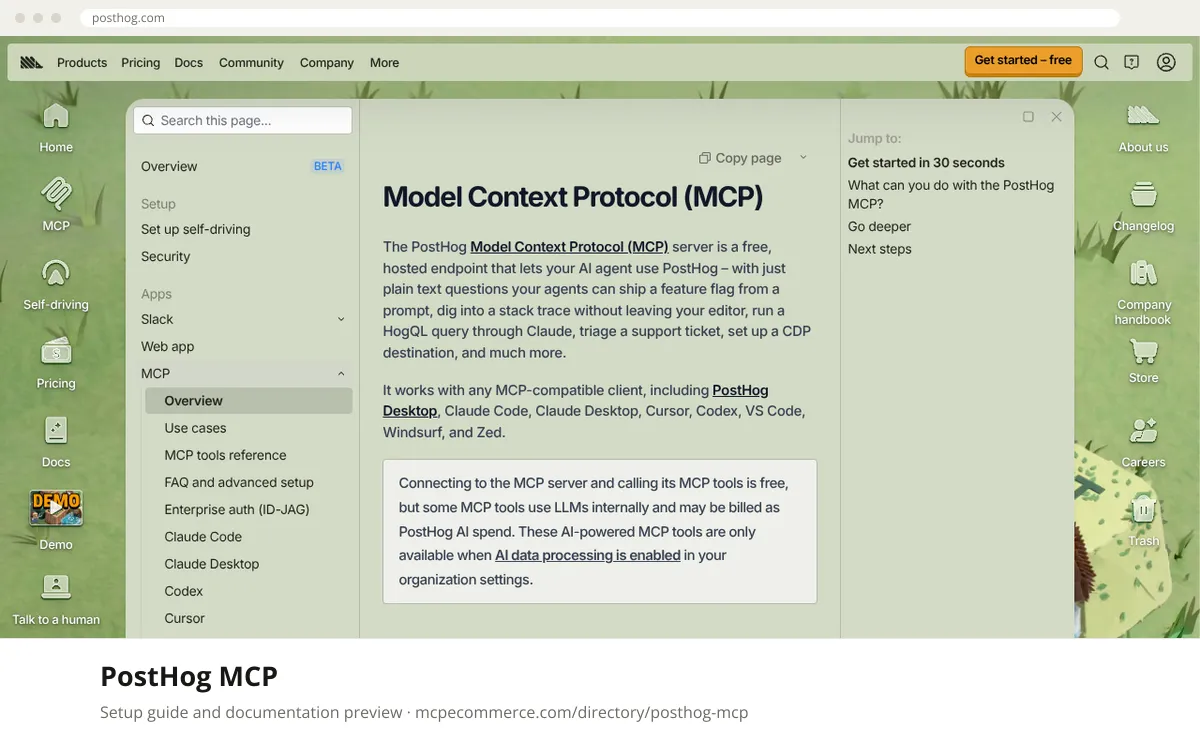
PostHog MCP is a free, hosted endpoint from PostHog that lets an AI assistant work with your PostHog project using plain text requests. According to the documentation, an agent can run analytics queries and HogQL (PostHog's SQL), pull top errors and stack traces, create feature flags and experiments, set up CDP destinations, and triage support tickets. It can also run governed metrics from your semantic layer, so a question like "what's our MRR?" uses one agreed definition each time.
It suits stores and agencies that already use PostHog for web analytics, session replays and experiments, and want to ask questions or make changes from an AI client instead of the PostHog interface. How well it works depends on three things: the quality of your PostHog tracking, the permissions you give the connected account, and whether you review what the agent does before it changes anything. The server can both read and write, so start with questions and reports before you let it edit flags or destinations.
Stores and agencies using PostHog for web analytics, replays and experiments.
npx @posthog/wizard mcp add. It installs the MCP server into supported clients such as PostHog Desktop, Cursor, Claude Code, Claude Desktop, Codex, VS Code and Zed.https://mcp.posthog.com/mcp.Exact commands and addresses change. Use the official documentation for the current steps.
Installation guide for PostHog MCP
Client-by-client steps, what to prepare, the first prompts to run and fixes for common errors.
 Claude
 ChatGPT
 Gemini
 Microsoft Copilot
 Perplexity
 CursorClaude Code
Watch out for: Some tools call LLMs internally and bill as PostHog AI spend, and the docs warn to review tool calls for prompt injection.
Per the documentation, connecting to the server and calling its tools is free. The exception is tools that use LLMs internally, which may be billed as PostHog AI spend. Those tools only work when AI data processing is enabled in your organization settings. Check PostHog's pricing page for current rates.
Yes. The server URL is the same for everyone. The documentation says the PostHog authentication server automatically routes you to the correct data region, US or EU, based on the account you log in with, so you do not choose a regional endpoint.
The documentation says it works with any MCP-compatible client, including PostHog Desktop, Claude Code, Claude Desktop, Cursor, Codex, VS Code, Windsurf and Zed. There are also guides for Lovable, Replit and v0. The PostHog Wizard can install it into several of these automatically.
Step-by-step: install PostHog MCP in Claude, ChatGPT, Gemini, Copilot and more →
Questions readers and searchers ask about PostHog MCP, answered by the site editor from the vendor documentation, plus reader experience. Every comment is reviewed before it appears.
People search for: “posthog mcp url”
The PostHog MCP server URL is https://mcp.posthog.com/mcp. Paste it into any MCP-compatible client as a remote server. PostHog's docs list Claude Code, Claude Desktop, Codex, Cursor, VS Code, Windsurf and Zed, plus Lovable, Replit and v0.
You don't pick a region in the URL. PostHog's auth server sends you to US or EU based on the account you log in with.
If you'd rather not edit config by hand, the docs give a wizard command: npx @posthog/wizard mcp add. It installs the server into several of those clients.
Two catches. Connecting and calling tools is free, but some tools use LLMs internally and can bill as PostHog AI spend. Those tools only work if AI data processing is on in your organization settings. The docs also warn about prompt injection, so review tool calls before you approve them.
Docs: https://posthog.com/docs/model-context-protocol
Analytics and tracking · 6 min read

Analytics and tracking · 7 min read

Analytics and tracking · 12 min read
 Read-only
Google · Analytics
An open-source server that lets an assistant read GA4 properties: reports, realtime data and property settings.
View details →
 Read and write
Mixpanel · Analytics
Mixpanel's hosted MCP server (US, EU and IN endpoints) lets an AI client run insights, funnel, flow and retention queries, build dashboards, manage cohorts and Lexicon metadata and analyse session replays, after an org admin enables MCP.
View details →
Amplitude · Analytics
Amplitude's remote MCP server (EU variant available) uses OAuth and the user's existing permissions to search charts and dashboards, run segmentation, funnel and retention queries and create or edit charts, cohorts, experiments and feature flags.
View details →