

Security and governance · 7 min read

Agency operations
Slack's hosted MCP server uses confidential OAuth tied to a registered Slack app and user-token scopes, letting approved clients search messages and files, read channel and thread history, send messages, manage canvases and lists and upload files.
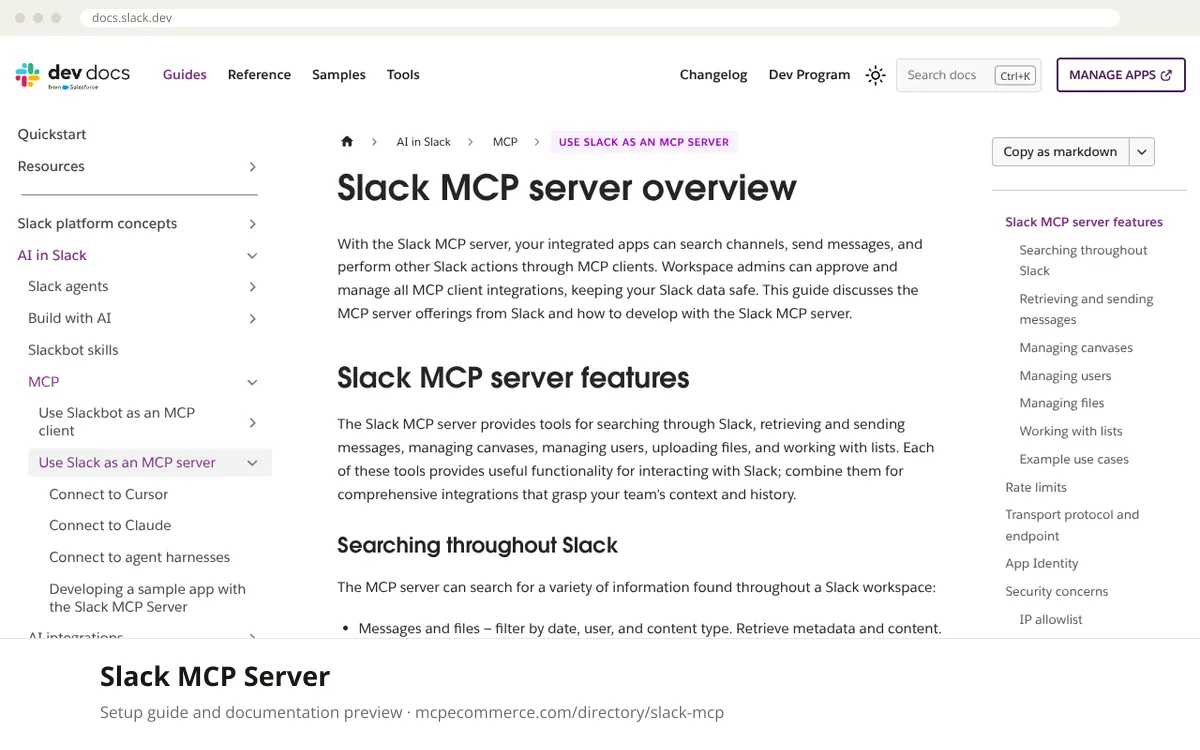
The Slack MCP Server is Slack's own hosted MCP endpoint. It lets an approved AI client work inside a Slack workspace: search messages, files, users and channels, read channel and thread history, send and schedule messages, add reactions, manage canvases and lists, and upload files. For an agency that runs client work in Slack, this means an assistant can pull past decisions, summarise a thread, or post a status update without someone copying text between tools.
It is best for agencies and teams that already use Claude, Claude Code, Cursor or Perplexity, which the documentation lists as partner clients that need no coding. What decides whether it works well is access. Only Slack Marketplace published apps or internal apps may use MCP, workspace admins approve the client, and the tools you get depend on the OAuth user-token scopes granted. Each user acts under their own token, so the assistant sees what that person can see. Plan the scopes and the approval step with your Slack admin before rolling it out.
Agencies coordinating client work in Slack who use Claude, Cursor or Perplexity.
https://mcp.slack.com/mcp, which uses JSON-RPC 2.0 over Streamable HTTP. SSE connections and Dynamic Client Registration are not supported.client_id and client_secret, against the user-token authorization endpoint listed in the documentation. Request only the user-token scopes needed for the tools you plan to use, starting with read scopes such as search:read.public and channels:history.Exact commands and addresses change. Use the official documentation for the current steps.
Installation guide for Slack MCP Server
Client-by-client steps, what to prepare, the first prompts to run and fixes for common errors.
 Claude
 ChatGPT
 Gemini
 Microsoft Copilot
 Perplexity
 CursorClaude Code
Watch out for: Only directory-published or internal apps may use MCP, workspace admins must approve clients, and the tool surface depends on granted scopes.
The documentation lists Claude.ai, Claude Code, Perplexity and Cursor as partner-built clients that need no coding. Other clients can connect if they are backed by a registered Slack app that is Marketplace published or internal, and they follow the OAuth requirements described in the vendor documentation.
Step-by-step: install Slack MCP Server in Claude, ChatGPT, Gemini, Copilot and more →
Yes. The documentation says workspace admins can approve and manage all MCP client integrations through the standard Slack app approval process. Requests are tied to a registered app ID, which lets admins manage access and lets Slack apply logging and rate limits.
Yes, if the user token has the chat:write scope. The server can send and schedule messages and add reactions. For safety, begin with read-only scopes, and when you enable writing, ask the assistant to draft first and review the text before it posts.
Questions readers and searchers ask about Slack MCP Server, answered by the site editor from the vendor documentation, plus reader experience. Every comment is reviewed before it appears.
Security and governance · 7 min read

Advertising · 7 min read

Other platforms · 7 min read
 Read and write
Notion · Agency operations
Notion's hosted MCP server connects via OAuth and lets clients read and update workspace content the user can access, including creating pages, updating pages, commenting and uploading files.
View details →
 Read and write
Airtable · Agency operations
Airtable's hosted MCP server is available on all plans with OAuth or personal access tokens, letting agents search bases, read and modify records, change schema (for owners and creators) and manage automations that are turned off.
View details →
monday.com · Agency operations
monday.com's hosted Platform MCP exposes 60+ tools backed by its GraphQL API for querying boards, creating items and updating columns, using an API token, your own OAuth app or dynamic client registration.
View details →