

Other platforms · 7 min read

Payments
Open-source MIT-licensed MCP server maintained by Xero that runs locally and exposes contacts, invoices, accounts, bank transactions, reports and payroll to MCP clients using Custom Connection credentials or a bearer token.
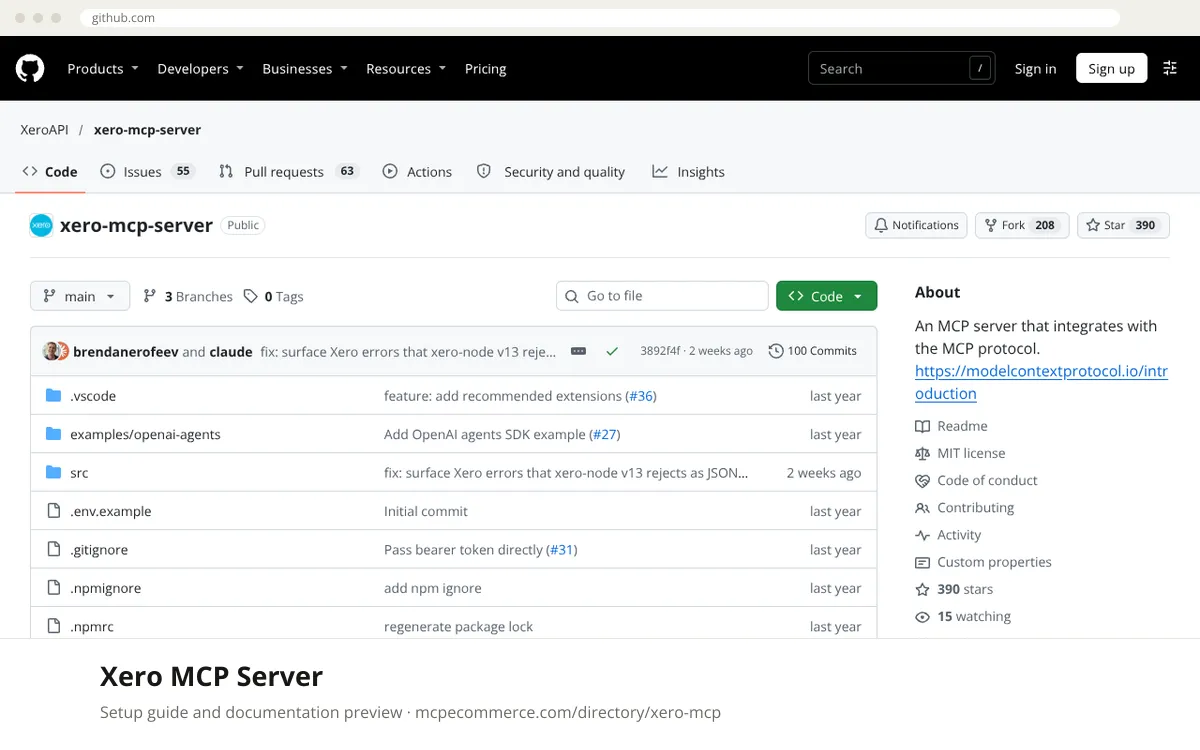
The Xero MCP Server is an open-source, MIT-licensed server maintained by Xero. It runs on your own computer and connects an MCP client, such as Claude Desktop, to a Xero organisation. Through it, an AI assistant can list invoices, contacts, accounts, bank transactions, payments, quotes and credit notes, and pull reports such as profit and loss, balance sheet, trial balance and aged receivables or payables. It can also create and update records, including invoices, contacts, payments and manual journals. Payroll tools cover timesheets, employees and leave, and they only work for NZ or UK organisations.
It suits merchants and bookkeeping agencies that want help with reconciliation checks, invoice drafting and report summaries. How well it works depends mostly on credentials and scopes. You choose between Custom Connection credentials, which are tied to one organisation, and a bearer token, which suits setups that handle several Xero accounts. The permissions you grant decide what the assistant can do. The documentation says Custom Connections created from April 29, 2026 need granular V2 scopes, and earlier ones use V1 bundled scopes. Start with a Demo Company and read-only scopes before you connect live books.
Merchants and bookkeeping agencies that want AI-assisted reconciliation and invoice creation in Xero.
Node.js v18 or higher is installed, as the documentation requires. If you use Node Version Manager, the documentation says to give the full path to npx in the config.xero entry under mcpServers that uses npx with the package @xeroapi/xero-mcp-server@latest. Put XERO_CLIENT_ID and XERO_CLIENT_SECRET in the env block. Optionally set XERO_SCOPES to a space-separated list of scopes.XERO_CLIENT_BEARER_TOKEN in env instead. It takes precedence over the client ID if both are set. Request the scopes listed in the documentation when you obtain the token.Exact commands and addresses change. Use the official documentation for the current steps.
Installation guide for Xero MCP Server
Client-by-client steps, what to prepare, the first prompts to run and fixes for common errors.
 Claude
 ChatGPT
 Gemini
 Microsoft Copilot
 Perplexity
 CursorClaude Code
Watch out for: Scopes changed to granular V2 for connections created after April 2026 and write tools can post journals, so scope credentials tightly.
Yes to both, going by the listing and repository. Xero maintains it under the MIT license, so the software itself costs nothing to use. You still need a Xero organisation and a developer account for API credentials. Check Xero's own pricing and API terms for any limits that apply to your plan.
It depends on when your Custom Connection was created. The documentation says connections made before April 29, 2026 use V1 bundled scopes. Connections from that date use V2 granular scopes. You can override the defaults with the XERO_SCOPES variable. For a bearer token, request the scopes listed in the documentation.
The documentation recommends Custom Connections for testing and for clients like Claude Desktop, because they tie to one organisation. A bearer token suits setups that support several Xero accounts and let the client run its own sign-in flow. If both are set, the bearer token takes precedence.
Step-by-step: install Xero MCP Server in Claude, ChatGPT, Gemini, Copilot and more →
Questions readers and searchers ask about Xero MCP Server, answered by the site editor from the vendor documentation, plus reader experience. Every comment is reviewed before it appears.
Other platforms · 7 min read

Other platforms · 7 min read

Other platforms · 8 min read
 Varies by tool
Stripe · Payments
Stripe's remote MCP server lets an assistant work with Stripe objects such as customers, products, invoices and payment links.
View details →
 Read and write
PayPal · Payments
PayPal offers both a local npm package and hosted remote servers (production and sandbox) that let merchants run invoicing, payments and other PayPal tasks from an AI client using natural language.
View details →
 betaRead and write
Square · Payments
Square's beta MCP server bridges AI assistants to the full Square API (customers, orders, catalog items, payments). Square recommends the hosted server with OAuth; a local server can target Sandbox.
View details →