
Agency operations
Apollo MCP
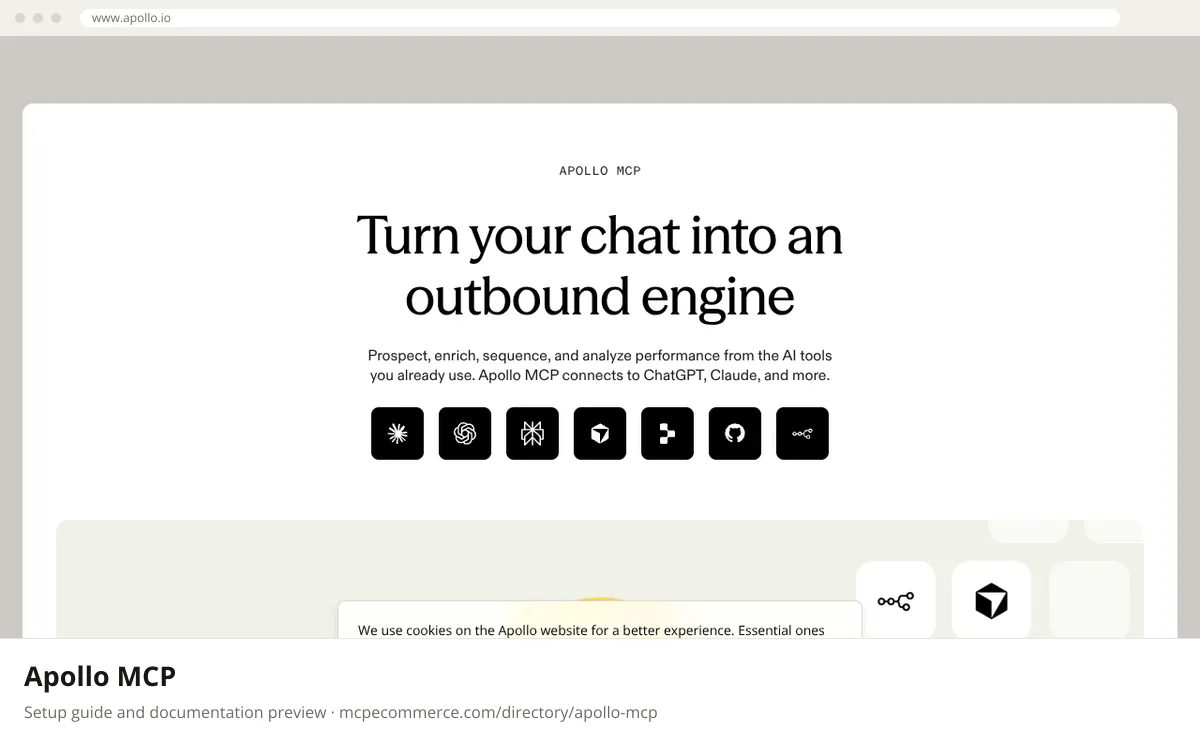
Apollo's hosted MCP server, available on any plan via OAuth, lets Claude, ChatGPT or Perplexity search people and companies, enrich contacts, create or update records, enroll prospects in sequences and review deliverability and engagement.
What it is and why it matters
Apollo MCP is the hosted connector from Apollo.io, the B2B contact and company database. It lets an AI client such as Claude, ChatGPT or Perplexity work inside your Apollo account. You can search for people and companies, enrich contacts with emails and phone numbers, create or update contact and account records, enroll prospects in sequences, manage tasks, and review deliverability and engagement. Apollo remains the system of record, and the chat becomes the place where you give instructions.
It is aimed at agencies and sales teams that prospect ecommerce brands, partners or retailers and want to skip copy-pasting between tabs. Per the vendor, any Apollo plan qualifies, including free, with no separate MCP charge. Results depend on your plan limits and credits, the quality of your target description, and how carefully you control the write actions. Searching is low risk. Enrolling contacts in live sequences sends real email, so that part needs supervision.
What it does
- Search people and companies matching an ICP
- Enrich contacts with emails and phone numbers
- Create and update contacts and accounts, enroll in sequences
- Check sending domains, deliverability and engagement stats
Best for
Agencies prospecting ecommerce brands or partners from an AI client.
How to connect it
- Sign up or log in to Apollo with a business email. As described in the documentation, any plan qualifies, including free.
- In Claude, go to
Customize > Connectors, find Apollo.io and click Configure. In ChatGPT or Perplexity, open the integrations or connectors area and search for "Apollo", following the vendor documentation for those clients. - If Apollo does not appear in your client's connector directory, add a custom MCP connection and paste the server URL
https://mcp.apollo.io/mcpas described in the documentation. - Sign in with your Apollo account and approve the OAuth connection. No API key is needed according to the documentation.
- Start with a read-only request, such as a people search, and check the results against what you see in Apollo before asking for any change.
Exact commands and addresses change. Use the official documentation for the current steps.
Installation guide for Apollo MCP
Client-by-client steps, what to prepare, the first prompts to run and fixes for common errors.
 Claude
 ChatGPT
 Gemini
 Microsoft Copilot
 Perplexity
 CursorClaude Code
Questions you can ask it
- Find marketing directors at Shopify-based apparel brands in the UK with 20 to 200 employees and put them in a new list.
- Which of my sequences had the highest reply rate this month, and what did the emails in them say?
- Check my sending domains and mailboxes and tell me if any have deliverability problems.
- List my open Apollo tasks due this week and group them by priority.
What it cannot do
- It cannot go beyond your Apollo plan: search, enrichment and action limits mirror your account and credits.
- It is not a general ecommerce tool. It does not read store, ad or analytics data, only what is in Apollo.
- It cannot guarantee that emails, phone numbers or company data are current, so verify important contacts before outreach.
Staying safe
- Write tools can enroll contacts in live outreach sequences. Ask the assistant to show the list and the email copy first, and require your confirmation before any enrollment.
- Enrichment and searches can use credits. Set limits in your request, such as a maximum number of contacts, and watch credit usage in Apollo.
- Prospect data is personal data. Check that your outreach follows email and privacy rules in the regions you target, and keep exports and chat transcripts within your agency's data policy. Access follows the permissions of the Apollo user who signed in, so use an account with only the rights you need.
Watch out for: Write tools can enroll contacts in live outreach sequences and limits follow your Apollo plan and credits.
Frequently asked questions
+Do I need a paid Apollo plan to use Apollo MCP?
According to Apollo, any plan qualifies, including the free plan, and there is no separate MCP subscription. Your data access and action limits in the AI tool mirror your Apollo account, so a free plan will hit its limits sooner. Check your plan and credits in Apollo.
+Do I need an API key or developer setup?
No. The documentation says you authenticate with your Apollo account via OAuth, with no API key, code or configuration files. If your client does not list Apollo, you can paste the server URL from the vendor documentation into its MCP settings, then approve the OAuth prompt.
Step-by-step: install Apollo MCP in Claude, ChatGPT, Gemini, Copilot and more →
+Is Apollo MCP the same as the Apollo GraphQL MCP Server?
No. Apollo MCP comes from Apollo.io and connects AI assistants to its B2B database for prospecting, enrichment and outreach. The Apollo GraphQL MCP Server is a separate open-source developer tool from a different company, used to expose GraphQL APIs through MCP. Make sure you connect the Apollo.io one.
Step-by-step: install Apollo MCP in Claude, ChatGPT, Gemini, Copilot and more →
Questions and answers
Questions readers and searchers ask about Apollo MCP, answered by the site editor from the vendor documentation, plus reader experience. Every comment is reviewed before it appears.
Other servers to compare
 Varies by tool
Slack MCP Server
Slack · Agency operations
Slack's hosted MCP server uses confidential OAuth tied to a registered Slack app and user-token scopes, letting approved clients search messages and files, read channel and thread history, send messages, manage canvases and lists and upload files.
View details →
 Read and write
Notion MCP
Notion · Agency operations
Notion's hosted MCP server connects via OAuth and lets clients read and update workspace content the user can access, including creating pages, updating pages, commenting and uploading files.
View details →
 Read and write
Airtable MCP Server
Airtable · Agency operations
Airtable's hosted MCP server is available on all plans with OAuth or personal access tokens, letting agents search bases, read and modify records, change schema (for owners and creators) and manage automations that are turned off.
View details →